
App Manager APK
A fully-featured package manager for android.
Télécharger l'APK v4.1.1 · 26,8 Mo- Version4.1.1
- Taille26,8 Mo
- Android requisAndroid 5.0
- Mise à jour7 septembre 2026
- LicenceGPL-3.0-only
- PrixGratuit




À propos de App Manager
Description fournie par le développeur (en anglais).
App Manager began by merging the features of App_packages Info (formerly Application Info), ClassyShark3xodus, Activity Launcher and Watt into a single app with material design and dark mode to give a modern look and feel.
General features
- Fully reproducible, copylefted libre software (GPLv3+)
- Material 3 with dynamic colours
- Display as much information as possible in the main page
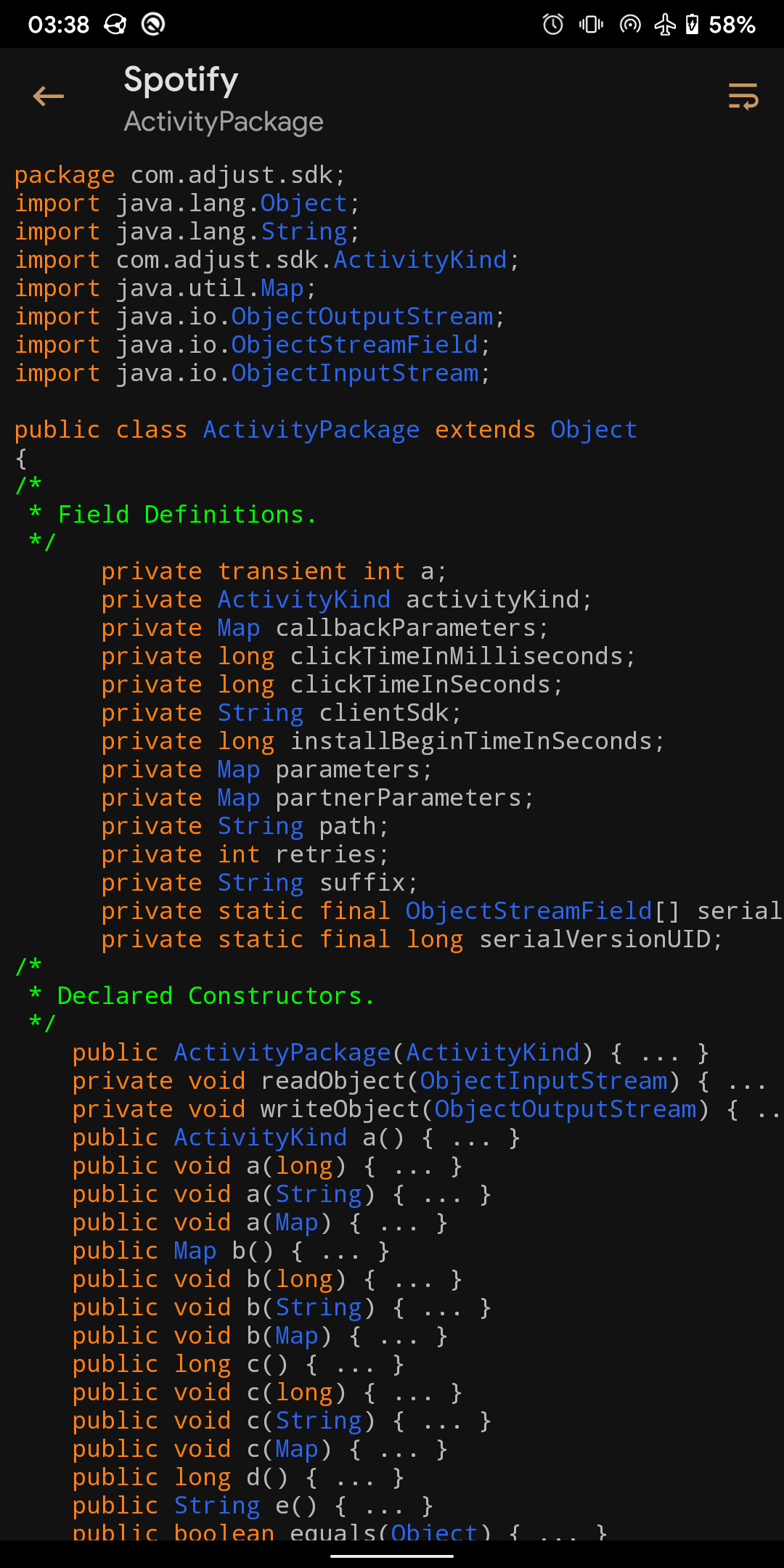
- List activities, broadcast receivers, services, providers, app ops, permissions, signatures, shared libraries, etc. of an application
- Launch activities and services
- Create shortcuts of activities
- Intercept activities
- Scan for trackers and libraries in apps and list (all or only) tracking classes (and their code dump)
- View/save the manifest of an app
- Display app usage, data usage (mobile and Wi-Fi), and app storage info (requires “Usage Access” permission)
- Install/uninstall APK files (including APKS, APKM and XAPK with OBB files)
- Share APK files
- Back up/restore APK files
- Batch operations
- Single-click operations
- Logcat viewer, manager and exporter
- Profiles
- Debloater
- Code editor
- File manager
- Simple terminal emulator
- Open an app in Aurora Store or in your favourite F-Droid client
- Sign APK files with custom signatures before installing
- Backup encryption: OpenPGP via OpenKeychain, RSA, ECC (hybrid encryption with AES) and AES.
- Track foreground UI components
Root/ADB-only features
- Revoke runtime (AKA dangerous) and development permissions
- Change the mode of an app op
- Display/kill/force-stop running apps or processes
- Clear app data or app cache
- View/change net policy
- Control battery optimization
- Freeze/unfreeze apps
Root-only features
- Block any activities, broadcast receivers, services, or providers of an app with native import/export as well as Watt and Blocker import support
- View/edit/delete shared preferences of any app
- Back up/restore apps with data, rules and extras (such as permissions, battery optimization, SSAID, etc.)
- View system configurations including blacklisted or whitelisted apps, permissions, etc.
- View/change SSAID.
…and many more! This single app combines the features of 5 or 6 apps any tech-savvy person needs!
See the instructions page within the app for more information on how to use the app.
Nouveautés de la version 4.1.1
- Added option to revoke internet permission in Android 14+
- Fixed intercepting browser URLs
- Fixed listing applications on Android 17
- Fixed title ordering in What's New dialog
- Improved installation reliability and performance
- Improved permission management and ADB connectivity
- Added support for editing .bat files
- Improved settings transitions and startup messages.
Informations sur le fichier APK
| Nom du paquet | io.github.muntashirakon.AppManager |
|---|---|
| Version | 4.1.1 (code 451) |
| Android minimum | Android 5.0 · ciblé pour Android 16 |
| Architectures | arm64-v8a, armeabi-v7a, x86, x86_64 |
| SHA-256 | e1f6ba10812c74016ad626e11e27a1ae450aec2c0964a11466abb9e7a9c8ef84 |
| Signature | b68e934910c0058014a06a2e144729f9aa113fc5d9e0dff529ecbf1d1f612d13 |
| Licence | GPL-3.0-only — licence libre « copyleft » : le code est public et toute version modifiée doit rester libre |
| Code source | github.com/MuntashirAkon/AppManager |
| Site officiel | muntashirakon.github.io/AppManager/ |
Autorisations demandées
- Voir l'état du réseau
- Fonctionner en arrière-plan
- Accès à Internet
- Accès à tous les fichiers sensible
- Afficher des notifications
- Voir les applis installées sensible
- Lire le stockage
- Infos du téléphone sensible
- Se lancer au démarrage
- Installer d'autres applis sensible
- Afficher par-dessus les autres applis sensible
- Empêcher la mise en veille
- Écrire sur le stockage
- Empreinte / biométrie
- Empreinte digitale
42 autre(s) autorisation(s) technique(s)
ACCESS_HIDDEN_PROFILES ADJUST_RUNTIME_PERMISSIONS_POLICY BACKUP CHANGE_COMPONENT_ENABLED_STATE CHANGE_OVERLAY_PACKAGES CLEAR_APP_CACHE CLEAR_APP_USER_DATA DELETE_CACHE_FILES DELETE_PACKAGES DEVICE_POWER DUMP ENFORCE_UPDATE_OWNERSHIP FORCE_STOP_PACKAGES GET_PACKAGE_SIZE GET_APP_OPS_STATS GET_RUNTIME_PERMISSIONS GET_TASKS GRANT_RUNTIME_PERMISSIONS INSTALL_TEST_ONLY_PACKAGE INSTALL_PACKAGES INTERACT_ACROSS_USERS INTERACT_ACROSS_USERS_FULL INTERNAL_DELETE_CACHE_FILES KILL_UID MANAGE_APP_OPS_MODES MANAGE_APPOPS MANAGE_NETWORK_POLICY MANAGE_NOTIFICATION_LISTENERS MANAGE_USERS MANAGE_SENSORS NETWORK_SETTINGS PACKAGE_USAGE_STATS READ_LOGS REAL_GET_TASKS REQUEST_DELETE_PACKAGES REVOKE_RUNTIME_PERMISSIONS START_ANY_ACTIVITY SUSPEND_APPS UPDATE_APP_OPS_STATS UPDATE_DOMAIN_VERIFICATION_USER_SELECTION UPDATE_PACKAGES_WITHOUT_USER_ACTION WRITE_SECURE_SETTINGS
Anciennes versions
- App Manager 4.1.17 septembre 2026 · 26,8 Mo
- App Manager 4.1.030 juin 2026 · 26,8 Mo
- App Manager 4.0.52 août 2025 · 25,7 Mo
Comment installer App Manager APK
- Appuyez sur Télécharger l'APK ci-dessus, puis ouvrez le fichier une fois le téléchargement terminé.
- Si Android le demande, autorisez votre navigateur à installer des applis inconnues.
- Appuyez sur Installer. App Manager apparaît ensuite avec vos autres applis.
Problème ? Lisez notre guide installer un APK sur Android ou « Application non installée » : les solutions.
Questions fréquentes
App Manager est-il gratuit ?
Oui. App Manager est distribué sous licence GPL-3.0-only : gratuit, sans abonnement, et son code source est public.
Ce fichier APK est-il sûr ?
Le fichier est celui compilé et publié par le dépôt F-Droid à partir du code source public. Son empreinte SHA-256 est affichée ci-dessus : vous pouvez la comparer après téléchargement. Comment vérifier un APK.
App Manager fonctionne-t-il sur mon téléphone ?
Il faut au minimum Android 5.0. L'appli fonctionne aussi sans les services Google, donc sur les téléphones Huawei récents.


