Beam APK
Live battery metrics pinned to your status bar
Download APK v2.3 · 6.6 MB- Version2.3
- Size6.6 MB
- RequiresAndroid 9
- Updated11/11/2026
- LicenceMIT
- PriceFree
About Beam
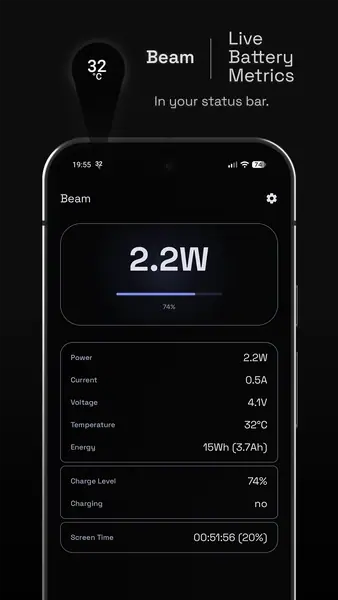
Beam is a lightweight battery monitor. It pins a live power, current, voltage, or charge readout to your status bar and opens into a full breakdown of battery metrics inside a clean, themeable app.
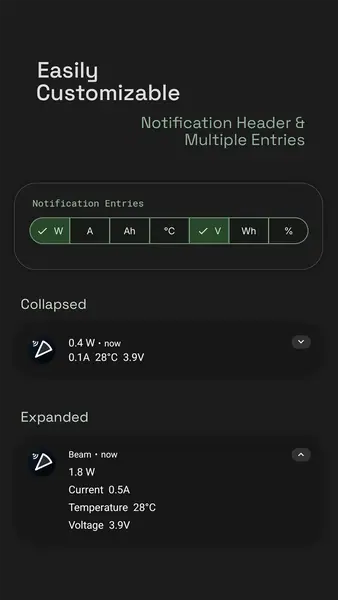
Pick which unit appears in the status-bar icon (W, A, Ah, V, Wh, °C, %), or stack several values in the notification body.
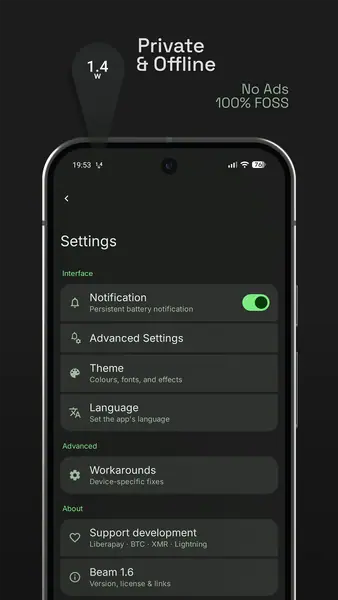
Privacy first:
- No ads
- No tracking
- No data collection
- No third-party sharing
- No unnecessary permissions
Battery metrics in the app:
- Power (watts)
- Current (amps)
- Voltage (volts)
- Energy (watt-hours)
- Temperature (°C)
- Charge level (percent)
- Charging status and plug type
- Charging since (date / time)
- Time to full charge
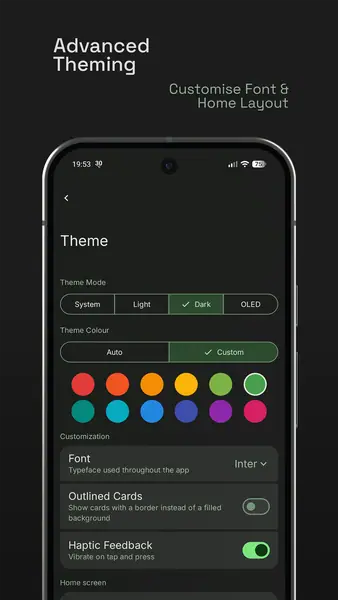
Personalisation:
- Material You dynamic colour (Android 12+) or a custom seed colour from a 12-swatch palette
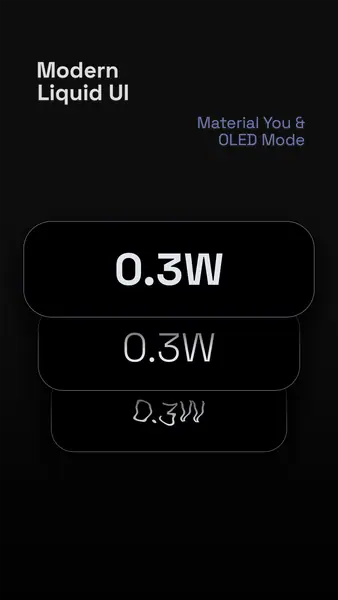
- Light, Dark, System, and OLED-black themes
- Optional hero backlight glow and haptic feedback
Device compatibility:
- Power-scalar correction for phones that report µA instead of mA
- Inverted-current toggle for phones that flip charging direction
- Adjustable polling interval
Open source on GitHub: https://github.com/montafra/beam Every donation is welcome and helps support my future projects — see the in-app About section for crypto addresses.
Note: notification permission is required to display the status-bar indicator. Open the app once to start the indicator service.
What's new in version 2.3
- Added Language settings page for Android 12 or lower
- Fresh app installs only show latest changelog
- Home page now animates when charging
- Tap the power reading on the home page quickly to pump it up
- Replaced DM Sans with Google Sans Flex
- Small UI improvements
- Updated Liberapay logo
APK file information
| Package name | montafra.beam |
|---|---|
| Version | 2.3 (code 39) |
| Minimum Android | Android 9 · targets Android 16 |
| Architectures | arm64-v8a, armeabi-v7a, x86, x86_64 |
| SHA-256 | bd993c5b1d253d85f0167ebc2fdc77162c2ec7d3499a84ecc45909493b78532c |
| Signature | 9c1195a2896fb8369be0cd226fa8850748f6ce2e2d23543cc737c68cd5053dbe |
| Licence | MIT — permissive free licence: the source code is public and reusable |
| Source code | github.com/montafra/beam |
| Official website | github.com/montafra/beam |
Permissions
- Run in the background
- Show notifications
- Start at boot
- Vibrate
Older versions
How to install Beam APK
- Tap Download APK above, then open the file once the download has finished.
- If Android asks, allow your browser to install unknown apps.
- Tap Install. Beam then appears with your other apps.
Having trouble? Read our guides how to install an APK on Android and "App not installed": how to fix it.
Frequently asked questions
Is Beam free?
Yes. Beam is distributed under the MIT licence: free, no subscription, and its source code is public.
Is this APK file safe?
The file is the one built and published by the F-Droid repository from the public source code. Its SHA-256 fingerprint is shown above, so you can compare it after downloading. How to check an APK.
Will Beam work on my phone?
You need at least Android 9. The app also works without Google services, so it runs on recent Huawei phones too.