FitBook APK
FitBook: Calorie Tracker
Track calories, macros, weight, and food — online or offline.
Download APK v2.0.110 · 32.1 MB- Version2.0.110
- Size32.1 MB
- RequiresAndroid 7.0
- Updated11/20/2026
- LicenceMIT
- PriceFree
About FitBook
Track food, calories, macros, and weight without giving up control of your data.
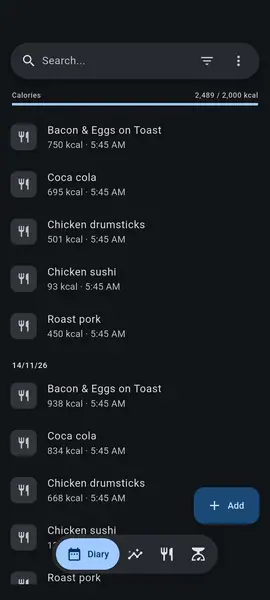
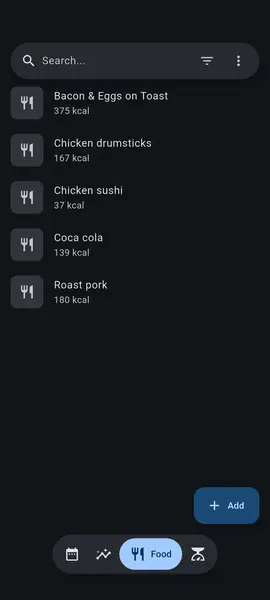
FitBook is an offline-friendly calorie counter and nutrition tracker for logging meals, understanding macro intake, and following your progress over time. Start with a built-in food database, add your own foods, or use OpenFoodFacts when you choose to connect.
TRACK WHAT MATTERS
- Log meals and daily calorie intake
- Follow macronutrients over time
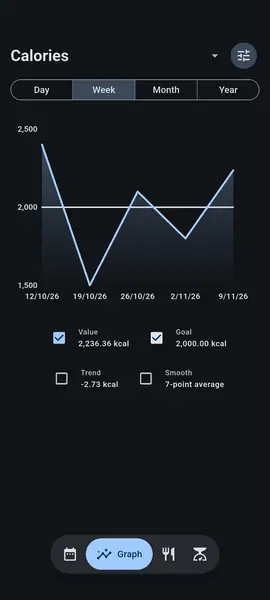
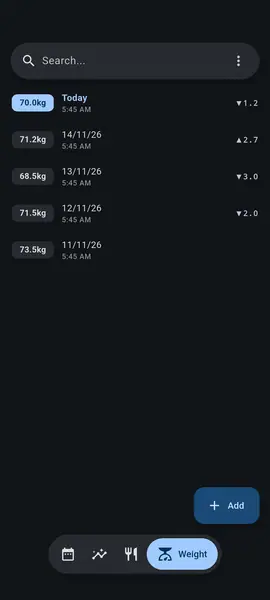
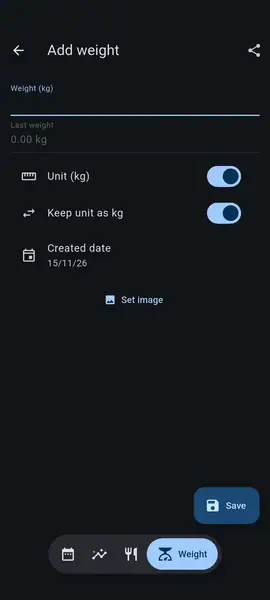
- Record weight and view progress graphs
- Search a built-in database of thousands of foods
- Scan barcodes and search OpenFoodFacts for food information
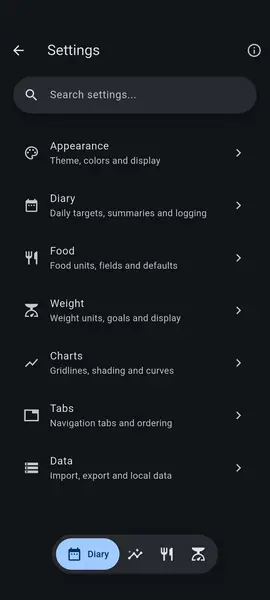
- Customise the tracker to fit the way you eat
OFFLINE-FIRST AND PRIVATE
FitBook works without an account and keeps your data on your device. Internet access is optional for OpenFoodFacts searches and barcode lookup. The app is open source and does not serve advertising.
FitBook helps you organise food and nutrition information; it is not a substitute for medical advice from a qualified professional.
What's new in version 2.0.110
- fix(weight): align selection visuals with diary controls
- fix(weight): highlight selected rows edge to edge
APK file information
| Package name | com.presley.fit_book |
|---|---|
| Version | 2.0.110 (code 2283) |
| Minimum Android | Android 7.0 · targets API 37 |
| Architectures | arm64-v8a |
| SHA-256 | 66bb05b29e388e1b4f6ae8112c6c9d01ab3639506b044aab51487bc609210a64 |
| Signature | 011ee1a6e4e5ecd675f67fbf3d78ad82614a7a7a3f24ed71cc9c417154a0f0fd |
| Licence | MIT — permissive free licence: the source code is public and reusable |
| Source code | github.com/brandonp2412/FitBook |
Permissions
- Internet access
- Camera sensitive
- Show notifications
- Microphone sensitive
- Write to storage
- Read storage
- Vibrate
- Run in the background
- Keep the device awake
- View network status
- Start at boot
Older versions
- FitBook 2.0.110November 20, 2026 · 32.1 MB
- FitBook 2.0.110November 20, 2026 · 29.8 MB
- FitBook 2.0.110November 20, 2026 · 33.6 MB
- FitBook 2.0.109November 11, 2026 · 32.1 MB
- FitBook 2.0.109November 11, 2026 · 29.8 MB
- FitBook 2.0.109November 11, 2026 · 33.5 MB
- FitBook 2.0.107November 1, 2026 · 32.3 MB
- FitBook 2.0.107November 1, 2026 · 29.9 MB
- FitBook 2.0.107November 1, 2026 · 33.8 MB
How to install FitBook APK
- Tap Download APK above, then open the file once the download has finished.
- If Android asks, allow your browser to install unknown apps.
- Tap Install. FitBook then appears with your other apps.
Having trouble? Read our guides how to install an APK on Android and "App not installed": how to fix it.
Frequently asked questions
Is FitBook free?
Yes. FitBook is distributed under the MIT licence: free, no subscription, and its source code is public.
Is this APK file safe?
The file is the one built and published by the F-Droid repository from the public source code. Its SHA-256 fingerprint is shown above, so you can compare it after downloading. How to check an APK.
Will FitBook work on my phone?
You need at least Android 7.0. The app also works without Google services, so it runs on recent Huawei phones too.