Flashy APK
Simple and Privacy-Friendly Flashlight App
Download APK v3.7 · 2.3 MB- Version3.7
- Size2.3 MB
- RequiresAndroid 6.0
- Updated10/14/2026
- LicenceApache-2.0
- PriceFree
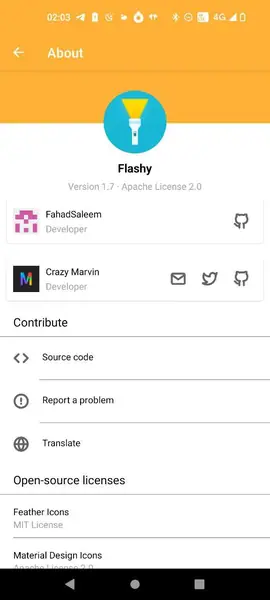
About Flashy
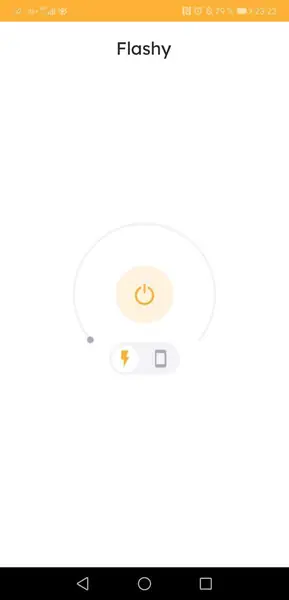
Handy bright flashlight anytime and anywhere you need it. Practical screen flashlight app using your phone or tablet screen-light or camera-flash.
🔦 Simple and handy
Power-saving multi-functional design. Elegant user-friendly flashlight brightness in your pocket. This screen torch light gives brings clarity and sets the mood at the press of a button.
☀️ Control and adjust brightness
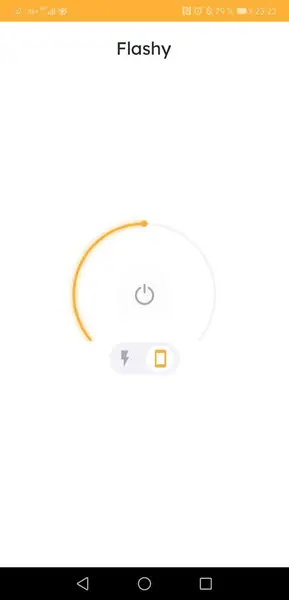
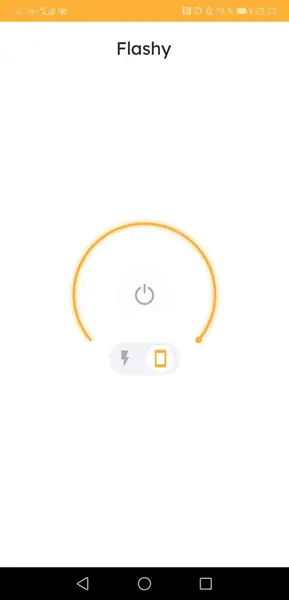
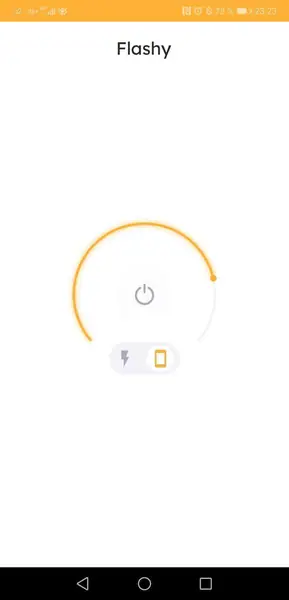
Customize brightness and screen-color to suit your preferences with this minimalistic flashlight. Rotate the brightness circle and adjust it as per your needs. Setting it lower allows extended use without damaging your device.
🚫 Libre software and no ads
This mobile flashlight is privacy-friendly. Perfect choice for users with a device that doesn’t have a camera or broken flashlight. Your safety is guaranteed and it is ad-free, so you won’t be interrupted using it.
💡 Features
- Easy to use and privacy-friendly.
- No ads.
- Elegant and simple design with different themes.
- Uses your screen’s light or camera flash as a light-source.
- Control and customize the brightness.
APK file information
| Package name | rocks.poopjournal.flashy |
|---|---|
| Version | 3.7 (code 37) |
| Minimum Android | Android 6.0 · targets API 37 |
| Architectures | All (universal) |
| SHA-256 | 58257ada0bcce6e8fe2b5268af35cdb2ea2e4bb87233fe22ecbee7e929e218a7 |
| Signature | 81b805919713c481b8afe2b26eb40a5122fbb1b024e2e4b927118c302c43337f |
| Licence | Apache-2.0 — permissive free licence: the source code is public and reusable |
| Source code | github.com/Crazy-Marvin/Flashy |
| Official website | poopjournal.rocks/Flashy/ |
Permissions
- Camera sensitive
1 other technical permission(s)
WRITE_SETTINGS
Older versions
- Flashy 3.7October 14, 2026 · 2.3 MB
- Flashy 3.5September 21, 2026 · 6.2 MB
- Flashy 3.3March 9, 2026 · 5.9 MB
How to install Flashy APK
- Tap Download APK above, then open the file once the download has finished.
- If Android asks, allow your browser to install unknown apps.
- Tap Install. Flashy then appears with your other apps.
Having trouble? Read our guides how to install an APK on Android and "App not installed": how to fix it.
Frequently asked questions
Is Flashy free?
Yes. Flashy is distributed under the Apache-2.0 licence: free, no subscription, and its source code is public.
Is this APK file safe?
The file is the one built and published by the F-Droid repository from the public source code. Its SHA-256 fingerprint is shown above, so you can compare it after downloading. How to check an APK.
Will Flashy work on my phone?
You need at least Android 6.0. The app also works without Google services, so it runs on recent Huawei phones too.