Fossify File Manager APK
Handy, lightweight, open-source file explorer with essential features.
Download APK v1.6.4 · 9.6 MB- Version1.6.4
- Size9.6 MB
- RequiresAndroid 8.0
- Updated11/11/2026
- LicenceGPL-3.0-only
- PriceFree
About Fossify File Manager
Tired of file managers that slow you down and invade your privacy? Unlock a lightning-fast, secure, and completely customizable experience with Fossify File Manager. ⚡
🚀 DOMINATE YOUR DIGITAL WORLD WITH BLAZING-FAST NAVIGATION:
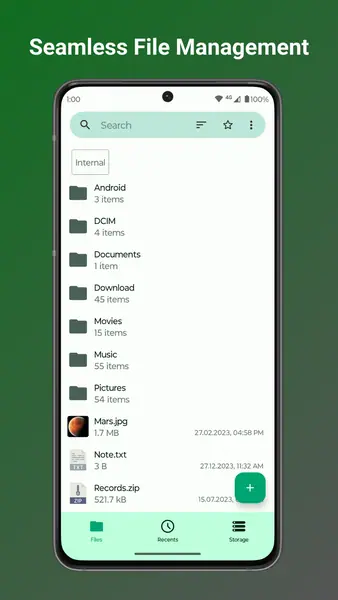
- Swiftly manage your files with easy compression and transfer capabilities, keeping your digital life organized.
- Quickly access your most-used folders with customizable home folder and favorite shortcuts.
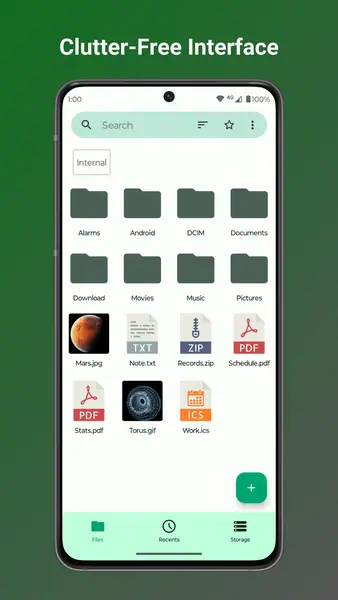
- Find what you need in seconds with intuitive navigation, search, and sorting options.
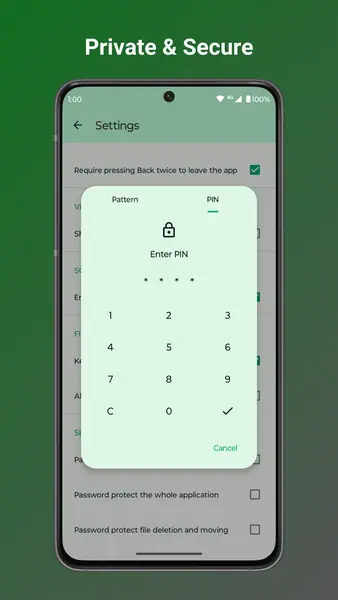
🔐 FORTIFY YOUR DATA WITH UNPARALLELED PRIVACY AND SECURITY:
- Secure sensitive files with password, pattern, or fingerprint locks for hidden items or the entire app.
- No internet access required – your files stay private and secure on your device.
💾 MASTER YOUR STORAGE LIKE A PRO:
- Clear space with easy file and folder compression to maximize your device's potential.
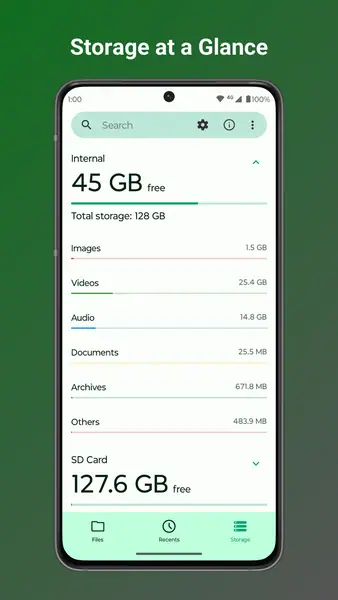
- Identify and clean up space-hogging files with the built-in storage analysis tool.
- Seamlessly navigate root files, SD cards, and USB devices for total organization.
📁 OPTIMIZE YOUR WORKFLOW WITH HANDY TOOLS:
- Create desktop shortcuts for instant access to your most-used files and folders.
- Edit, print, or read documents easily with the light file editor, enhanced by zoom gestures.
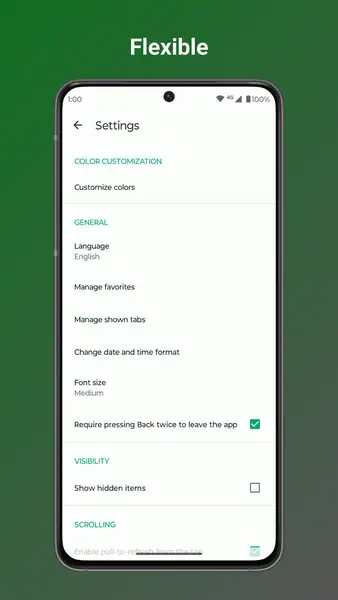
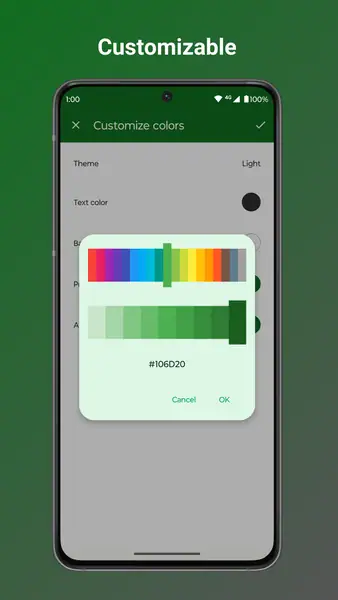
🌈 MAKE IT YOUR OWN WITH ENDLESS CUSTOMIZATION:
- Enjoy an ad-free, open-source experience that puts you in control, not corporate giants.
- Personalize colors, themes, and icons to reflect your unique style and preferences.
Ditch the bloated, privacy-invading file managers and experience true freedom with Fossify File Manager. Download now and take back control of your digital life!
Explore more apps by Fossify: https://www.fossify.org Source Code: https://www.github.com/FossifyOrg Join the community on Reddit: https://www.reddit.com/r/Fossify Connect on Telegram: https://t.me/Fossify
What's new in version 1.6.4
Changed:
- Updated translations
APK file information
| Package name | org.fossify.filemanager |
|---|---|
| Version | 1.6.4 (code 16) |
| Minimum Android | Android 8.0 · targets Android 16 |
| Architectures | arm64-v8a, armeabi-v7a, x86, x86_64 |
| SHA-256 | 6e4656b8947966a2853681691bb0005e802ee89983fb141ec0f7186497dcd5f4 |
| Signature | affdb124d3f4720c2f98dbca9eacba0514fba4306e20a2786c861c3c0d6ff292 |
| Licence | GPL-3.0-only — copyleft free licence: the code is public and modified versions must stay free |
| Source code | github.com/FossifyOrg/File-Manager |
| Official website | www.fossify.org |
Permissions
- Write to storage
- Install other apps sensitive
- Access all files sensitive
- Show notifications
- Fingerprint
- Read storage
Older versions
- Fossify File Manager 1.6.4November 11, 2026 · 9.6 MB
- Fossify File Manager 1.6.3October 27, 2026 · 9.6 MB
- Fossify File Manager 1.6.2October 14, 2026 · 9.6 MB
How to install Fossify File Manager APK
- Tap Download APK above, then open the file once the download has finished.
- If Android asks, allow your browser to install unknown apps.
- Tap Install. Fossify File Manager then appears with your other apps.
Having trouble? Read our guides how to install an APK on Android and "App not installed": how to fix it.
Frequently asked questions
Is Fossify File Manager free?
Yes. Fossify File Manager is distributed under the GPL-3.0-only licence: free, no subscription, and its source code is public.
Is this APK file safe?
The file is the one built and published by the F-Droid repository from the public source code. Its SHA-256 fingerprint is shown above, so you can compare it after downloading. How to check an APK.
Will Fossify File Manager work on my phone?
You need at least Android 8.0. The app also works without Google services, so it runs on recent Huawei phones too.