GPSLogger APK
A lightweight GPS logger, battery efficient, GPX/KML, add notes, share, upload.
Download APK v138 · 7.7 MB- Version138
- Size7.7 MB
- RequiresAndroid 5.0
- Updated10/31/2026
- LicenceGPL-2.0-only
- PriceFree
About GPSLogger
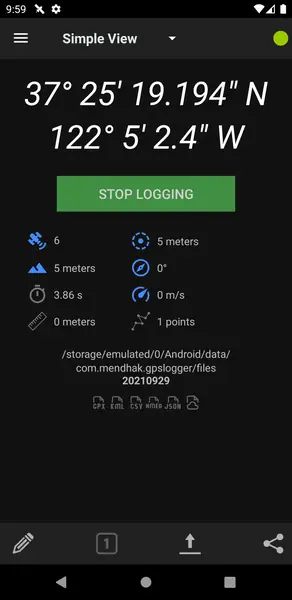
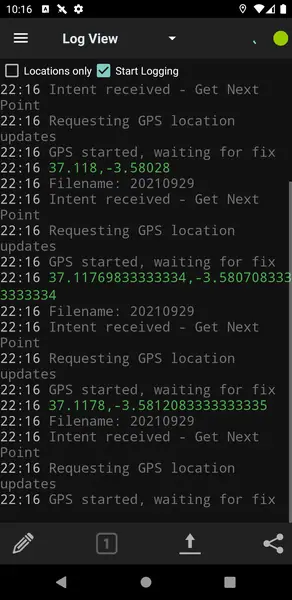
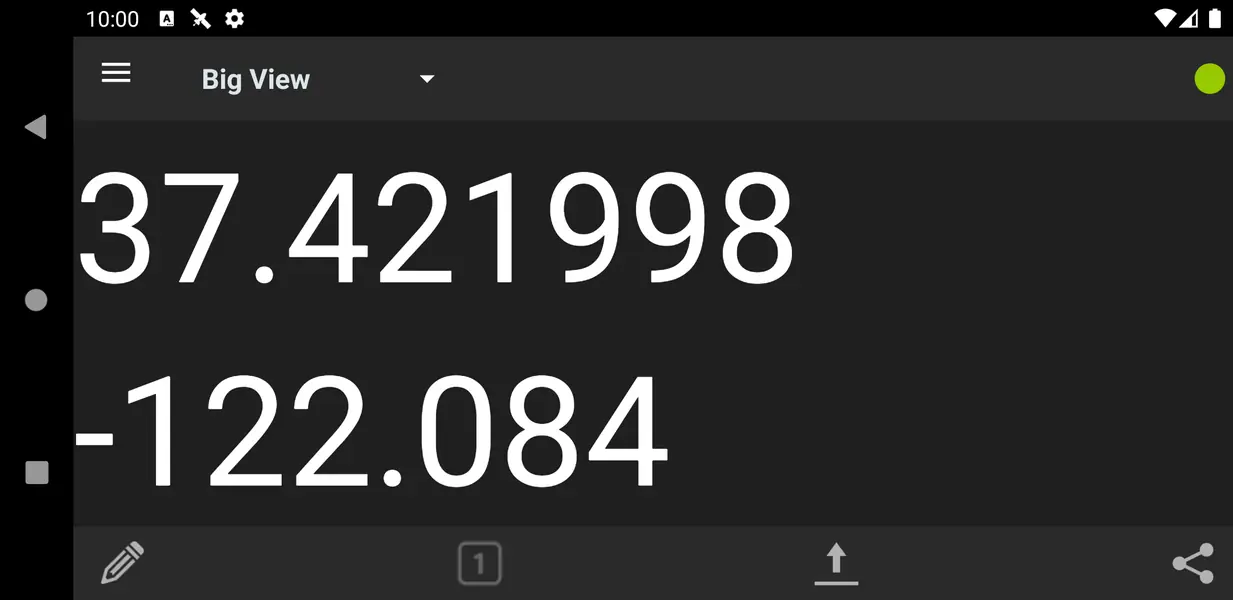
A lightweight, battery efficient GPS Logger. The purpose of this app is to log your GPS coordinates at specified intervals to a file on your SD card. This app runs in the background so that you can on a long walk, hike, flight ride or photo session or even go buy some milk and have this running as long as possible. Once you're back at your computer, you can then use the files to geotag photos, upload to travel sites, view in Google Earth and so on.
For more information, see https://gpslogger.app
Note: Please remember to Allow all the time for this app in your OS settings, to allow it to log locations in the background.
Features
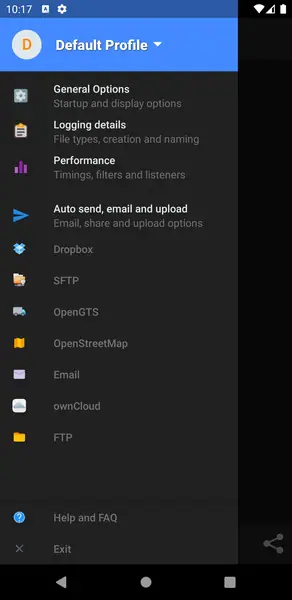
- Can log to GPX, KML, CSV, NMEA and CSV formats. Can also log to a custom URL or just the screen.
- Logs GPX points as tracks and track segments
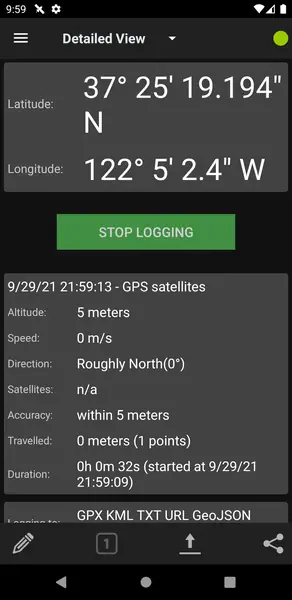
- Also logs speed, direction and altitude if available
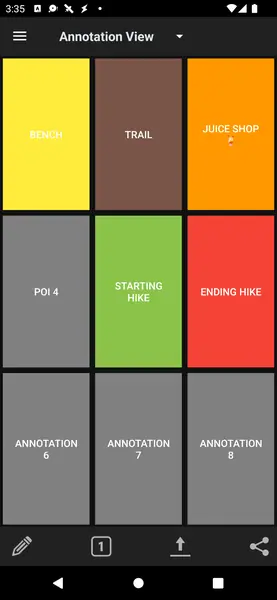
- Add a description to a point using the annotate menu, gets added as a waypoint
- Configure time intervals between points
- Configure a minimum distance filter between points or an accuracy filter
- Notification icon with coordinates and quick actions
- Uses cell towers for location when GPS is disabled
- Selectively choose network, gps and passive location providers
- Automatically upload or email the file at set intervals to destinations such as Email, FTP, Dropbox, OpenStreetMap, Google Drive, Custom URL.
- Share location or log files via SMS/Email (and other apps such as Facebook or Twitter depending on what you've got installed)
- Start logging on phone bootup
- Invoke operations from Tasker or other automation apps.
- You can give it a preset file with your own values for distribution
- Multiple profiles with different settings are possible
Bugs, feature requests, questions - please submit them to github.com/mendhak/gpslogger (issue tracker).
Notes
A data connection is used by this app only if you use auto send features or Custom URL features
Although the app allows 0 second frequencies, it is not recommended as the recording and logging is happening very fast; this could cause instability/hangs. Try 1-3 seconds instead.
Explanation of permissions
Storage - reading and writing files to the GPSLogger folder on your SD card
Network communication - used when uploading the files (Dropbox, Openstreetmap) or sending emails or authorizing you with Dropbox, Openstreetmap
Your location - used to determine your GPS or tower based location
System tools (automatically start at boot) - used if you choose to start GPSLogger on bootup
Shared storage permissions - in Android 11, used to allow writing files to custom file paths
What's new in version 138
- New Fused Location provider option
- Dawarich: send null when location has no speed
- Dawarich: allow setting motion and activity via Tasker command
- Bugfix: KML when, coords sequence was incorrect
- KML: added LineString to output
- Maintenance: Removed the profile name icons, unmaintained library
- Automation: you can now enable/disable logging from gps, network, fused, passive
APK file information
| Package name | com.mendhak.gpslogger |
|---|---|
| Version | 138 (code 138) |
| Minimum Android | Android 5.0 · targets Android 15 |
| Architectures | arm64-v8a, armeabi, armeabi-v7a, x86, x86_64 |
| SHA-256 | 1d92fd8639dfc0ec210b013a81cc7dc85fc8c73ef521f71b2a08ffa165d4e265 |
| Signature | dc3507919aad1c981423f7563ad699830518900f943632bc36eeb7250c390235 |
| Licence | GPL-2.0-only — copyleft free licence: the code is public and modified versions must stay free |
| Source code | github.com/mendhak/gpslogger |
Permissions
- Precise location (GPS) sensitive
- Approximate location sensitive
- Background location sensitive
- Write to storage
- Access all files sensitive
- Start at boot
- Internet access
- View network status
- Run in the background
- Show notifications
- Keep the device awake
- Read storage
2 other technical permission(s)
ACCESS_MOCK_LOCATION REQUEST_IGNORE_BATTERY_OPTIMIZATIONS
Older versions
- GPSLogger 138October 31, 2026 · 7.7 MB
- GPSLogger 137August 17, 2026 · 7.7 MB
- GPSLogger 136July 20, 2026 · 7.7 MB
How to install GPSLogger APK
- Tap Download APK above, then open the file once the download has finished.
- If Android asks, allow your browser to install unknown apps.
- Tap Install. GPSLogger then appears with your other apps.
Having trouble? Read our guides how to install an APK on Android and "App not installed": how to fix it.
Frequently asked questions
Is GPSLogger free?
Yes. GPSLogger is distributed under the GPL-2.0-only licence: free, no subscription, and its source code is public.
Is this APK file safe?
The file is the one built and published by the F-Droid repository from the public source code. Its SHA-256 fingerprint is shown above, so you can compare it after downloading. How to check an APK.
Will GPSLogger work on my phone?
You need at least Android 5.0. The app also works without Google services, so it runs on recent Huawei phones too.