Handy Reading APK
Feature-rich, pure (offline) reading experience on all Your interests.
Download APK v1.1.6 · 7.4 MB- Version1.1.6
- Size7.4 MB
- RequiresAndroid 4.0
- Updated8/19/2026
- LicenceGPL-3.0-only
- PriceFree
About Handy Reading
"Staying in touch with all My Interests never has been so easy".
Handy Reading: no ads/free software under GNU GPL license.
- make up Your Dream Magazine!
- interesting articles straight into Your hands
- finally enjoy reading
...enjoy Your Life being distraction-free - and up-to-date with Your interests in the same time. Focus on the Essence...
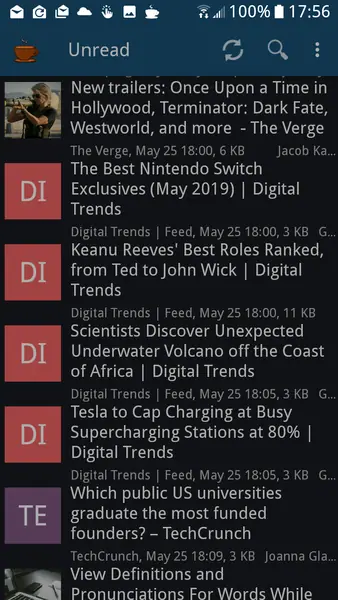
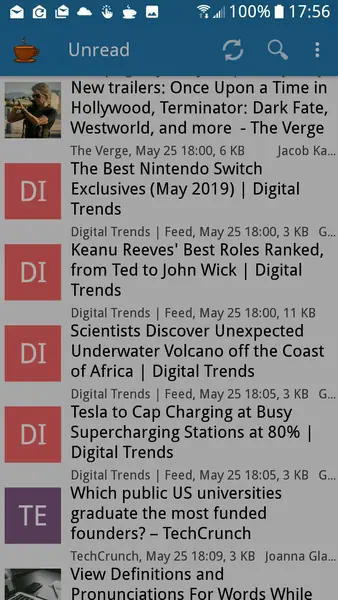
Meet Handy Reading - a feature-rich, off-line oriented RSS, web content and books reader which respects Your Time as well as Your Inner Peace: it avoids switching attention and distractions which are so familiar today when You think of mobile devices.
Features:
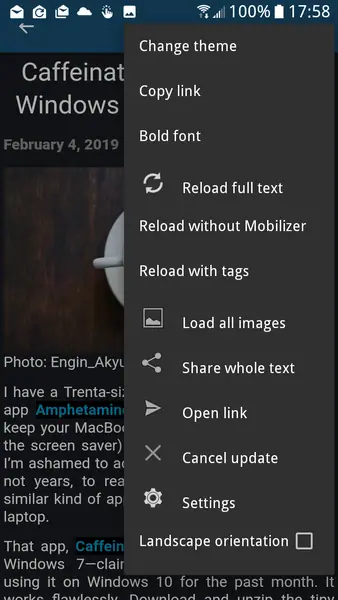
- reading any web content in same convin at hand: no need to use an external web-browser to reach full text,
- convenient reading: switching articles by volume buttons or swipe, Tap Zones, remembering the position of reading per article,
- important articles' notification: You will no longer miss anything You find especially important,
- "Read It Later": You can quickly flick through articles - marking (starring) chosen ones to read later in Your spare time - or just to preserve,
- FB2 bookssupport,
- "Remove When Finished" - once You've finished such an article - it may be automatically removed from the 'Favorites' (='Read It Later') set,
- ready to go off-line - dive into interesting reading without distractions: once updated, there is no need of additional loading anything - it really will do without Internet :),
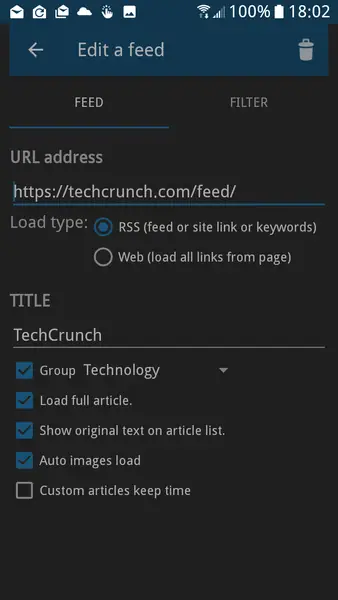
- save the bandwidth: go on-line only for new articles - not for loading their full-version every single time; control what should be downloaded - and to what degree,
- gesture-friendly: e.g. swipe top down to add/remove an article from Favorites, swipe along the left edge of the screen to adjust text brightness,
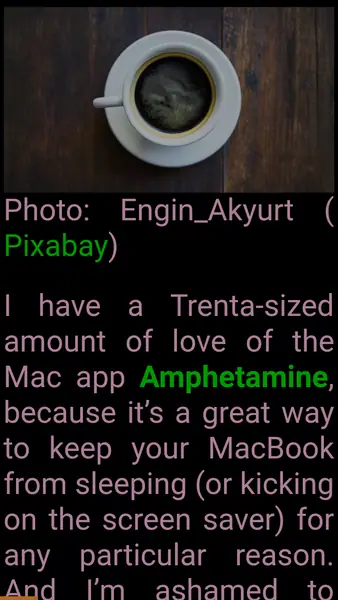
- user-friendly: care about Your eyes with a dark theme, adjust text size, color and brightness to meet Your individual needs,
- neat ideas: non-hyperlinked article headers won't interfere with Your fingers any more ;) ; scrolling article pages by 90% of their height can make reading less confusing = more comfortable,
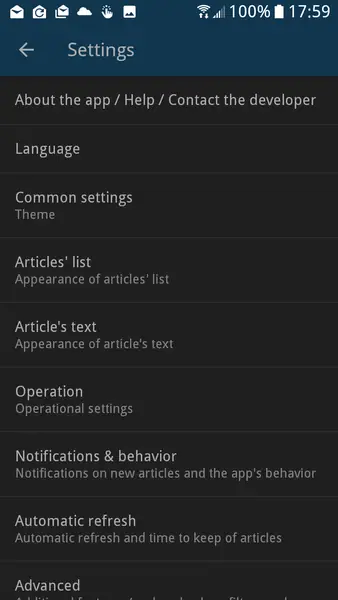
- highly customizable: from Tap Zones' size to hyperlinks' color and underlining - there are a bunch of details which You can tailor exactly to Your Own taste and needs,
- advanced features: auto-backup (export/import to/from an .opml format), providing content out of non-RSS websites,
- more interesting features "in store" - visit our website to find out more :) !,
- important: this app does NOT synchronize with online news feed readers (i.e. Feedly),
- feedback and suggestions are welcome;
Where you can find us:
- source code at GitHub,
- homepage,
- translations;
APK file information
| Package name | ru.yanus171.feedexfork |
|---|---|
| Version | 1.1.6 (code 341) |
| Minimum Android | Android 4.0 · targets Android 12 |
| Architectures | All (universal) |
| SHA-256 | 03e7d88f92ee3de929c5b1c54296218dac7a8eb03b51e12bb77e75518686b653 |
| Signature | 08d1602b49de77abb2f08e90cd16ce283d5f7215568357fd0791b0bb2c9684fe |
| Licence | GPL-3.0-only — copyleft free licence: the code is public and modified versions must stay free |
| Source code | github.com/yanus171/Handy-News-Reader |
| Official website | handynewsreader.blogspot.com/ |
Permissions
- Internet access
- Write to storage
- Start at boot
- Vibrate
- View network status
- Run in the background
- Keep the device awake
- Read storage
1 other technical permission(s)
READ_SYNC_SETTINGS
Older versions
- Handy Reading 1.1.6August 19, 2026 · 7.4 MB
- Handy Reading 1.1.4March 30, 2026 · 7.3 MB
- Handy Reading 1.0.3November 15, 2025 · 7.3 MB
How to install Handy Reading APK
- Tap Download APK above, then open the file once the download has finished.
- If Android asks, allow your browser to install unknown apps.
- Tap Install. Handy Reading then appears with your other apps.
Having trouble? Read our guides how to install an APK on Android and "App not installed": how to fix it.
Frequently asked questions
Is Handy Reading free?
Yes. Handy Reading is distributed under the GPL-3.0-only licence: free, no subscription, and its source code is public.
Is this APK file safe?
The file is the one built and published by the F-Droid repository from the public source code. Its SHA-256 fingerprint is shown above, so you can compare it after downloading. How to check an APK.
Will Handy Reading work on my phone?
You need at least Android 4.0. The app also works without Google services, so it runs on recent Huawei phones too.