
Nix-on-Droid APK
Nix package manager for Android
Download APK v0.118.0_v0.3.7_nix · 3.2 MB- Version0.118.0_v0.3.7_nix
- Size3.2 MB
- RequiresAndroid 5.0
- Updated6/19/2025
- LicenceMIT
- PriceFree
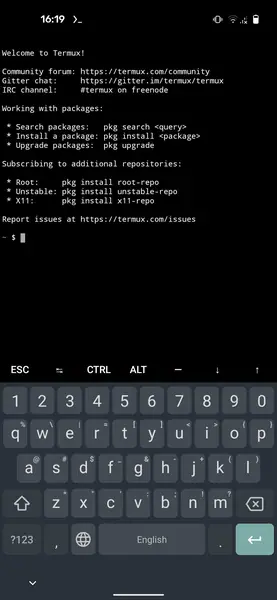
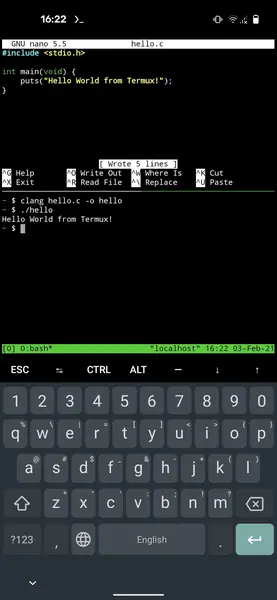
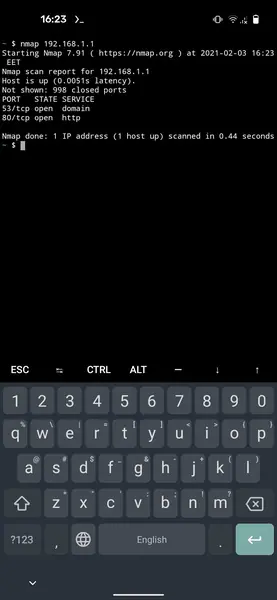
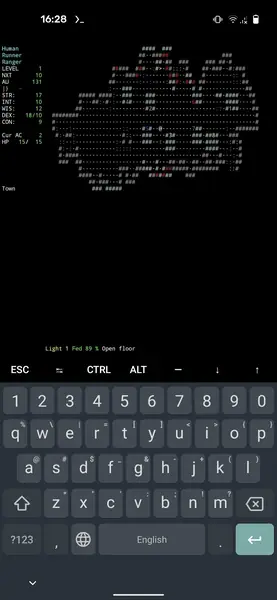
About Nix-on-Droid
Nix-on-Droid brings Nix package manager of NixOS fame to your mobile device. If you're not after its advanced features, you might still be interested in tapping into nixpkgs, a vast collection of precompiled software.
At first start the app will download Nix repackaged for Android, leaving you with a barebones system afterwards. If you are an experienced Nix user, you know what to do next. If you are in doubt, follow the on-screen instructions, to install more of the familiar Linux software and declaratively manage your environment.
NOTE: this software is alpha-quality. Users that value stability and Android integration over features and package selection might better be served with Termux as of now.
Nix-on-Droid uses a fork of Termux application as a terminal emulator.
APK file information
| Package name | com.termux.nix |
|---|---|
| Version | 0.118.0_v0.3.7_nix (code 188037) |
| Minimum Android | Android 5.0 · targets Android 9 |
| Architectures | arm64-v8a, x86_64 |
| SHA-256 | 0f6ba82d69296c33c66ee5d10aa18463e4953c2a6c3fd10e7e778c2cdae03303 |
| Signature | f56bca16b6ff24cc70c38b97f3fd5cadccac81e5a3681218130979374eb8c285 |
| Licence | MIT — permissive free licence: the source code is public and reusable |
| Source code | github.com/nix-community/nix-on-droid |
| Official website | nix-on-droid.unboiled.info |
Permissions
- View network status
- Internet access
- Read storage
- Write to storage
- Access all files sensitive
- Keep the device awake
- Vibrate
- Run in the background
- Draw over other apps sensitive
- Install other apps sensitive
- Start at boot
5 other technical permission(s)
REQUEST_IGNORE_BATTERY_OPTIMIZATIONS READ_LOGS DUMP WRITE_SECURE_SETTINGS PACKAGE_USAGE_STATS
Older versions
- Nix-on-Droid 0.118.0_v0.3.7_nixJune 19, 2025 · 3.2 MB
- Nix-on-Droid 0.118.0_v0.3.6_nixJuly 10, 2024 · 3.2 MB
- Nix-on-Droid 0.118.0_v0.3.5_nixMarch 9, 2024 · 2.9 MB
How to install Nix-on-Droid APK
- Tap Download APK above, then open the file once the download has finished.
- If Android asks, allow your browser to install unknown apps.
- Tap Install. Nix-on-Droid then appears with your other apps.
Having trouble? Read our guides how to install an APK on Android and "App not installed": how to fix it.
Frequently asked questions
Is Nix-on-Droid free?
Yes. Nix-on-Droid is distributed under the MIT licence: free, no subscription, and its source code is public.
Is this APK file safe?
The file is the one built and published by the F-Droid repository from the public source code. Its SHA-256 fingerprint is shown above, so you can compare it after downloading. How to check an APK.
Will Nix-on-Droid work on my phone?
You need at least Android 5.0. The app also works without Google services, so it runs on recent Huawei phones too.





