NLWeer APK
Dutch weather and rain radar app
Download APK v1.12.1 · 5.7 MB- Version1.12.1
- Size5.7 MB
- RequiresAndroid 5.0
- Updated11/20/2026
- LicenceMIT
- PriceFree
About NLWeer
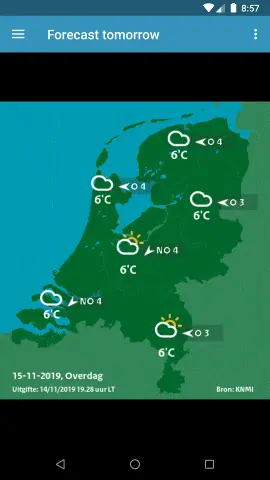
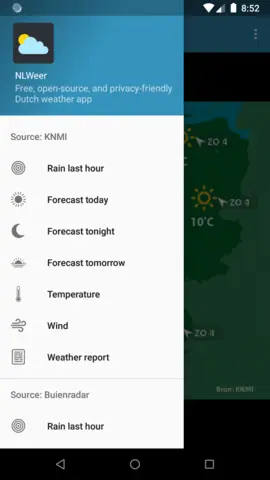
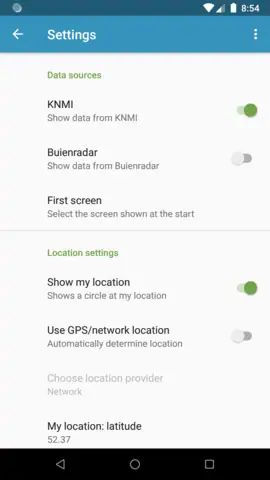
NLWeer is a simple open-source and privacy-friendly Dutch weather app for Android (5.0 or newer). It is free both as in free lunch and as in freedom. Weather information is provided by KNMI or optionally by Buienradar, see the about screen in the app for more information.
Compared to other weather apps for the Netherlands (e.g. Buienradar), here are some reasons to use NLWeer instead:
- It is open-source and can be customized/improved by anyone if needed
- It does not nor never will display commercial advertisements
- It does not require any permissions (except for GPS if explicitly requested)
- It is very lightweight and battery friendly
- It does not require the Google Play Services
Features of NLWeer:
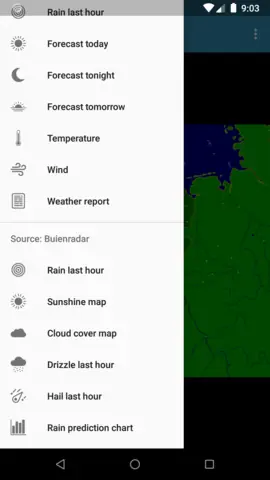
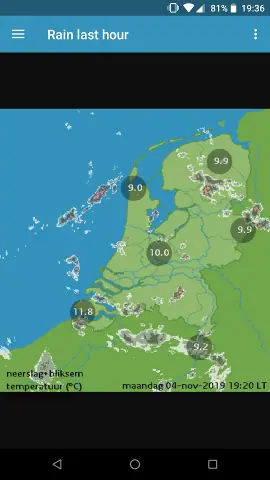
- Includes weather maps as well as a written weather report
- Includes weather information from multiple sources
- Three options for localisation: manual lon/lat coordinates, mobile service provider, or GPS
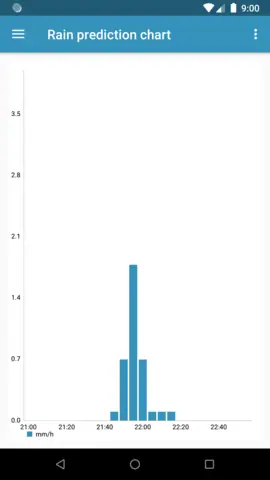
- Includes a precipitation prediction graph on your current location
What's new in version 1.12.1
- Allow swiping from the last view to the first view and back
APK file information
| Package name | foss.cnugteren.nlweer |
|---|---|
| Version | 1.12.1 (code 20) |
| Minimum Android | Android 5.0 · targets Android 15 |
| Architectures | All (universal) |
| SHA-256 | fe0fec0dc3615a458aa172d0edb59640ea573758cbe9e9df427a74ddaad55af1 |
| Signature | 7a07031736ae6bd8f85ee067a74549dd409f5831da38c0c7b8c810542f10daf6 |
| Licence | MIT — permissive free licence: the source code is public and reusable |
| Source code | github.com/CNugteren/NLWeer |
Permissions
- Internet access
- Approximate location sensitive
- Precise location (GPS) sensitive
Older versions
- NLWeer 1.12.1November 20, 2026 · 5.7 MB
- NLWeer 1.12.0November 13, 2026 · 5.7 MB
- NLWeer 1.11.2April 27, 2026 · 5.7 MB
How to install NLWeer APK
- Tap Download APK above, then open the file once the download has finished.
- If Android asks, allow your browser to install unknown apps.
- Tap Install. NLWeer then appears with your other apps.
Having trouble? Read our guides how to install an APK on Android and "App not installed": how to fix it.
Frequently asked questions
Is NLWeer free?
Yes. NLWeer is distributed under the MIT licence: free, no subscription, and its source code is public.
Is this APK file safe?
The file is the one built and published by the F-Droid repository from the public source code. Its SHA-256 fingerprint is shown above, so you can compare it after downloading. How to check an APK.
Will NLWeer work on my phone?
You need at least Android 5.0. The app also works without Google services, so it runs on recent Huawei phones too.




