
Photok APK
Photok - Secure Photo Vault
Nascondi foto e video in una cassaforte crittografata. Blocca la tua galleria.
Scarica l'APK v3.8.1 · 13,7 MB- Versione3.8.1
- Dimensione13,7 MB
- RichiedeAndroid 9
- Aggiornata20/11/2026
- LicenzaApache-2.0
- PrezzoGratis
Informazioni su Photok
Descrizione fornita dallo sviluppatore (in inglese).
Encrypt your photos on your device and keep them safe from others.
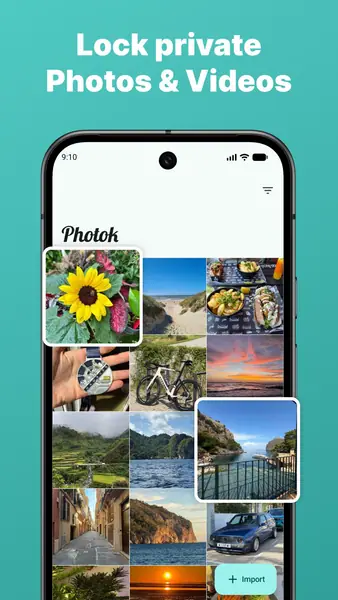
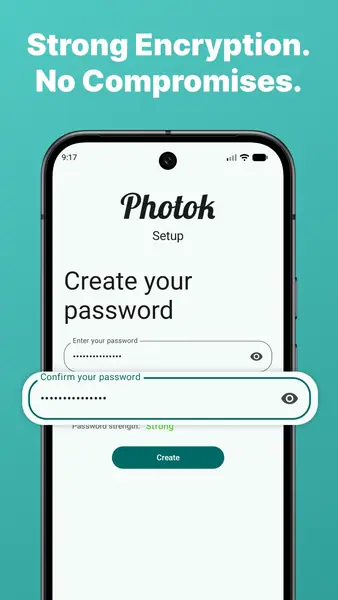
Photok is a free Photo-Safe. It stores your photos & videos encrypted on your device and hides them from others. It uses technologies like, AES-256 encryption standard or bcrypt, to keep your photos secure. Photok is completely free, open source, and runs no ads.
Features
- import photos and videosfrom your gallery
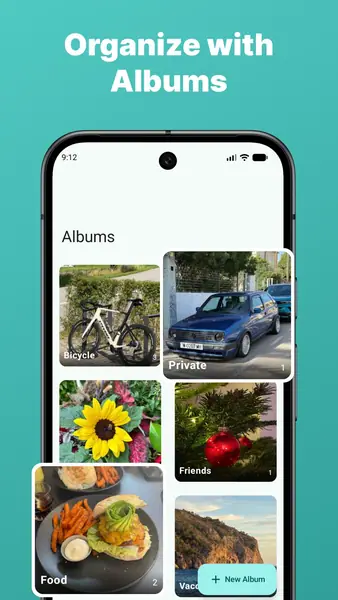
- fully functional in app gallery
- export photos back to your gallery
- change your password
- create and Restore backups
- share to Photok
- hide app icon
- recovery menu
Benefits
- hide your sensitive photos from others
- protect your photos from data theft
Photok on GitHub: https://github.com/leonlatsch/Photok
Icons made by Google, Freepik and ultimatearm from www.flaticon.com
Informazioni sul file APK
| Nome del pacchetto | dev.leonlatsch.photok |
|---|---|
| Versione | 3.8.1 (codice 83) |
| Android minimo | Android 9 · pensata per API 37 |
| Architetture | arm64-v8a, armeabi-v7a, x86, x86_64 |
| SHA-256 | e9011ecf486b8f8e0a61eddf07bab632d72b9839d6365463e65fad3e7f624b2e |
| Firma | 8066f8e4d1c651d26ea60d4779e0ccce90b66bcd1b4795852a8efee232f0174a |
| Licenza | Apache-2.0 — licenza libera permissiva: il codice sorgente è pubblico e riutilizzabile |
| Codice sorgente | github.com/leonlatsch/Photok |
Autorizzazioni richieste
- Funzionare in background
- Mostrare notifiche
- Fotocamera sensibile
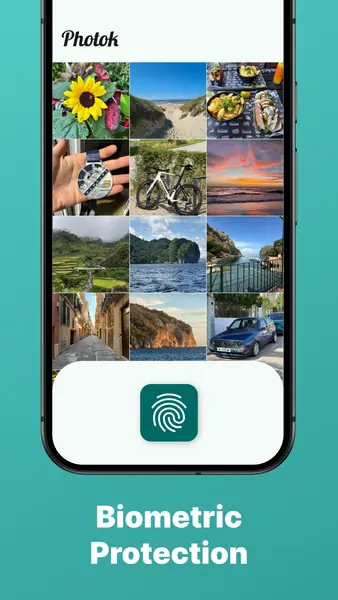
- Impronta / biometria
- Vibrare
- Accesso a Internet
- Impedire lo standby
- Impronta digitale
Altre 1 autorizzazioni tecniche
DETECT_SCREEN_CAPTURE
Versioni precedenti
- Photok 3.8.120 novembre 2026 · 13,7 MB
- Photok 3.8.09 novembre 2026 · 13,7 MB
- Photok 3.7.025 ottobre 2026 · 13,7 MB
Come installare Photok APK
- Tocca Scarica l'APK qui sopra, poi apri il file al termine del download.
- Se Android lo chiede, consenti al browser di installare app sconosciute.
- Tocca Installa. Photok comparirà insieme alle altre app.
→ Come installare un file APK su Android (passo passo)
→ «App non installata»: cause e soluzioni
Domande frequenti
Photok è gratis?
Sì. Photok è distribuita con licenza Apache-2.0: gratuita, senza abbonamento e con codice sorgente pubblico.
Questo file APK è sicuro?
Il file è quello compilato e pubblicato dal repository F-Droid a partire dal codice sorgente pubblico. L'impronta SHA-256 è indicata qui sopra: puoi confrontarla dopo il download. Un APK è pericoloso? Come verificare un file prima di installarlo
Photok funziona sul mio telefono?
Serve almeno Android 9. L'app funziona anche senza i servizi Google, quindi anche sui telefoni Huawei recenti.