Chess Clock APK
Adjust your favorite timer to play chess online with friends!
APK herunterladen v1.2.2 · 3,1 MB- Version1.2.2
- Größe3,1 MB
- BenötigtAndroid 4.1
- Aktualisiert20.1.2025
- LizenzMPL-2.0
- PreisKostenlos




Über Chess Clock
Beschreibung des Entwicklers (auf Englisch).
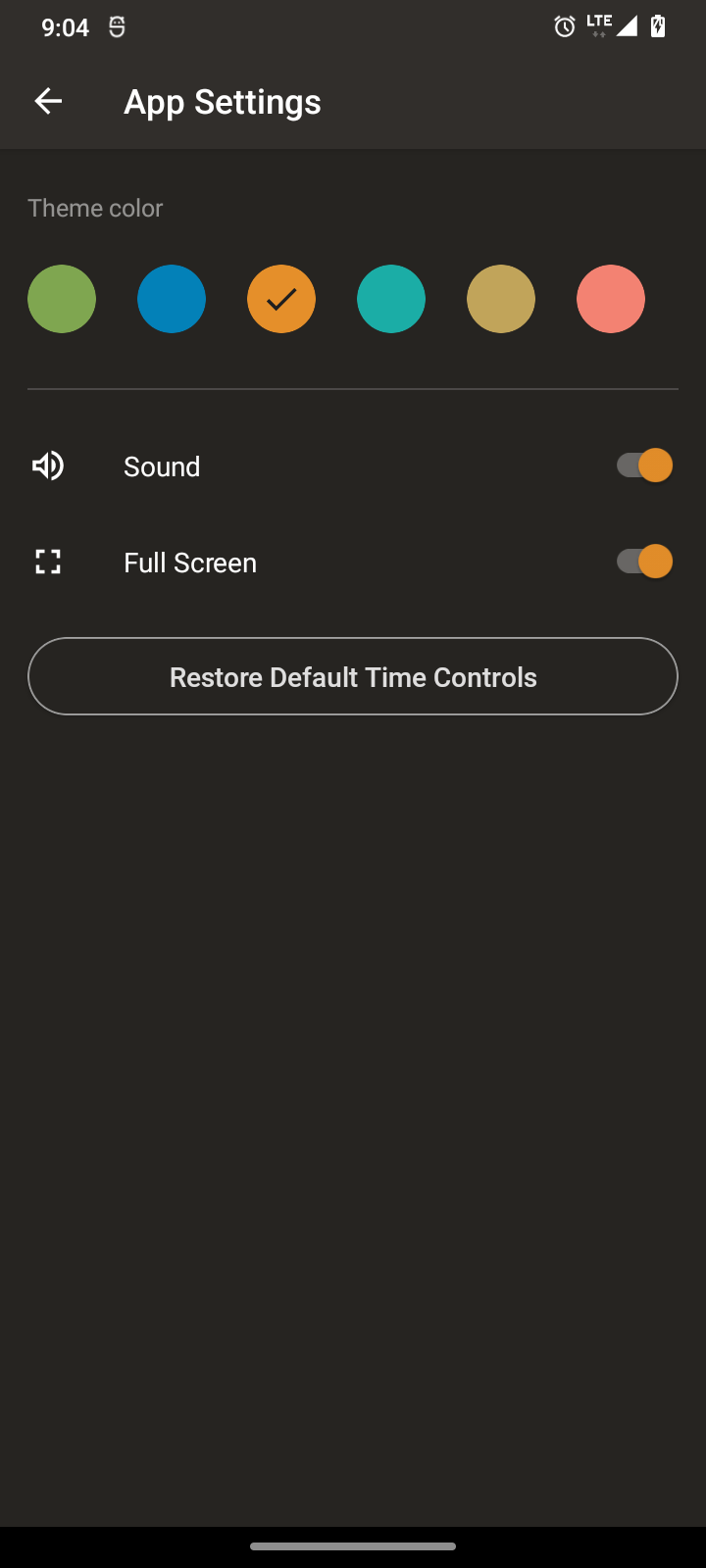
Replace your chess clock with this free game timer! It's easy to use, yet fully featured to handle any time control. 100% free: no in-app purchases, no ads!
Choose your time control and you're ready to play. The 2nd player presses her button to start the 1st player's clock - and the game is on!
FEATURES
- Large, easy-to-read buttons
- Works in landscape and portrait on all devices
- Quickly customize the app for one-tap access to all your favorite time controls
- Time controls include base minutes per player and optional per-move delays or bonus time. The app supports both Fischer and Bronstein increments, as well as simple delays. The duration is up to you!
- Supports multiple-stage time controls commonly seen in tournaments, such as "40 moves in 2 hours + game in 60 minutes." A glance at the clock shows your current stage!
- Clock pauses automatically if the app is interrupted; manually pause the clock at any time
- Pleasant sounds for buttons and "time's up" alert
At Chess.com, we really do love chess, and sometimes we even play it offline! For times like that, we created this clock - and we hope you love it as much as we do.
Neu in Version 1.2.2
Fix edge to edge overlap issue.
Informationen zur APK-Datei
| Paketname | com.chess.clock |
|---|---|
| Version | 1.2.2 (Code 28) |
| Mindestens | Android 4.1 · ausgelegt für Android 15 |
| Architekturen | Alle (universell) |
| SHA-256 | 3508b81c88c1c5bc0b814eaac2fefa400dfb3f440f2f06a8686d2056ba4e9edd |
| Signatur | 16d2f74d28bd250f120ffabb0badf514ed76103f020b52d03169432f243816de |
| Lizenz | MPL-2.0 — freie, freizügige Lizenz: Der Quellcode ist öffentlich und wiederverwendbar |
| Quellcode | github.com/ChessCom/android-chessclock |
Berechtigungen
Keine besonderen Berechtigungen.
Ältere Versionen
- Chess Clock 1.2.220. Januar 2025 · 3,1 MB
- Chess Clock 1.2.026. Januar 2023 · 3,0 MB
- Chess Clock 1.1.318. Juli 2022 · 3,0 MB
So installieren Sie Chess Clock APK
- Tippen Sie oben auf APK herunterladen und öffnen Sie die Datei nach dem Download.
- Wenn Android fragt, erlauben Sie Ihrem Browser, unbekannte Apps zu installieren.
- Tippen Sie auf Installieren. Chess Clock erscheint dann bei Ihren anderen Apps.
→ APK-Datei auf Android installieren (Schritt für Schritt)
→ „App nicht installiert“: Ursachen und Lösungen
Häufige Fragen
Ist Chess Clock kostenlos?
Ja. Chess Clock steht unter der Lizenz MPL-2.0: kostenlos, ohne Abo, und der Quellcode ist öffentlich.
Ist diese APK-Datei sicher?
Die Datei wurde vom F-Droid-Repository aus dem öffentlichen Quellcode erstellt und veröffentlicht. Ihr SHA-256-Fingerabdruck steht oben, Sie können ihn nach dem Download vergleichen. Ist eine APK gefährlich? So prüfen Sie eine Datei vor der Installation
Läuft Chess Clock auf meinem Handy?
Sie benötigen mindestens Android 4.1. Die App funktioniert auch ohne Google-Dienste, also auch auf aktuellen Huawei-Handys.