Chess Clock APK
Adjust your favorite timer to play chess online with friends!
Download APK v1.2.2 · 3.1 MB- Version1.2.2
- Size3.1 MB
- RequiresAndroid 4.1
- Updated1/20/2025
- LicenceMPL-2.0
- PriceFree




About Chess Clock
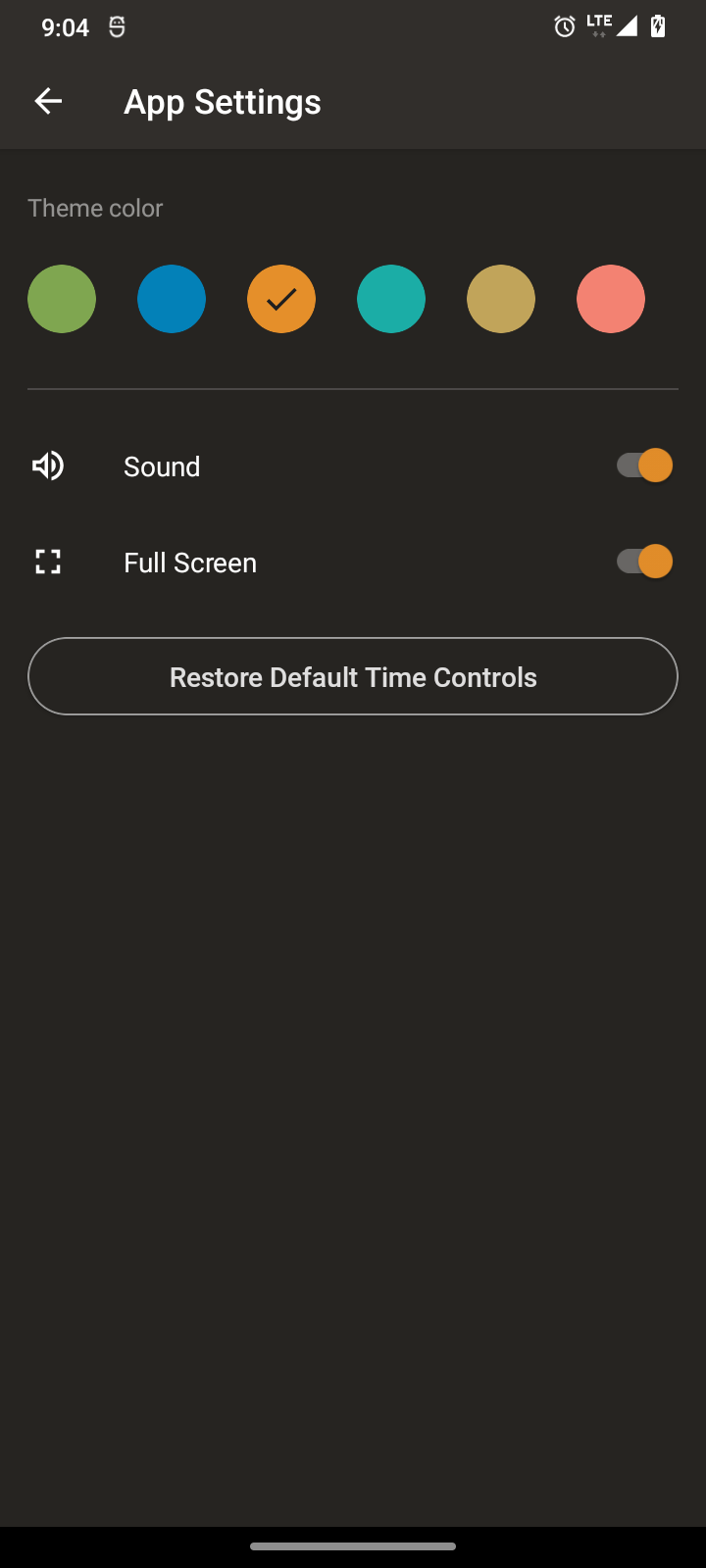
Replace your chess clock with this free game timer! It's easy to use, yet fully featured to handle any time control. 100% free: no in-app purchases, no ads!
Choose your time control and you're ready to play. The 2nd player presses her button to start the 1st player's clock - and the game is on!
FEATURES
- Large, easy-to-read buttons
- Works in landscape and portrait on all devices
- Quickly customize the app for one-tap access to all your favorite time controls
- Time controls include base minutes per player and optional per-move delays or bonus time. The app supports both Fischer and Bronstein increments, as well as simple delays. The duration is up to you!
- Supports multiple-stage time controls commonly seen in tournaments, such as "40 moves in 2 hours + game in 60 minutes." A glance at the clock shows your current stage!
- Clock pauses automatically if the app is interrupted; manually pause the clock at any time
- Pleasant sounds for buttons and "time's up" alert
At Chess.com, we really do love chess, and sometimes we even play it offline! For times like that, we created this clock - and we hope you love it as much as we do.
What's new in version 1.2.2
Fix edge to edge overlap issue.
APK file information
| Package name | com.chess.clock |
|---|---|
| Version | 1.2.2 (code 28) |
| Minimum Android | Android 4.1 · targets Android 15 |
| Architectures | All (universal) |
| SHA-256 | 3508b81c88c1c5bc0b814eaac2fefa400dfb3f440f2f06a8686d2056ba4e9edd |
| Signature | 16d2f74d28bd250f120ffabb0badf514ed76103f020b52d03169432f243816de |
| Licence | MPL-2.0 — permissive free licence: the source code is public and reusable |
| Source code | github.com/ChessCom/android-chessclock |
Permissions
No special permissions.
Older versions
- Chess Clock 1.2.2January 20, 2025 · 3.1 MB
- Chess Clock 1.2.0January 26, 2023 · 3.0 MB
- Chess Clock 1.1.3July 18, 2022 · 3.0 MB
How to install Chess Clock APK
- Tap Download APK above, then open the file once the download has finished.
- If Android asks, allow your browser to install unknown apps.
- Tap Install. Chess Clock then appears with your other apps.
Having trouble? Read our guides how to install an APK on Android and "App not installed": how to fix it.
Frequently asked questions
Is Chess Clock free?
Yes. Chess Clock is distributed under the MPL-2.0 licence: free, no subscription, and its source code is public.
Is this APK file safe?
The file is the one built and published by the F-Droid repository from the public source code. Its SHA-256 fingerprint is shown above, so you can compare it after downloading. How to check an APK.
Will Chess Clock work on my phone?
You need at least Android 4.1. The app also works without Google services, so it runs on recent Huawei phones too.