Simple Keyboard APK
An app for those who only need a keyboard and nothing more
APK herunterladen v6.8 · 651 KB- Version6.8
- Größe651 KB
- BenötigtAndroid 7.0
- Aktualisiert27.10.2026
- LizenzApache-2.0
- PreisKostenlos
Über Simple Keyboard
Beschreibung des Entwicklers (auf Englisch).
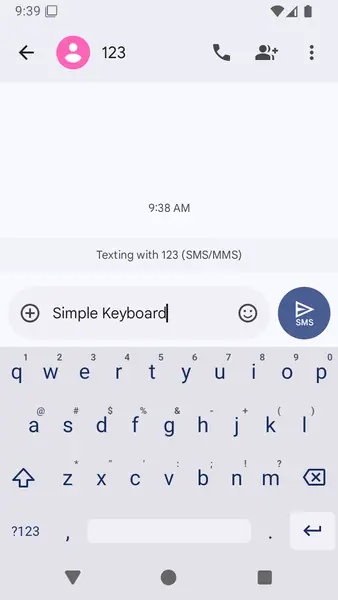
This keyboard is created for those who only need a keyboard and nothing more.
To enable the keyboard:
- Open "Simple Keyboard" from your launcher
- Enable the Simple Keyboard (default system warning about tracking will be shown)
- Switch to Simple Keyboard from current Input Method (differs between keyboards, usually long-press space)
- To edit Simple Keyboard settings long-press "," or open system Settings, Languages & Input, Simple Keyboard.
- You can enable/disable all the input methods in Settings, Languages & Input, Manage Keyboards (differs between phones)
Features:
- Small size (<1MB)
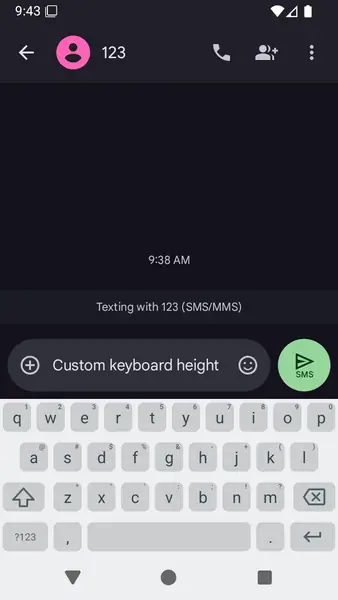
- Adjustable keyboard height for more screen space
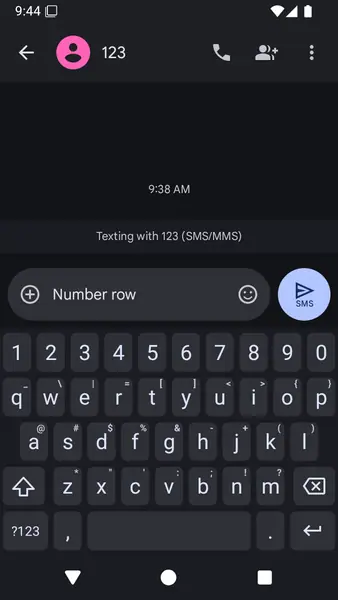
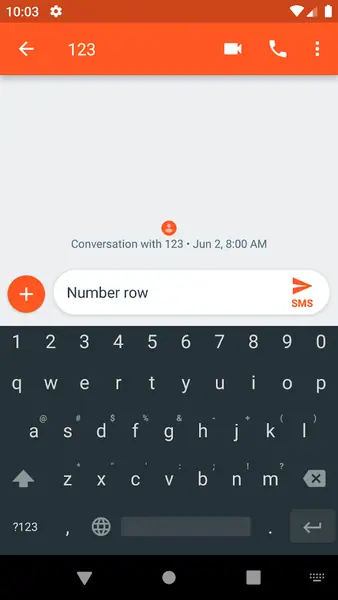
- Number row
- Swipe space to move pointer
- Delete swipe
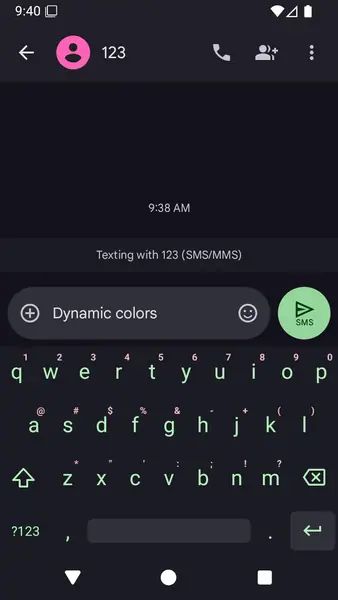
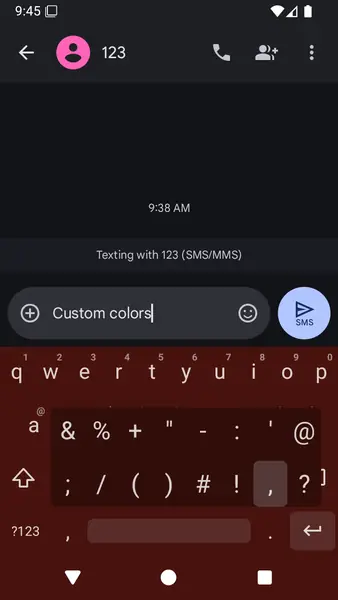
- Custom theme colors
- Minimal permissions (only Vibrate)
- Ads-free
Features it doesn’t have and probably will never have:
- Emojis
- GIFs
- Spell checker
- Swipe typing
Informationen zur APK-Datei
| Paketname | rkr.simplekeyboard.inputmethod |
|---|---|
| Version | 6.8 (Code 149) |
| Mindestens | Android 7.0 · ausgelegt für API 37 |
| Architekturen | Alle (universell) |
| SHA-256 | a6224924010bd4f169d2317064ccd0c307b9560bc7d8f500551d179d4f94918a |
| Signatur | 9bf99d5cbac7ae0169c8aae03e2b0979464a0787842e3e14d2b5e1fdf6c4680c |
| Lizenz | Apache-2.0 — freie, freizügige Lizenz: Der Quellcode ist öffentlich und wiederverwendbar |
| Quellcode | github.com/rkkr/simple-keyboard |
Berechtigungen
- Vibrieren
Ältere Versionen
- Simple Keyboard 6.827. Oktober 2026 · 651 KB
- Simple Keyboard 6.714. September 2026 · 651 KB
- Simple Keyboard 6.619. August 2026 · 647 KB
So installieren Sie Simple Keyboard APK
- Tippen Sie oben auf APK herunterladen und öffnen Sie die Datei nach dem Download.
- Wenn Android fragt, erlauben Sie Ihrem Browser, unbekannte Apps zu installieren.
- Tippen Sie auf Installieren. Simple Keyboard erscheint dann bei Ihren anderen Apps.
→ APK-Datei auf Android installieren (Schritt für Schritt)
→ „App nicht installiert“: Ursachen und Lösungen
Häufige Fragen
Ist Simple Keyboard kostenlos?
Ja. Simple Keyboard steht unter der Lizenz Apache-2.0: kostenlos, ohne Abo, und der Quellcode ist öffentlich.
Ist diese APK-Datei sicher?
Die Datei wurde vom F-Droid-Repository aus dem öffentlichen Quellcode erstellt und veröffentlicht. Ihr SHA-256-Fingerabdruck steht oben, Sie können ihn nach dem Download vergleichen. Ist eine APK gefährlich? So prüfen Sie eine Datei vor der Installation
Läuft Simple Keyboard auf meinem Handy?
Sie benötigen mindestens Android 7.0. Die App funktioniert auch ohne Google-Dienste, also auch auf aktuellen Huawei-Handys.