Simple Keyboard APK
An app for those who only need a keyboard and nothing more
Scarica l'APK v6.8 · 651 KB- Versione6.8
- Dimensione651 KB
- RichiedeAndroid 7.0
- Aggiornata27/10/2026
- LicenzaApache-2.0
- PrezzoGratis
Informazioni su Simple Keyboard
Descrizione fornita dallo sviluppatore (in inglese).
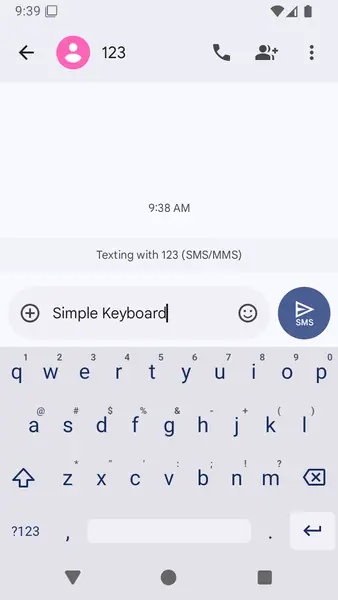
This keyboard is created for those who only need a keyboard and nothing more.
To enable the keyboard:
- Open "Simple Keyboard" from your launcher
- Enable the Simple Keyboard (default system warning about tracking will be shown)
- Switch to Simple Keyboard from current Input Method (differs between keyboards, usually long-press space)
- To edit Simple Keyboard settings long-press "," or open system Settings, Languages & Input, Simple Keyboard.
- You can enable/disable all the input methods in Settings, Languages & Input, Manage Keyboards (differs between phones)
Features:
- Small size (<1MB)
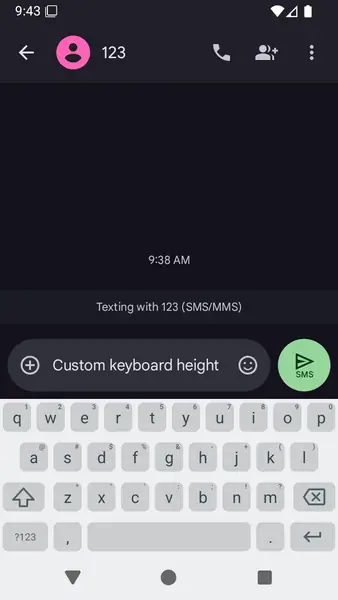
- Adjustable keyboard height for more screen space
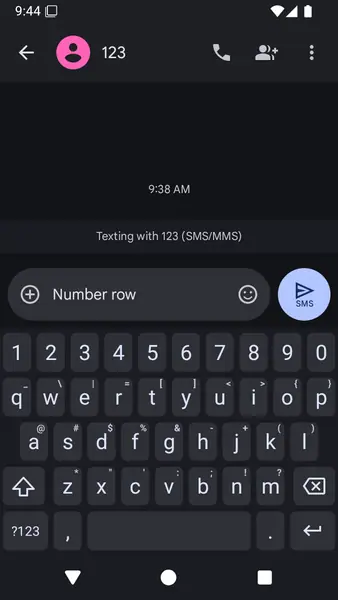
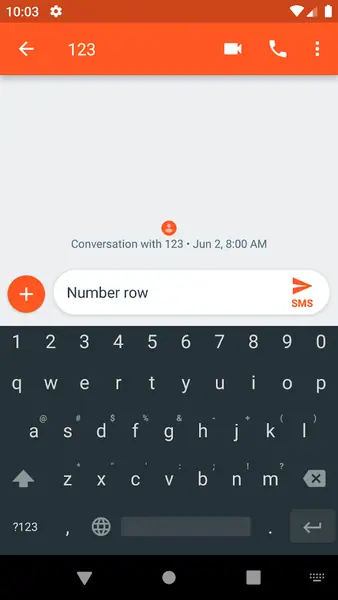
- Number row
- Swipe space to move pointer
- Delete swipe
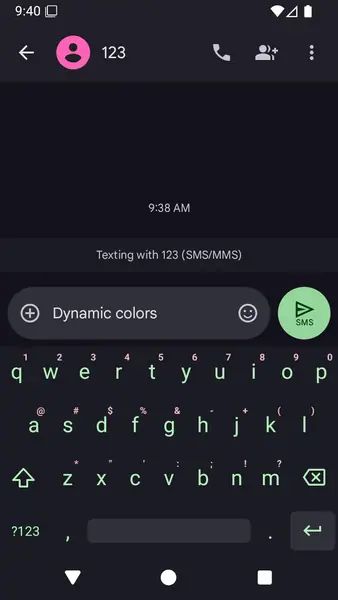
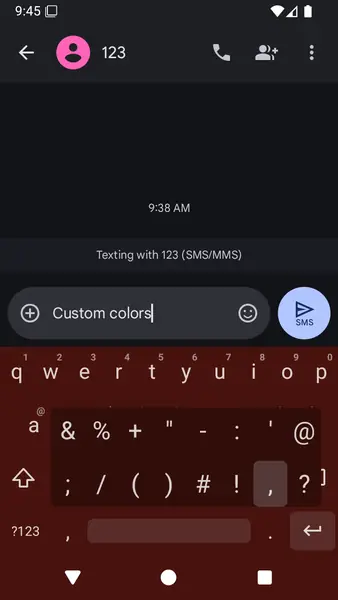
- Custom theme colors
- Minimal permissions (only Vibrate)
- Ads-free
Features it doesn’t have and probably will never have:
- Emojis
- GIFs
- Spell checker
- Swipe typing
Informazioni sul file APK
| Nome del pacchetto | rkr.simplekeyboard.inputmethod |
|---|---|
| Versione | 6.8 (codice 149) |
| Android minimo | Android 7.0 · pensata per API 37 |
| Architetture | Tutte (universale) |
| SHA-256 | a6224924010bd4f169d2317064ccd0c307b9560bc7d8f500551d179d4f94918a |
| Firma | 9bf99d5cbac7ae0169c8aae03e2b0979464a0787842e3e14d2b5e1fdf6c4680c |
| Licenza | Apache-2.0 — licenza libera permissiva: il codice sorgente è pubblico e riutilizzabile |
| Codice sorgente | github.com/rkkr/simple-keyboard |
Autorizzazioni richieste
- Vibrare
Versioni precedenti
- Simple Keyboard 6.827 ottobre 2026 · 651 KB
- Simple Keyboard 6.714 settembre 2026 · 651 KB
- Simple Keyboard 6.619 agosto 2026 · 647 KB
Come installare Simple Keyboard APK
- Tocca Scarica l'APK qui sopra, poi apri il file al termine del download.
- Se Android lo chiede, consenti al browser di installare app sconosciute.
- Tocca Installa. Simple Keyboard comparirà insieme alle altre app.
→ Come installare un file APK su Android (passo passo)
→ «App non installata»: cause e soluzioni
Domande frequenti
Simple Keyboard è gratis?
Sì. Simple Keyboard è distribuita con licenza Apache-2.0: gratuita, senza abbonamento e con codice sorgente pubblico.
Questo file APK è sicuro?
Il file è quello compilato e pubblicato dal repository F-Droid a partire dal codice sorgente pubblico. L'impronta SHA-256 è indicata qui sopra: puoi confrontarla dopo il download. Un APK è pericoloso? Come verificare un file prima di installarlo
Simple Keyboard funziona sul mio telefono?
Serve almeno Android 7.0. L'app funziona anche senza i servizi Google, quindi anche sui telefoni Huawei recenti.





