
SMS Import / Export APK
Imports and exports SMS and MMS messages and other data.
APK herunterladen v2.13.0-standard · 4,8 MB- Version2.13.0-standard
- Größe4,8 MB
- BenötigtAndroid 7.0
- Aktualisiert17.11.2026
- LizenzGPL-3.0-or-later
- PreisKostenlos
Über SMS Import / Export
Beschreibung des Entwicklers (auf Englisch).
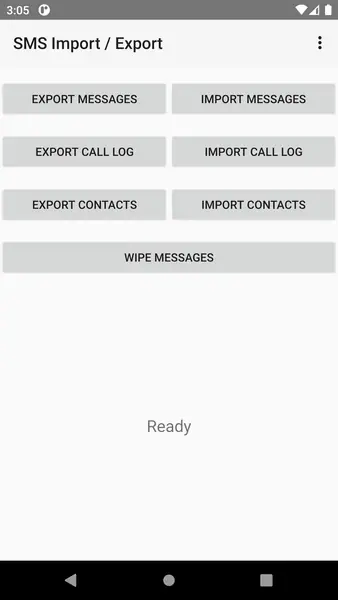
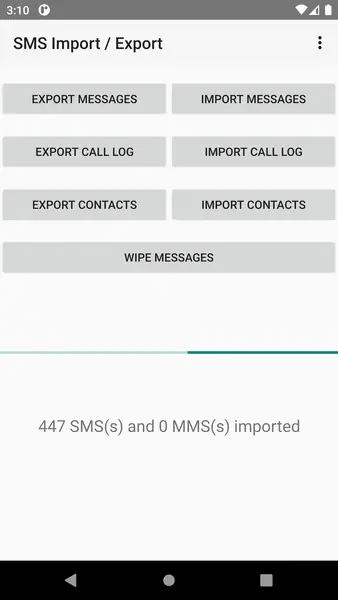
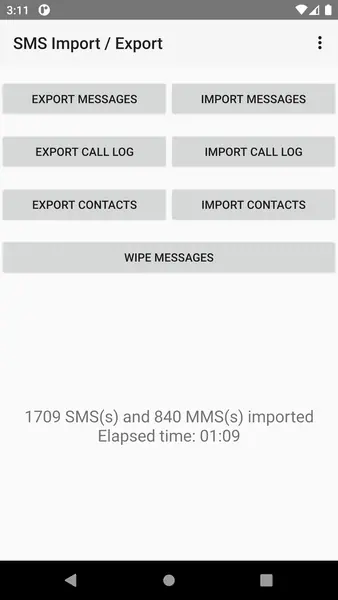
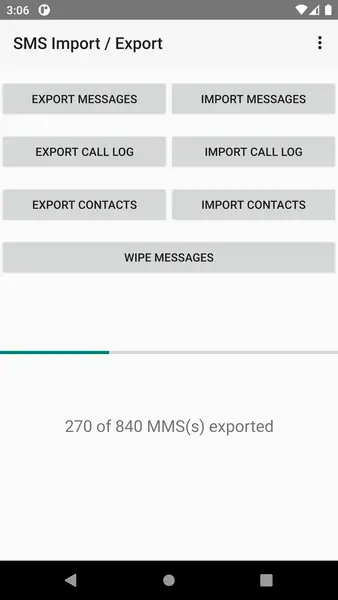
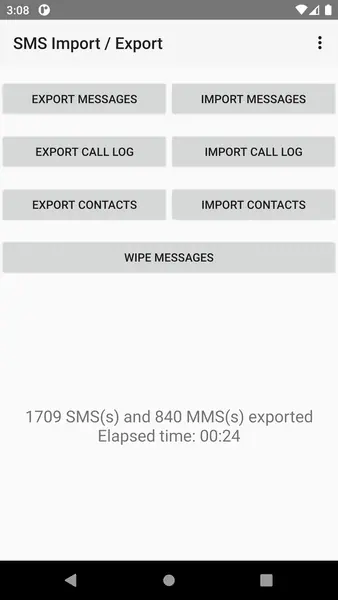
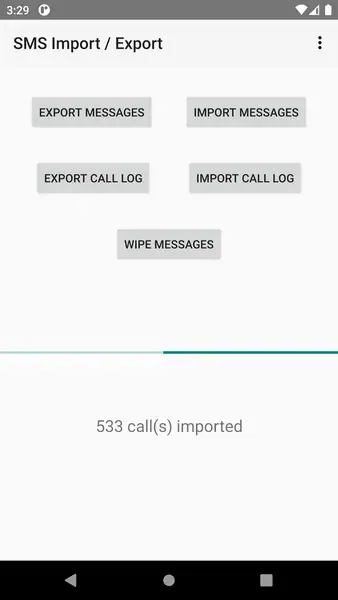
SMS Import / Export imports and exports SMS and MMS messages, call logs, contacts, and blocked numbers from and to (ND)JSON / ZIP files. (Contacts import and export are currently functional but considered experimental.) It does not require root.
The primary author of SMS Import / Export is Thomas More. Others have contributed code and translations. The software is copyright 2021-2026, and is released under the GNU General Public License version 3 or later.
SMS Import / Export is a sibling project to sms-db, a Linux tool to build an SQLite database out of collections of SMS and MMS messages in various formats. sms-db will hopefully eventually be able to import ZIP files created by SMS Import / Export, and to export its database to ZIP files that can be imported by SMS Import / Export.
Neu in Version 2.13.0-standard
- Use separate application ID (and modified
android:label) in debug builds to allow parallel installation of release and debug builds
- Restore accidentally removed scheduled export code
Informationen zur APK-Datei
| Paketname | com.github.tmo1.sms_ie |
|---|---|
| Version | 2.13.0-standard (Code 10121) |
| Mindestens | Android 7.0 · ausgelegt für API 37 |
| Architekturen | arm64-v8a, armeabi, armeabi-v7a, mips, mips64, x86, x86_64 |
| SHA-256 | 80cc5836d46877148880e23671c079ceefc53b6b4e4b43dcff225c6c1bced5ba |
| Signatur | d695661b70fa90676a763bd1a89efe7e773c5022a1e25b3bc21a39dba395c557 |
| Lizenz | GPL-3.0-or-later — freie Copyleft-Lizenz: Der Code ist öffentlich und veränderte Versionen müssen frei bleiben |
| Quellcode | github.com/tmo1/sms-ie |
Berechtigungen
- SMS lesen sensibel
- Kontakte lesen sensibel
- Kontakte ändern sensibel
- Anrufliste sensibel
- Im Hintergrund laufen
- Benachrichtigungen anzeigen
- Ruhezustand verhindern
- Beim Start ausführen
2 weitere technische Berechtigung(en)
WRITE_CALL_LOG REQUEST_IGNORE_BATTERY_OPTIMIZATIONS
Ältere Versionen
- SMS Import / Export 2.13.0-standard17. November 2026 · 4,8 MB
- SMS Import / Export 2.12.0-standard15. Oktober 2026 · 4,8 MB
- SMS Import / Export 2.11.1-standard3. August 2026 · 4,8 MB
So installieren Sie SMS Import / Export APK
- Tippen Sie oben auf APK herunterladen und öffnen Sie die Datei nach dem Download.
- Wenn Android fragt, erlauben Sie Ihrem Browser, unbekannte Apps zu installieren.
- Tippen Sie auf Installieren. SMS Import / Export erscheint dann bei Ihren anderen Apps.
→ APK-Datei auf Android installieren (Schritt für Schritt)
→ „App nicht installiert“: Ursachen und Lösungen
Häufige Fragen
Ist SMS Import / Export kostenlos?
Ja. SMS Import / Export steht unter der Lizenz GPL-3.0-or-later: kostenlos, ohne Abo, und der Quellcode ist öffentlich.
Ist diese APK-Datei sicher?
Die Datei wurde vom F-Droid-Repository aus dem öffentlichen Quellcode erstellt und veröffentlicht. Ihr SHA-256-Fingerabdruck steht oben, Sie können ihn nach dem Download vergleichen. Ist eine APK gefährlich? So prüfen Sie eine Datei vor der Installation
Läuft SMS Import / Export auf meinem Handy?
Sie benötigen mindestens Android 7.0. Die App funktioniert auch ohne Google-Dienste, also auch auf aktuellen Huawei-Handys.