
SMS Import / Export APK
Imports and exports SMS and MMS messages and other data.
Download APK v2.13.0-standard · 4.8 MB- Version2.13.0-standard
- Size4.8 MB
- RequiresAndroid 7.0
- Updated11/17/2026
- LicenceGPL-3.0-or-later
- PriceFree
About SMS Import / Export
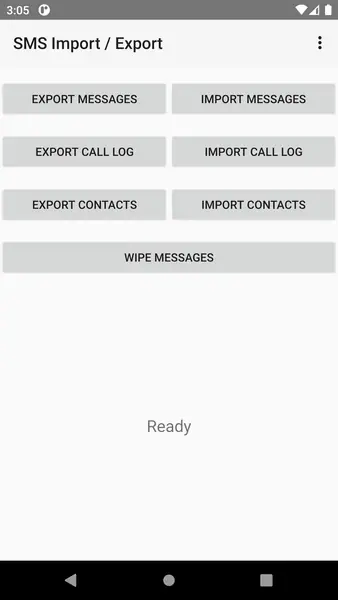
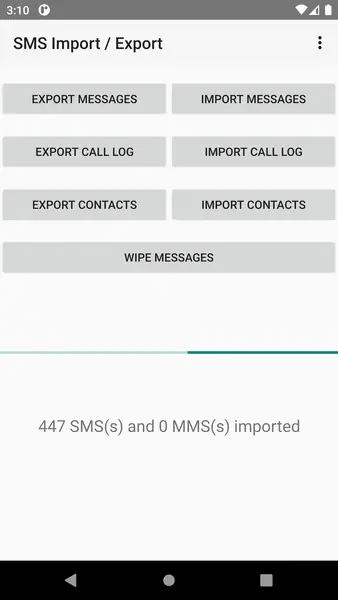
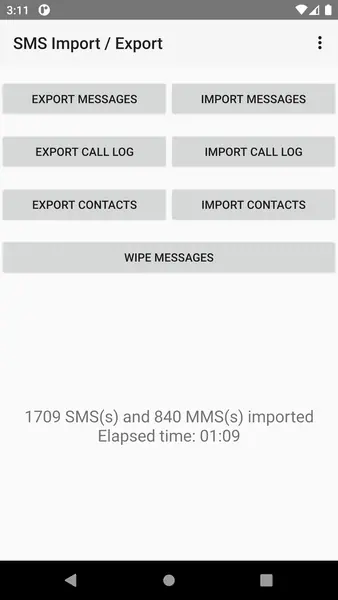
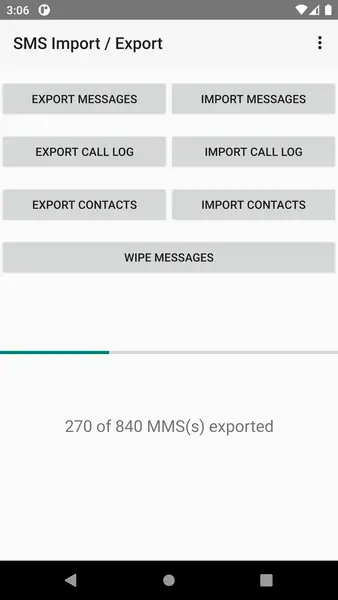
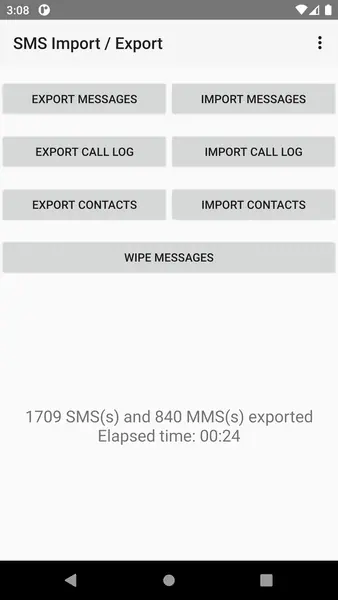
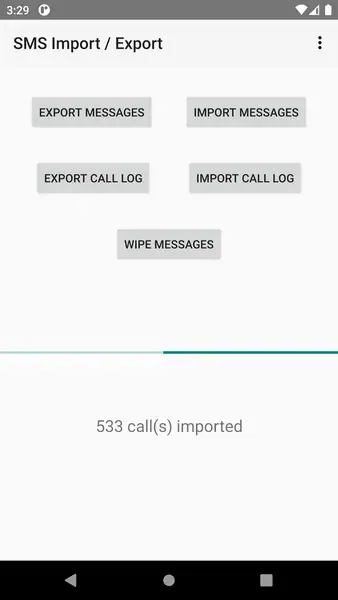
SMS Import / Export imports and exports SMS and MMS messages, call logs, contacts, and blocked numbers from and to (ND)JSON / ZIP files. (Contacts import and export are currently functional but considered experimental.) It does not require root.
The primary author of SMS Import / Export is Thomas More. Others have contributed code and translations. The software is copyright 2021-2026, and is released under the GNU General Public License version 3 or later.
SMS Import / Export is a sibling project to sms-db, a Linux tool to build an SQLite database out of collections of SMS and MMS messages in various formats. sms-db will hopefully eventually be able to import ZIP files created by SMS Import / Export, and to export its database to ZIP files that can be imported by SMS Import / Export.
What's new in version 2.13.0-standard
- Use separate application ID (and modified
android:label) in debug builds to allow parallel installation of release and debug builds
- Restore accidentally removed scheduled export code
APK file information
| Package name | com.github.tmo1.sms_ie |
|---|---|
| Version | 2.13.0-standard (code 10121) |
| Minimum Android | Android 7.0 · targets API 37 |
| Architectures | arm64-v8a, armeabi, armeabi-v7a, mips, mips64, x86, x86_64 |
| SHA-256 | 80cc5836d46877148880e23671c079ceefc53b6b4e4b43dcff225c6c1bced5ba |
| Signature | d695661b70fa90676a763bd1a89efe7e773c5022a1e25b3bc21a39dba395c557 |
| Licence | GPL-3.0-or-later — copyleft free licence: the code is public and modified versions must stay free |
| Source code | github.com/tmo1/sms-ie |
Permissions
- Read SMS sensitive
- Read contacts sensitive
- Edit contacts sensitive
- Call log sensitive
- Run in the background
- Show notifications
- Keep the device awake
- Start at boot
2 other technical permission(s)
WRITE_CALL_LOG REQUEST_IGNORE_BATTERY_OPTIMIZATIONS
Older versions
- SMS Import / Export 2.13.0-standardNovember 17, 2026 · 4.8 MB
- SMS Import / Export 2.12.0-standardOctober 15, 2026 · 4.8 MB
- SMS Import / Export 2.11.1-standardAugust 3, 2026 · 4.8 MB
How to install SMS Import / Export APK
- Tap Download APK above, then open the file once the download has finished.
- If Android asks, allow your browser to install unknown apps.
- Tap Install. SMS Import / Export then appears with your other apps.
Having trouble? Read our guides how to install an APK on Android and "App not installed": how to fix it.
Frequently asked questions
Is SMS Import / Export free?
Yes. SMS Import / Export is distributed under the GPL-3.0-or-later licence: free, no subscription, and its source code is public.
Is this APK file safe?
The file is the one built and published by the F-Droid repository from the public source code. Its SHA-256 fingerprint is shown above, so you can compare it after downloading. How to check an APK.
Will SMS Import / Export work on my phone?
You need at least Android 7.0. The app also works without Google services, so it runs on recent Huawei phones too.