Bitmask APK
Encrypted communication for mere mortals (superheroes welcome, too).
Download APK v1.7.1 · 76.7 MB- Version1.7.1
- Size76.7 MB
- RequiresAndroid 7.0
- Updated11/11/2026
- LicenceGPL-3.0-only
- PriceFree
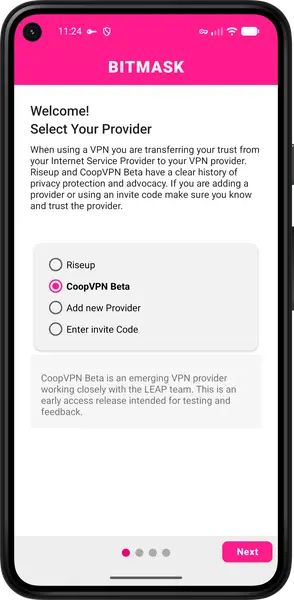
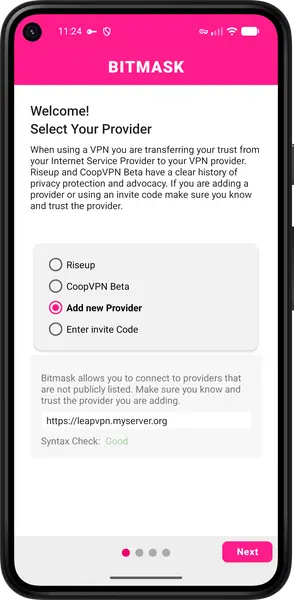
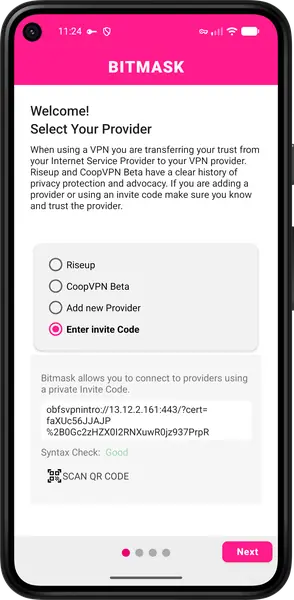
About Bitmask
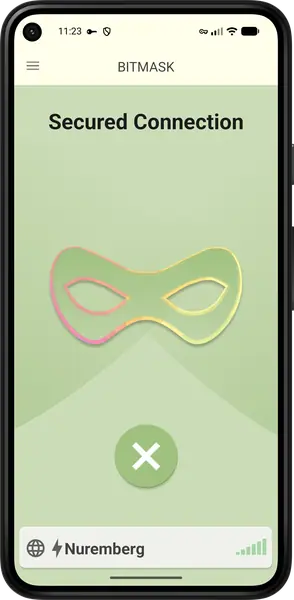
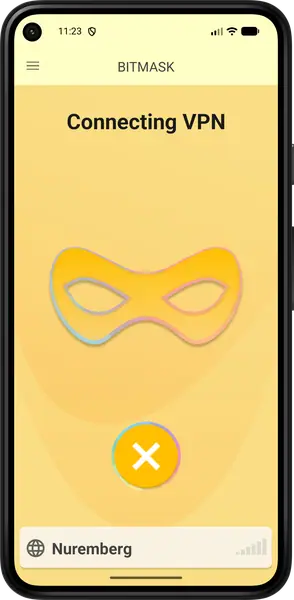
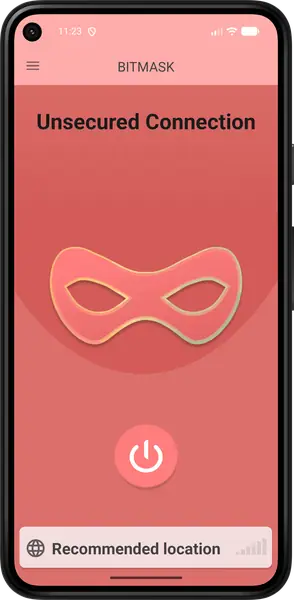
Bitmask is a VPN client with automatic configuration. It has several techniques on board to circumvent censorship, network blocking or avoid surveillance. After choosing a compatible service provider it will encrypt and route securely all your network traffic through your trusted service provider.
And you're good to go!
Bitmask is open source VPN client, distributed under the GPLv3 license. See https://0xacab.org/leap/bitmask_android
FAQ:
- who: leap.se, a collective that loves the concept of the right to whisper, around since 2011.
- Translations greatly appreciated at our Weblate project https://localizationlab.weblate.cloud/projects/bitmask/
If you experience problems or want to have bleeding edge versions, please join our chat via matrix: https://matrix.to/#/#leap:systemli.org write a bug report: https://0xacab.org/leap/bitmask_android/
APK file information
| Package name | se.leap.bitmaskclient |
|---|---|
| Version | 1.7.1 (code 188000) |
| Minimum Android | Android 7.0 · targets Android 16 |
| Architectures | arm64-v8a, armeabi-v7a, x86, x86_64 |
| SHA-256 | 4ed7a2ed3e049aa173d45d1b7272760e429023c727696dbffb31a39d75cbb6c2 |
| Signature | 164269d3eec96947c92cf9797b765f73faf2d1822e6db41f1b3dab2914dc8bc0 |
| Licence | GPL-3.0-only — copyleft free licence: the code is public and modified versions must stay free |
| Source code | 0xacab.org/leap/bitmask_android |
| Official website | bitmask.net |
Permissions
- Camera sensitive
- Internet access
- View network status
- View Wi-Fi status
- Show notifications
- Start at boot
- Vibrate
- Keep the device awake
- Run in the background
- Write to storage
- See installed apps sensitive
- Read storage
Older versions
- Bitmask 1.7.1November 11, 2026 · 76.7 MB
- Bitmask 1.6.3July 21, 2026 · 76.6 MB
- Bitmask 1.6.0May 3, 2026 · 67.7 MB
How to install Bitmask APK
- Tap Download APK above, then open the file once the download has finished.
- If Android asks, allow your browser to install unknown apps.
- Tap Install. Bitmask then appears with your other apps.
Having trouble? Read our guides how to install an APK on Android and "App not installed": how to fix it.
Frequently asked questions
Is Bitmask free?
Yes. Bitmask is distributed under the GPL-3.0-only licence: free, no subscription, and its source code is public.
Is this APK file safe?
The file is the one built and published by the F-Droid repository from the public source code. Its SHA-256 fingerprint is shown above, so you can compare it after downloading. How to check an APK.
Will Bitmask work on my phone?
You need at least Android 7.0. The app also works without Google services, so it runs on recent Huawei phones too.





