
Clementine Remote APK
Music player remote control
Download APK v13.14 · 4.5 MB- Version13.14
- Size4.5 MB
- RequiresAndroid 6.0
- Updated11/20/2026
- LicenceGPL-3.0-only
- PriceFree
About Clementine Remote
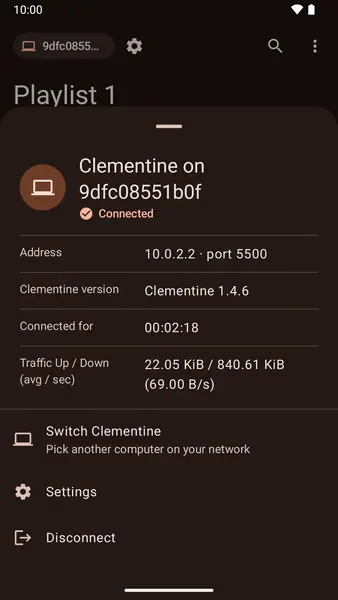
You need Clementine 1.3 (quite recent) for this to work and to enable the remote Control in Clementine settings first.
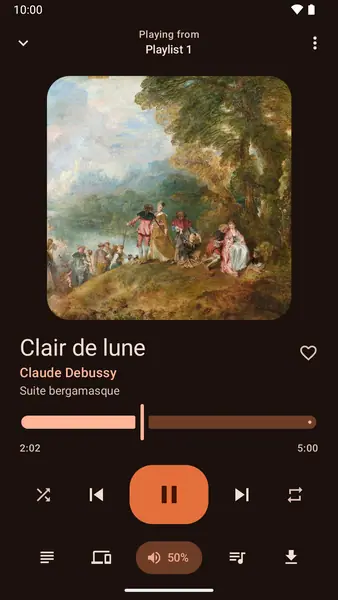
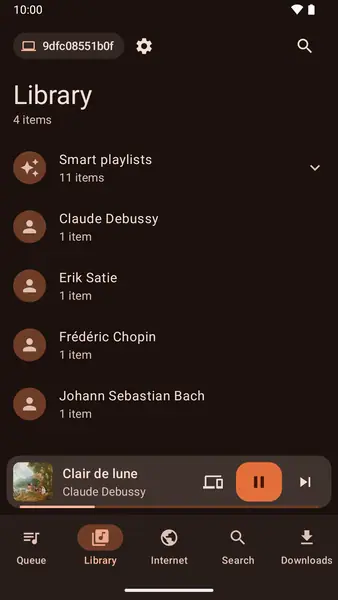
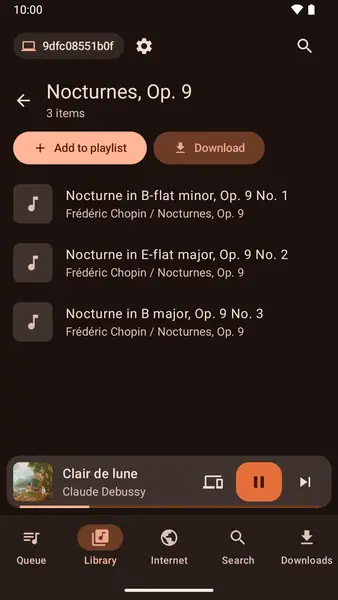
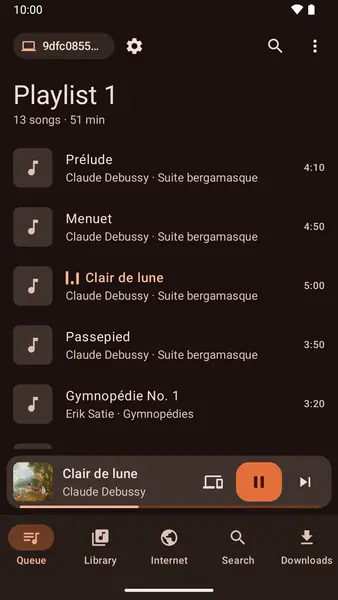
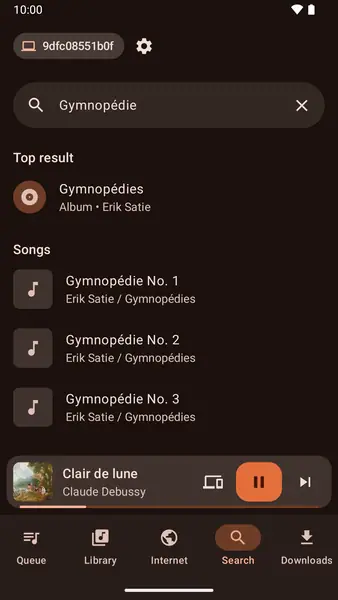
Control the music player "Clementine" - access your playlists, browse the library, download files, change the volume via hardware buttons, read the lyrics while listening to your favourite song, enjoy the cover art and more.
If you receive a call or want to make one, you don't have pause the current track, Clementine Remote lowers the volume for you. It also has many more features, for example exchange of music and playlists with a computer.
What's new in version 13.14
- Updated translations, thanks to our translators on Transifex.
APK file information
| Package name | de.qspool.clementineremote |
|---|---|
| Version | 13.14 (code 2143) |
| Minimum Android | Android 6.0 · targets API 37 |
| Architectures | arm64-v8a, armeabi-v7a, x86, x86_64 |
| SHA-256 | 849ebbc296b7485967bb726f52e52f8a1a3f6d944c4c5c7de5546ff71783b6e0 |
| Signature | 7fdf6324b696237791e1a6f90a77b020c9d04339fe21df975f765f2b2c9f82ae |
| Licence | GPL-3.0-only — copyleft free licence: the code is public and modified versions must stay free |
| Source code | github.com/clementine-player/Android-Remote |
| Official website | github.com/clementine-player/Android-Remote |
Permissions
- Internet access
- View Wi-Fi status
- View network status
- Keep the device awake
- Phone status sensitive
- Write to storage
- Show notifications
- Run in the background
- Start at boot
- Read storage
2 other technical permission(s)
ACCESS_LOCAL_NETWORK CHANGE_WIFI_MULTICAST_STATE
Older versions
- Clementine Remote 13.14November 20, 2026 · 4.5 MB
- Clementine Remote 13.13November 13, 2026 · 4.5 MB
- Clementine Remote 13.12November 6, 2026 · 4.4 MB
How to install Clementine Remote APK
- Tap Download APK above, then open the file once the download has finished.
- If Android asks, allow your browser to install unknown apps.
- Tap Install. Clementine Remote then appears with your other apps.
Having trouble? Read our guides how to install an APK on Android and "App not installed": how to fix it.
Frequently asked questions
Is Clementine Remote free?
Yes. Clementine Remote is distributed under the GPL-3.0-only licence: free, no subscription, and its source code is public.
Is this APK file safe?
The file is the one built and published by the F-Droid repository from the public source code. Its SHA-256 fingerprint is shown above, so you can compare it after downloading. How to check an APK.
Will Clementine Remote work on my phone?
You need at least Android 6.0. The app also works without Google services, so it runs on recent Huawei phones too.





