
Flash Deck APK
A simple and easy to use flash card to help you study
Download APK v2.5.0 · 10.5 MB- Version2.5.0
- Size10.5 MB
- RequiresAndroid 6.0
- Updated11/13/2026
- LicenceGPL-3.0-only
- PriceFree
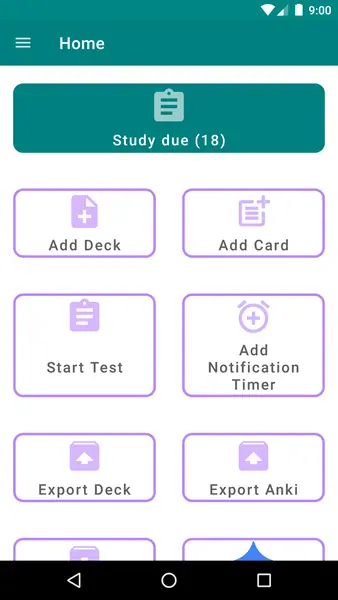
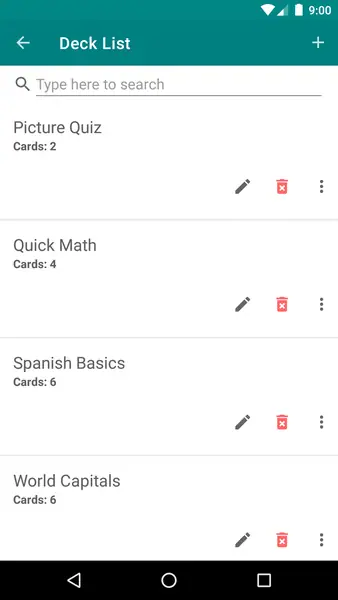
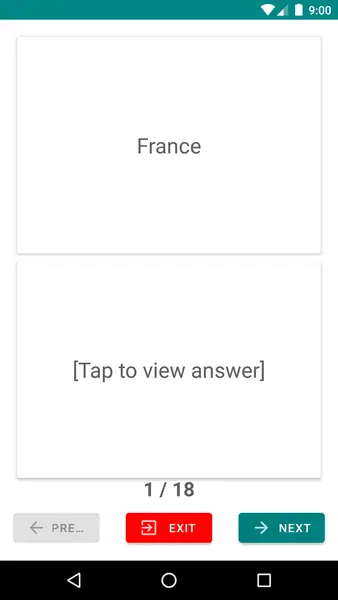
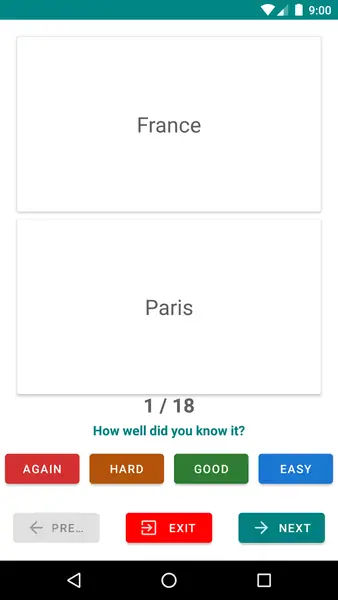
About Flash Deck
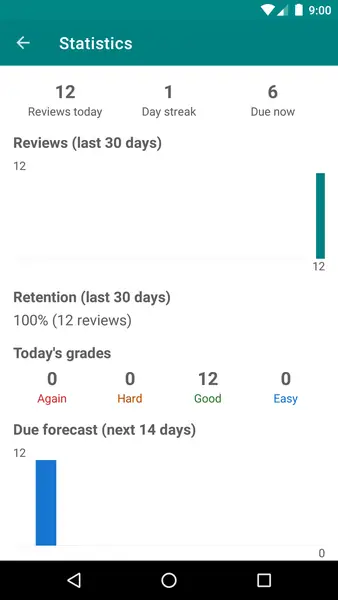
A simple and easy to use flash card app to help you study smarter and learn faster!
Create & Manage
- Easily add decks and flash cards
- Reversible cards — swap question and answer during tests
- Copy and move cards between decks
- Save & Add Another button for quick consecutive card creation
- Record voices and attach images for your cards
Study & Test
- Test mode with shuffle and progress tracking
- Test state persistence — resume your test after app restart
- Flash bot to smartly suggest cards to test you based on your behavior
Reminders
- Notification timer to periodically quiz you
- Notification time window — set start and end times for reminders
- Voice playback directly from notifications
- Create shortcut to show random card from deck for casual study (Android 8+)
Import & Export
- Easily export & share your decks to your friends
- Import and export decks in Anki .apkg format (supports Basic cards with images and audio)
AI-Powered
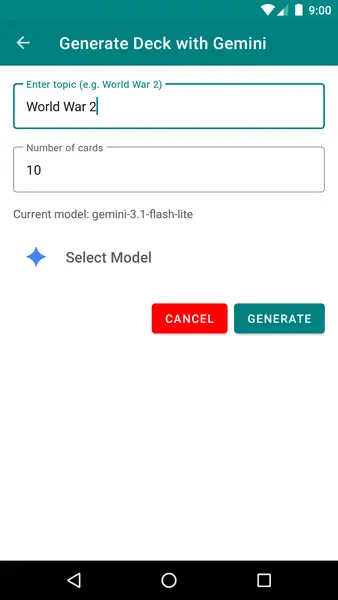
- Generate flash card decks from any topic using Google Gemini AI
- Transform existing decks with AI — translate, expand, create harder questions, and more
- AI model selection — choose from available Gemini models
Appearance
- Support dark mode and light mode
What's new in version 2.5.0
Release 2.5.0+65
Features:
- Text-to-speech for flashcards — speak a card's question and answer with dedicated buttons on the study pages, set the language per deck, and optionally auto-speak the question when a test opens
- New text-to-speech settings — enable speech, auto-speak the question, test the voice and check the engine status; the grading notification reads the answer aloud too
Fixes:
- The deck dialog no longer crashes when dismissed with BACK or ESC
- The licenses page now shows a
APK file information
| Package name | m.co.rh.id.a_flash_deck |
|---|---|
| Version | 2.5.0 (code 65) |
| Minimum Android | Android 6.0 · targets API 37 |
| Architectures | arm64-v8a, armeabi-v7a, x86, x86_64 |
| SHA-256 | b6ff2bb7fdf481d2a833aaf345917a40b4904fbc2debb5a86510b1e2bb4eb7a6 |
| Signature | ba0a843466573ee57cada3f8f01ef5244af4ec9b2b2f0f148a54702c5a2a812d |
| Licence | GPL-3.0-only — copyleft free licence: the code is public and modified versions must stay free |
| Source code | github.com/rh-id/a-flash-deck |
Permissions
- Microphone sensitive
- Show notifications
- Internet access
- Keep the device awake
- Start at boot
- Run in the background
Older versions
- Flash Deck 2.5.0November 13, 2026 · 10.5 MB
- Flash Deck 2.4.0October 25, 2026 · 10.5 MB
- Flash Deck 2.3.0October 14, 2026 · 8.0 MB
How to install Flash Deck APK
- Tap Download APK above, then open the file once the download has finished.
- If Android asks, allow your browser to install unknown apps.
- Tap Install. Flash Deck then appears with your other apps.
Having trouble? Read our guides how to install an APK on Android and "App not installed": how to fix it.
Frequently asked questions
Is Flash Deck free?
Yes. Flash Deck is distributed under the GPL-3.0-only licence: free, no subscription, and its source code is public.
Is this APK file safe?
The file is the one built and published by the F-Droid repository from the public source code. Its SHA-256 fingerprint is shown above, so you can compare it after downloading. How to check an APK.
Will Flash Deck work on my phone?
You need at least Android 6.0. The app also works without Google services, so it runs on recent Huawei phones too.




