
Inbox Pager APK
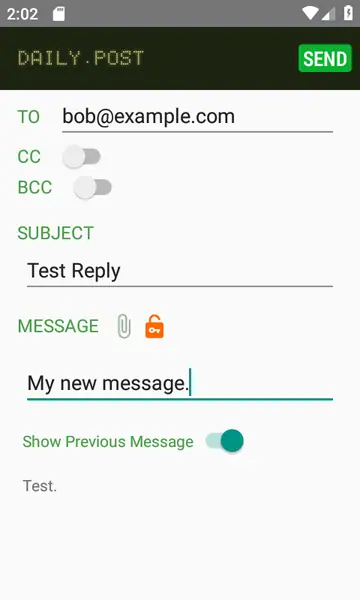
Read and write e-mails
Download APK v9.1 · 18.6 MB- Version9.1
- Size18.6 MB
- RequiresAndroid 6.0
- Updated4/5/2026
- LicenceGPL-3.0-only
- PriceFree
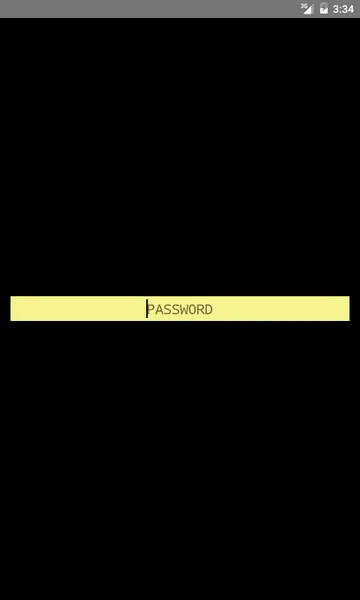
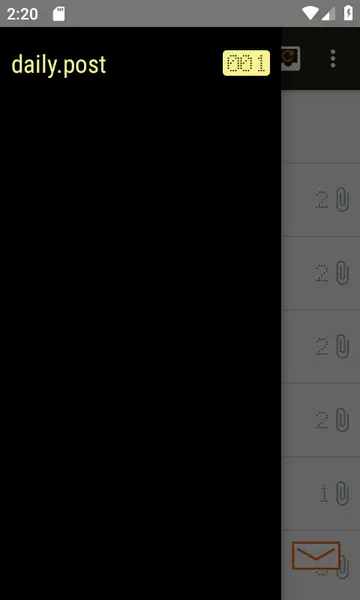
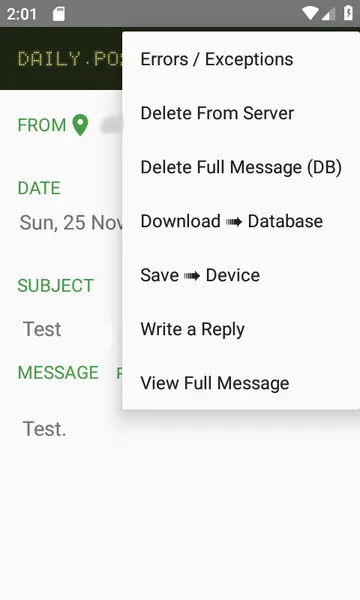
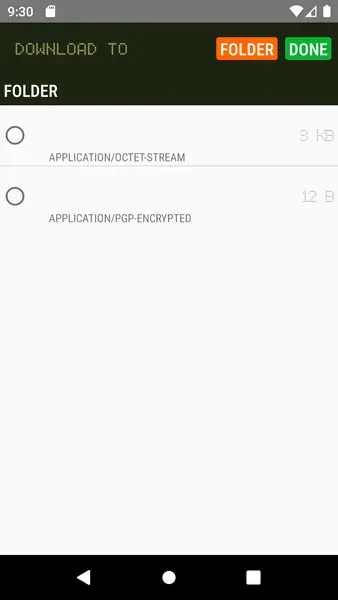
About Inbox Pager
E-mail client for the Android platform.
IMAP, POP, and SMTP via SSL/TLS, with AES/PGP support.
Features:
- * Animate a smooth transition between visual contexts.
- * Automatically convert texts from their declared character encoding to UTF-8.
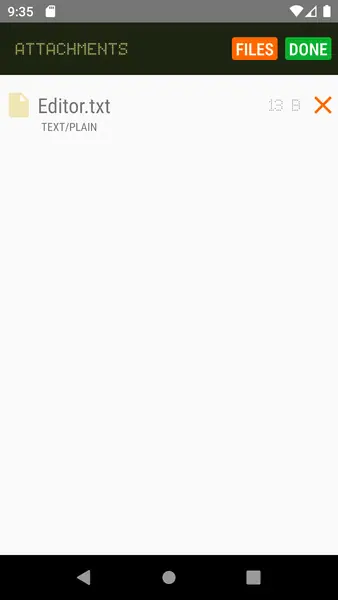
- * Download your full email messages (with attachments inside).
- * Download an individual attachment.
- * Display server certificates used in the last connection.
- * Keep track of your unread messages.
- * Notify with sound of new messages, per user choice.
- * Notify with device vibration of new messages, per user choice.
- * Work with OpenPGP messages.
- * Verify hostnames, if not self-signed certificates.
What's new in version 9.1
Fixed duplication in accounts. Fixed README.md duplicated image.
APK file information
| Package name | net.inbox.pager |
|---|---|
| Version | 9.1 (code 24) |
| Minimum Android | Android 6.0 · targets Android 16 |
| Architectures | arm64-v8a, armeabi-v7a, x86, x86_64 |
| SHA-256 | 678b40aff18b98809f64788bfef9793a858c49c7a881a7b706ddeb5cf15ff231 |
| Signature | 5ecd0915ce6cb6d1b874544e8bd8e6bc7660e76fc0deaf6c564395d409726f82 |
| Licence | GPL-3.0-only — copyleft free licence: the code is public and modified versions must stay free |
| Source code | github.com/itprojects/InboxPager |
Permissions
- View network status
- Internet access
- Run in the background
- Read storage
- Write to storage
- Access all files sensitive
- Show notifications
- Vibrate
Older versions
- Inbox Pager 9.1April 5, 2026 · 18.6 MB
- Inbox Pager 9.0April 2, 2026 · 18.6 MB
- Inbox Pager 8.0February 14, 2026 · 18.5 MB
How to install Inbox Pager APK
- Tap Download APK above, then open the file once the download has finished.
- If Android asks, allow your browser to install unknown apps.
- Tap Install. Inbox Pager then appears with your other apps.
Having trouble? Read our guides how to install an APK on Android and "App not installed": how to fix it.
Frequently asked questions
Is Inbox Pager free?
Yes. Inbox Pager is distributed under the GPL-3.0-only licence: free, no subscription, and its source code is public.
Is this APK file safe?
The file is the one built and published by the F-Droid repository from the public source code. Its SHA-256 fingerprint is shown above, so you can compare it after downloading. How to check an APK.
Will Inbox Pager work on my phone?
You need at least Android 6.0. The app also works without Google services, so it runs on recent Huawei phones too.