
K-9 Mail APK
Full-featured email client
Download APK v25.0 · 10.7 MB- Version25.0
- Size10.7 MB
- RequiresAndroid 6.0
- Updated11/13/2026
- LicenceApache-2.0
- PriceFree

About K-9 Mail
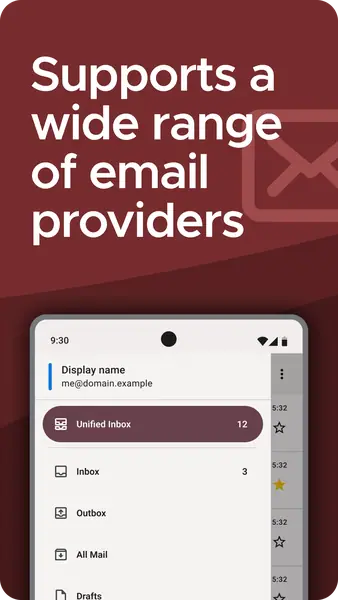
K-9 Mail is an open source email client that works with basically every email provider.
Features
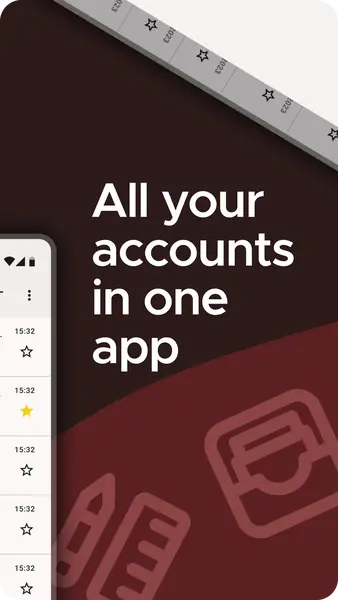
- Supports multiple accounts
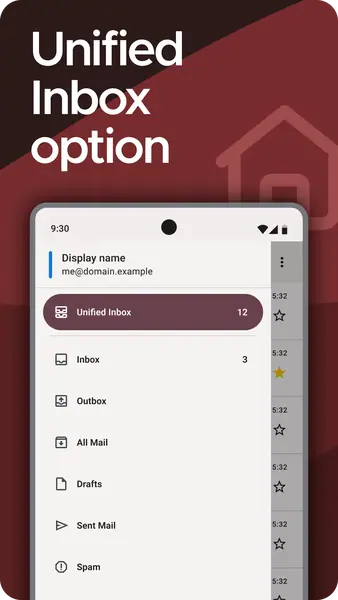
- Unified Inbox
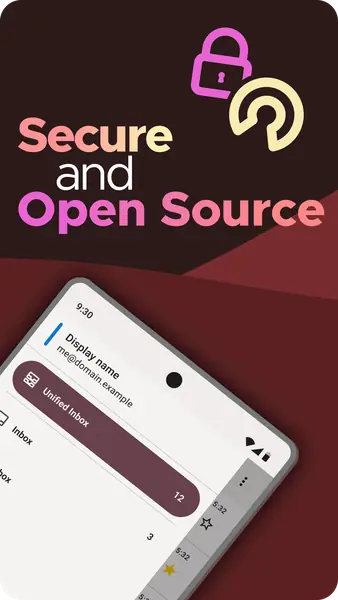
- Privacy-friendly (no tracking whatsoever, only connects to your email provider)
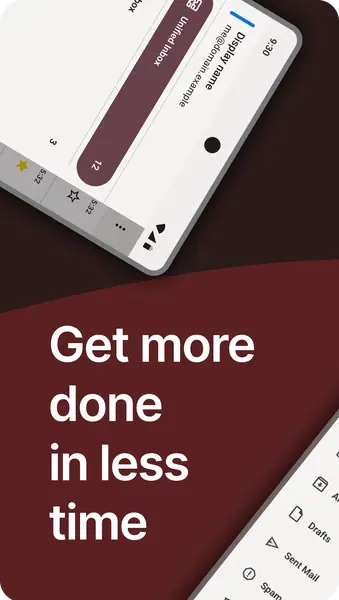
- Automatic background synchronization or push notifications
- Local and server-side search
- OpenPGP email encryption (PGP/MIME)
Install the app OpenKeychain: Easy PGP to encrypt/decrypt your emails using OpenPGP.
Support
If you're having trouble with K-9 Mail, ask for help in our support forum.
Want to help?
K-9 Mail is a community developed project. If you're interested in helping to improve the app, please join us! You can find our bug tracker, source code, and wiki at https://github.com/thunderbird/thunderbird-android. We're always happy to welcome new developers, designers, documenters, translators, bug triagers and friends.
What's new in version 25.0
K-9 Mail version 25.0
Fixed:
- Message composer could crash when rotating screen or editing message as new
- HTML signature text disappeared after rotation
- Deleted email notifications could reappear
- HTML drafts could hide or lose attachments
- Add to contacts crashed without a Contacts app
- Large PGP attachments showed no encryption progress
- Account drawer could behave inconsistently
APK file information
| Package name | com.fsck.k9 |
|---|---|
| Version | 25.0 (code 39047) |
| Minimum Android | Android 6.0 · targets Android 16 |
| Architectures | arm64-v8a, armeabi-v7a, x86, x86_64 |
| SHA-256 | f2b7f38371f331636a5100bbc89b1c0bf8996548246c3a7966f13b188c897876 |
| Signature | c430665e3662253b2078dcda350c2c6ce44d915a3d8a147b63ced619bb9e8576 |
| Licence | Apache-2.0 — permissive free licence: the source code is public and reusable |
| Source code | github.com/thunderbird/thunderbird-android |
| Official website | k9mail.app/ |
Permissions
- Camera sensitive
- Read contacts sensitive
- Show notifications
- Start at boot
- View network status
- Internet access
- Vibrate
- Keep the device awake
- Run in the background
- Fingerprint / biometrics
- Fingerprint
2 other technical permission(s)
READ_SYNC_SETTINGS SCHEDULE_EXACT_ALARM
Older versions
- K-9 Mail 25.0November 13, 2026 · 10.7 MB
- K-9 Mail 24.0October 18, 2026 · 10.4 MB
- K-9 Mail 23.1September 25, 2026 · 10.3 MB
How to install K-9 Mail APK
- Tap Download APK above, then open the file once the download has finished.
- If Android asks, allow your browser to install unknown apps.
- Tap Install. K-9 Mail then appears with your other apps.
Having trouble? Read our guides how to install an APK on Android and "App not installed": how to fix it.
Frequently asked questions
Is K-9 Mail free?
Yes. K-9 Mail is distributed under the Apache-2.0 licence: free, no subscription, and its source code is public.
Is this APK file safe?
The file is the one built and published by the F-Droid repository from the public source code. Its SHA-256 fingerprint is shown above, so you can compare it after downloading. How to check an APK.
Will K-9 Mail work on my phone?
You need at least Android 6.0. The app also works without Google services, so it runs on recent Huawei phones too.