μlogger APK
Location tracker with focus on privacy and energy efficiency
Download APK v3.13 · 1.3 MB- Version3.13
- Size1.3 MB
- RequiresAndroid 5.0
- Updated9/25/2025
- LicenceGPL-3.0-or-later
- PriceFree
About μlogger
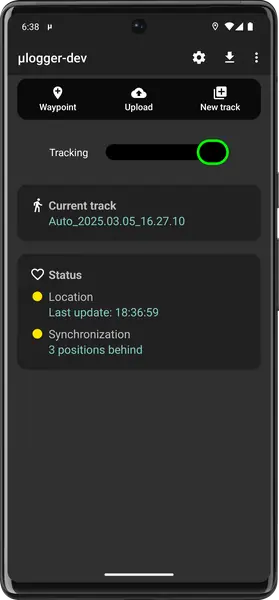
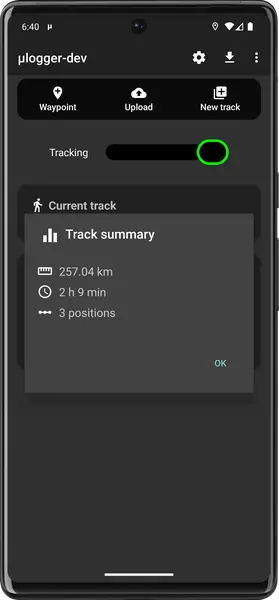
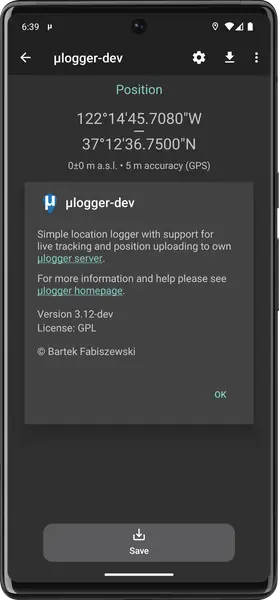
μlogger ('micro-logger') is an application for continuous logging of location coordinates, designed to record hiking, biking tracks and other outdoor activities. Track points are saved at chosen intervals and may be uploaded to dedicated server in real time. This client works with μlogger web server. Together they make a complete self owned and controlled client–server solution.
Features
- meant to be simple and small (μ)
- focus on privacy, doesn't use Google Play services, logs to self-owned server
- low memory and battery impact
- uses GPS or network based location data
- synchronizes location with web server in real time, in case of problems keeps retrying
- alternatively works in offline mode; positions may be exported to file and uploaded to the server manually
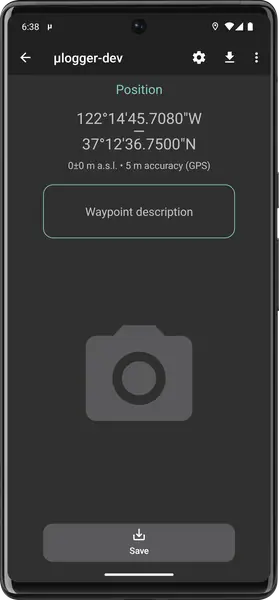
- allows adding waypoints with attached images and comments (required server version 1.0+ for synchronization)
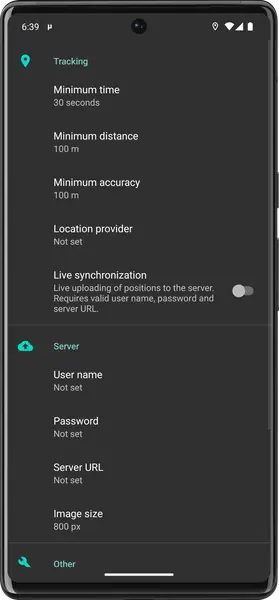
- configurable tracking settings
- export to GPX, KML format
- automation
What's new in version 3.13
3.13: μlogger
Changes:
- Target Android 16
- Distinguish waypoints in GPX export using element
- Restart logging after system crash, battery shutdown
- Code cleanup
APK file information
| Package name | net.fabiszewski.ulogger |
|---|---|
| Version | 3.13 (code 313) |
| Minimum Android | Android 5.0 · targets Android 16 |
| Architectures | All (universal) |
| SHA-256 | e403b15d9c5aab8b386031295a4d3bbcc40e5106b95910e14b000330f5259697 |
| Signature | 70ab61a64edb3f75d32ae5777171bf0c2b3b8326f1ec3ade044ce7773b0e35cd |
| Licence | GPL-3.0-or-later — copyleft free licence: the code is public and modified versions must stay free |
| Source code | github.com/bfabiszewski/ulogger-android |
Permissions
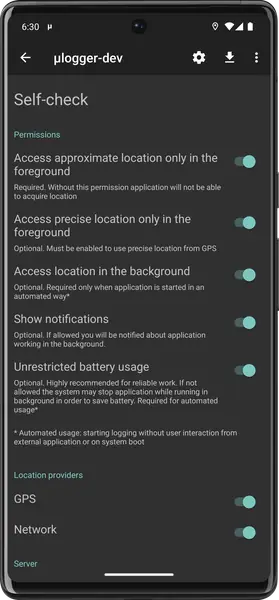
- Precise location (GPS) sensitive
- Approximate location sensitive
- Background location sensitive
- Internet access
- View network status
- Write to storage
- Start at boot
- Keep the device awake
- Run in the background
- Show notifications
- Read storage
Older versions
- μlogger 3.13September 25, 2025 · 1.3 MB
- μlogger 3.12March 8, 2025 · 1.3 MB
- μlogger 3.11April 12, 2024 · 1.4 MB
How to install μlogger APK
- Tap Download APK above, then open the file once the download has finished.
- If Android asks, allow your browser to install unknown apps.
- Tap Install. μlogger then appears with your other apps.
Having trouble? Read our guides how to install an APK on Android and "App not installed": how to fix it.
Frequently asked questions
Is μlogger free?
Yes. μlogger is distributed under the GPL-3.0-or-later licence: free, no subscription, and its source code is public.
Is this APK file safe?
The file is the one built and published by the F-Droid repository from the public source code. Its SHA-256 fingerprint is shown above, so you can compare it after downloading. How to check an APK.
Will μlogger work on my phone?
You need at least Android 5.0. The app also works without Google services, so it runs on recent Huawei phones too.