LRC Editor APK
Create and edit lyric files with ease
Download APK v3.2.7 · 1.2 MB- Version3.2.7
- Size1.2 MB
- RequiresAndroid 5.0
- Updated2/10/2026
- LicenceGPL-3.0-only
- PriceFree
About LRC Editor
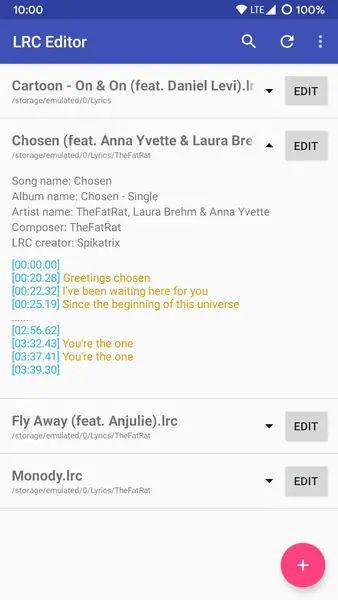
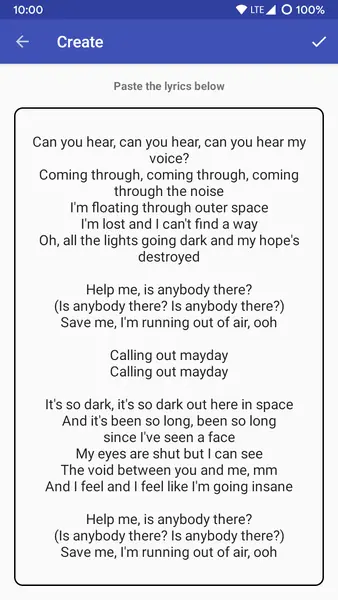
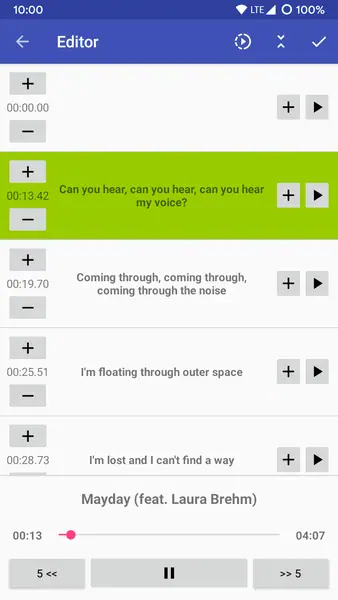
LRC Editor helps you to create and edit lyric files ( .lrc files ) easily.
Features:
- Comes with a small built-in media player to help you synchronise your lyrics with your song
- Supports both fine and coarse tuning of timestamps for synchronising your lyrics perfectly
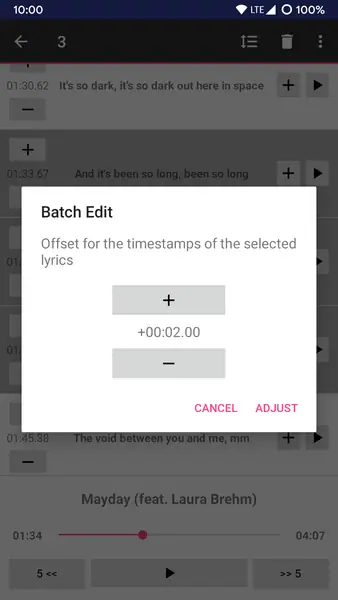
- Supports powerful batch editing features to adjust timestamps quickly
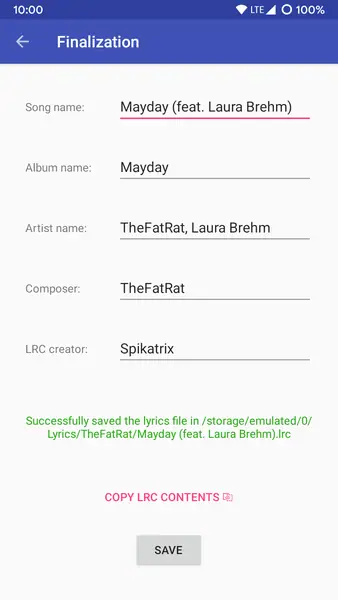
- .lrc lyric files can be directly opened from your file manager with this app
- Lightweight and Ad free
You can use .lrc lyric files to add lyrics into music players that support them for example the stock music players of Xiaomi, Huawei, OPPO, Samsung etc
Try it out now!
If you face desync issues, make sure you're using a high quality constant bitrate MP3 file or a music container suited for precise seeking.
A big thank you to all the translators:
- Chinese Traditional (zh-rTW) by Martin C
- Chinese Simplified (zh-rCW) by Krasnaya Ploshchad
- French (fr) by tintinmar1995
- German (de) by Leon Thelen
- Indonesian (in) by Fajar Maulana
- Polish (pl) by Zbigniew Zienko
- Portuguese (pt-rBR) by Ayrtown Karlos
- Spanish (es) by Jonathan Martinez
What's new in version 3.2.7
- Added a new setting to save lyrics with a leading space
- Fixed an issue with timestamp milliseconds being read incorrectly
- Translation improvements
APK file information
| Package name | com.cg.lrceditor |
|---|---|
| Version | 3.2.7 (code 57) |
| Minimum Android | Android 5.0 · targets Android 10 |
| Architectures | All (universal) |
| SHA-256 | ea720cf8ae77d9dcae2f5639654ae03f9309c9de49b6abb166d4a93c1d20f016 |
| Signature | 4f315e475f404467a76a93fb5a6f1b0717a95932d4570da40c8d2a84d145077e |
| Licence | GPL-3.0-only — copyleft free licence: the code is public and modified versions must stay free |
| Source code | github.com/Spikatrix/LRC-Editor |
Permissions
- Write to storage
- Read storage
Older versions
- LRC Editor 3.2.7February 10, 2026 · 1.2 MB
- LRC Editor 3.2.6March 6, 2021 · 1.3 MB
- LRC Editor 3.2.6March 3, 2021 · 1.3 MB
How to install LRC Editor APK
- Tap Download APK above, then open the file once the download has finished.
- If Android asks, allow your browser to install unknown apps.
- Tap Install. LRC Editor then appears with your other apps.
Having trouble? Read our guides how to install an APK on Android and "App not installed": how to fix it.
Frequently asked questions
Is LRC Editor free?
Yes. LRC Editor is distributed under the GPL-3.0-only licence: free, no subscription, and its source code is public.
Is this APK file safe?
The file is the one built and published by the F-Droid repository from the public source code. Its SHA-256 fingerprint is shown above, so you can compare it after downloading. How to check an APK.
Will LRC Editor work on my phone?
You need at least Android 5.0. The app also works without Google services, so it runs on recent Huawei phones too.