
Multi Launcher ‧ Home Screen APK
Multi Launcher ‧ Home Screen
Download APK v1.12.3 Build 0 · 6.9 MB- Version1.12.3 Build 0
- Size6.9 MB
- RequiresAndroid 9
- Updated11/17/2026
- LicenceGPL-3.0-only
- PriceFree
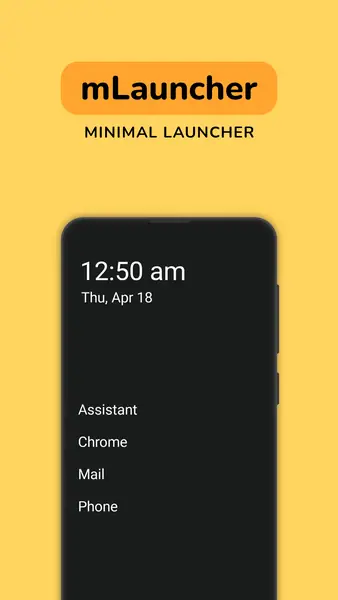
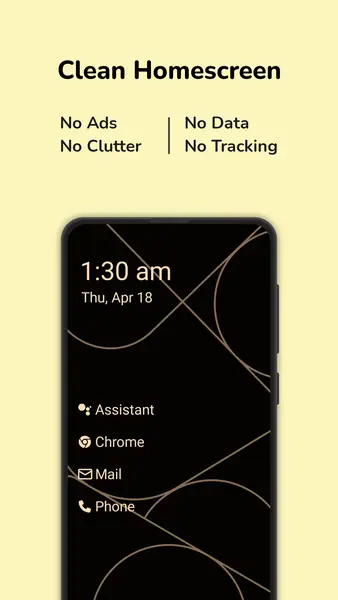
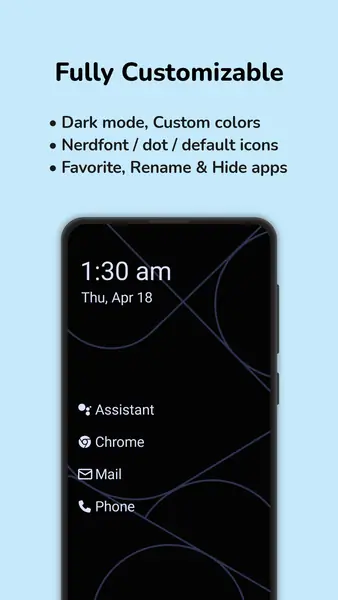
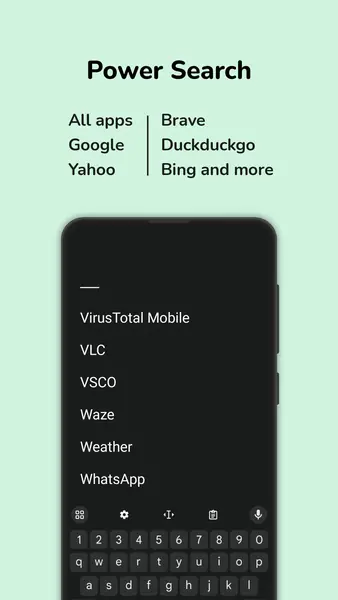
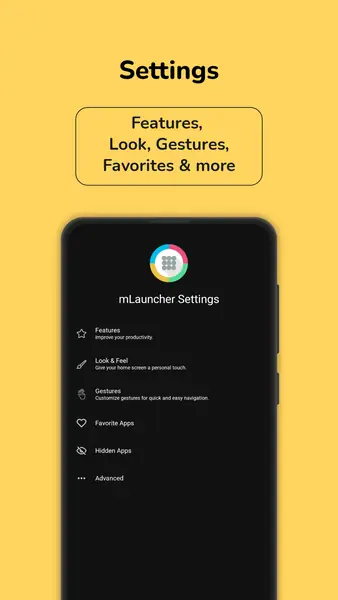
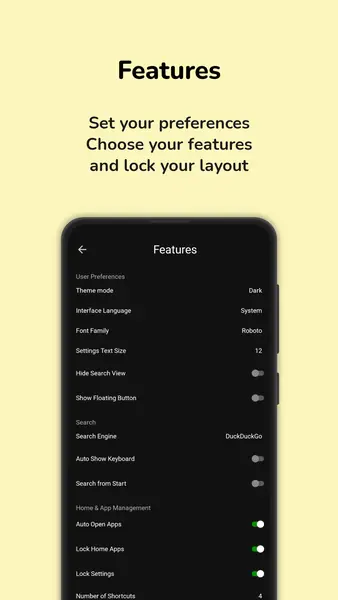
About Multi Launcher ‧ Home Screen
Multi Launcher: A Clean, Simple Android Launcher Built for Readability and Control
Looking for a launcher that ditches the clutter and keeps things easy? Multi Launcher is a powerful yet minimalist Android launcher that replaces tiny icons with clear, readable text buttons, making your phone easier to navigate.
Whether you want a simple home screen, need large text for visibility, or prefer quick gesture-based actions, Multi Launcher gives you full control without overwhelming you with options.
Why Choose Multi Launcher?
- Text-Based Launcher: No confusing icons — just labeled text buttons for your apps.
- Highly Customizable: Adjust layout, font sizes, clock position, and more.
- Quick Gestures: Use taps, swipes, and long swipes to open apps, lock the screen, and access notifications.
- Secure: Biometric lock for settings and privacy.
- Great for Seniors or Simplicity-Lovers: Easy to read, use, and customize.
Key Features:
- Custom App Names: Rename apps to match how you think of them.
- Flexible Layouts: Organize apps in the way that makes sense for you.
- Clock & Date Customization: Place widgets wherever you want.
- App Usage Insights: See how much time you spend in each app.
- Gesture Shortcuts: Set custom actions for double taps, swipes, and more.
Accessibility Features:
This app uses the AccessibilityService API to:
- Lock the screen with a gesture
- Open the power menu
- Pull down the notification drawer
Multi Launcher respects your privacy. These features do not collect or share personal data.
If you’re tired of flashy, cluttered launchers and want something straightforward, stylish, and empowering, Multi Launcher is your perfect home screen solution.
APK file information
| Package name | app.mlauncher |
|---|---|
| Version | 1.12.3 Build 0 (code 1120300) |
| Minimum Android | Android 9 · targets API 37 |
| Architectures | arm64-v8a, armeabi-v7a, x86, x86_64 |
| SHA-256 | 868b2fe374f8dcc14baadddc928d588a75ed75c94f741809a49770b89d4ebb5e |
| Signature | 431361eebc9d055ed708125def85423c70f05c10f04cc6c25e2e1018700eafd7 |
| Licence | GPL-3.0-only — copyleft free licence: the code is public and modified versions must stay free |
| Source code | github.com/CodeWorksCreativeHub/mLauncher |
| Official website | mlauncher.5646316.xyz/ |
Permissions
- See installed apps sensitive
- Approximate location sensitive
- Precise location (GPS) sensitive
- Fingerprint / biometrics
- Read contacts sensitive
- Vibrate
- Internet access
- Fingerprint
- Keep the device awake
- View network status
- Start at boot
- Run in the background
8 other technical permission(s)
EXPAND_STATUS_BAR PACKAGE_USAGE_STATS ACCESS_HIDDEN_PROFILES REQUEST_DELETE_PACKAGES SET_WALLPAPER BIND_APPWIDGET BIND_REMOTEVIEWS REORDER_TASKS
Older versions
- Multi Launcher ‧ Home Screen 1.12.3 Build 0November 17, 2026 · 6.9 MB
- Multi Launcher ‧ Home Screen 1.12.2 Build 0October 5, 2026 · 6.8 MB
- Multi Launcher ‧ Home Screen 1.12.0 Build 1September 5, 2026 · 6.7 MB
How to install Multi Launcher ‧ Home Screen APK
- Tap Download APK above, then open the file once the download has finished.
- If Android asks, allow your browser to install unknown apps.
- Tap Install. Multi Launcher ‧ Home Screen then appears with your other apps.
Having trouble? Read our guides how to install an APK on Android and "App not installed": how to fix it.
Frequently asked questions
Is Multi Launcher ‧ Home Screen free?
Yes. Multi Launcher ‧ Home Screen is distributed under the GPL-3.0-only licence: free, no subscription, and its source code is public.
Is this APK file safe?
The file is the one built and published by the F-Droid repository from the public source code. Its SHA-256 fingerprint is shown above, so you can compare it after downloading. How to check an APK.
Will Multi Launcher ‧ Home Screen work on my phone?
You need at least Android 9. The app also works without Google services, so it runs on recent Huawei phones too.





