
MultiVNC APK
VNC viewer that aims to be easy to use and fast
Download APK v2.3.4 · 8.5 MB- Version2.3.4
- Size8.5 MB
- RequiresAndroid 5.0
- Updated3/11/2026
- LicenceGPL-3.0-only
- PriceFree

About MultiVNC
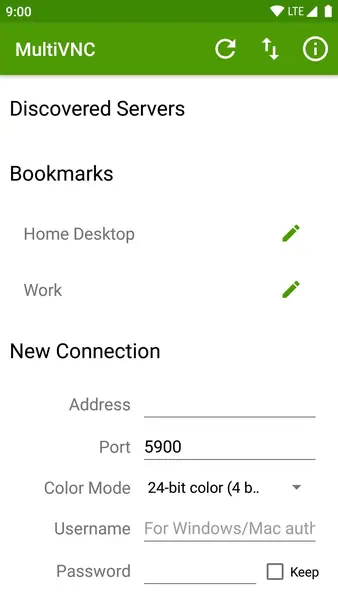
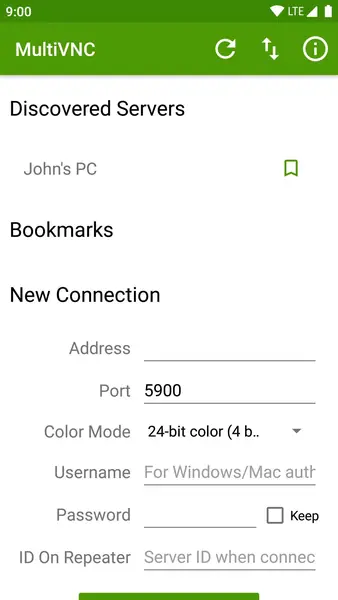
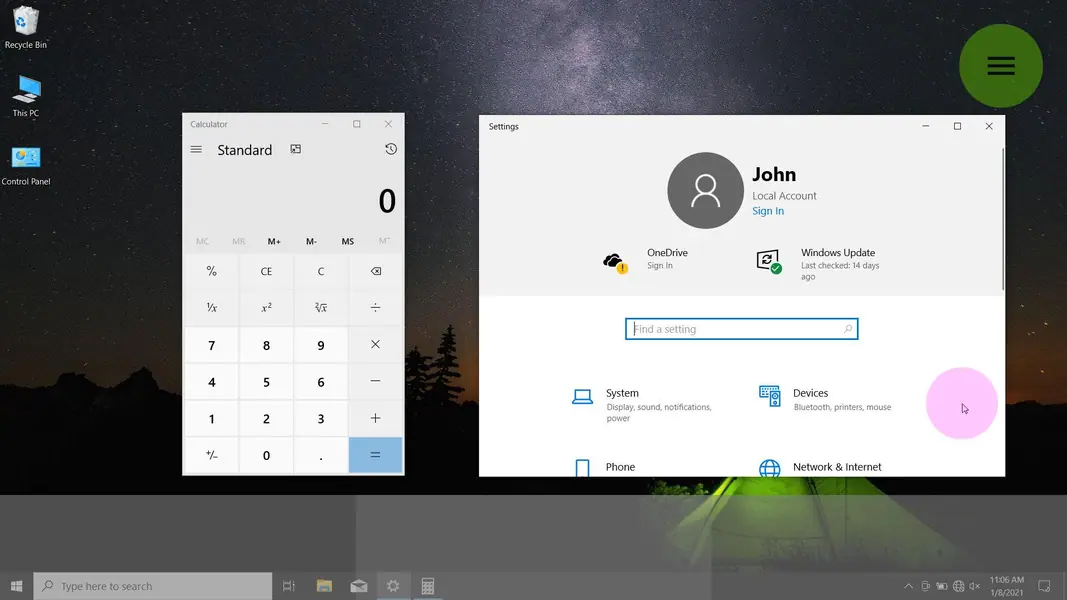
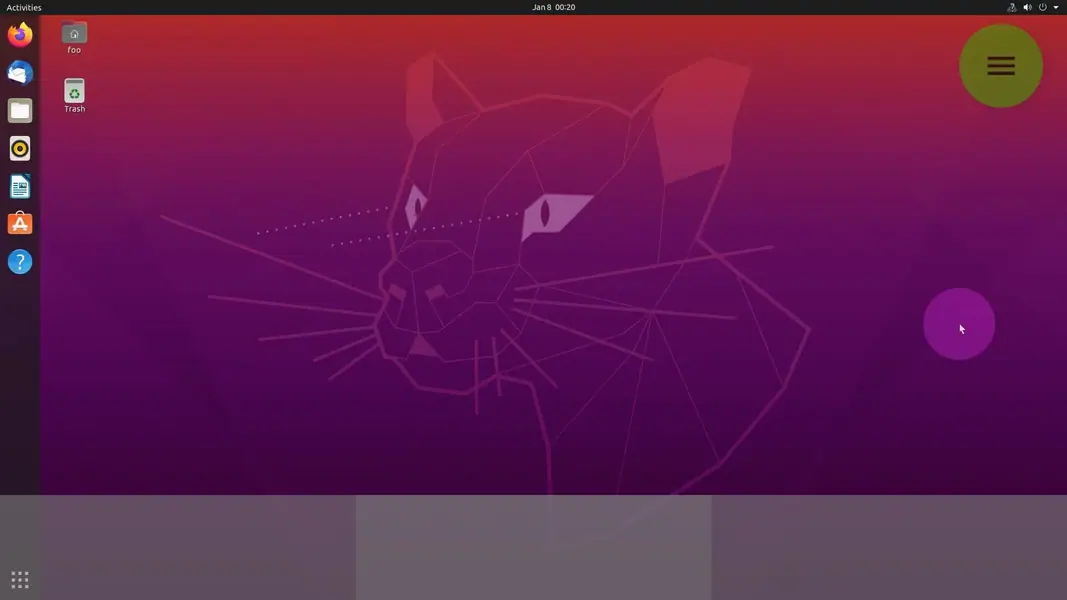
MultiVNC is an open-source VNC viewer that aims to be easy to use and fast. It includes the following features:
- Support for most VNC encodings including Tight.
- TLS support, i.e. AnonTLS and VeNCrypt, including support for self-signed certificates.
- Support for SSH-Tunnelling with password- and privkey-based authentication.
- UltraVNC Repeater support.
- Discovery of VNC servers advertising themselves via ZeroConf.
- Bookmarking of connections.
- Import and export of saved connections.
- Virtual mouse button controls with haptic feedback.
- Two-finger swipe gesture recognition.
- A super fast touchpad mode for local use.
- Hardware-accelerated OpenGL drawing and zooming.
- Supports server framebuffer resize.
- Copy&paste to and from Android.
What's new in version 2.3.4
Please see https://github.com/bk138/multivnc/blob/master/android/ChangeLog.md for a list of the latest changes.
APK file information
| Package name | com.coboltforge.dontmind.multivnc |
|---|---|
| Version | 2.3.4 (code 107) |
| Minimum Android | Android 5.0 · targets Android 15 |
| Architectures | arm64-v8a, armeabi-v7a, x86, x86_64 |
| SHA-256 | 6d5c869d823b7a78ad69cef49f00900c8313c23daa6e8a637e9c7b17441b633d |
| Signature | 6fdbe350e90b07e621d2e970e2c08230c88d5074e0ae0c21dd8579de1f4ff2c5 |
| Licence | GPL-3.0-only — copyleft free licence: the code is public and modified versions must stay free |
| Source code | github.com/bk138/multivnc |
Permissions
- Internet access
- View network status
- View Wi-Fi status
- Run in the background
- Show notifications
1 other technical permission(s)
CHANGE_WIFI_MULTICAST_STATE
Older versions
- MultiVNC 2.3.4March 11, 2026 · 8.5 MB
- MultiVNC 2.3.3February 24, 2026 · 8.5 MB
- MultiVNC 2.2.0August 30, 2025 · 8.0 MB
How to install MultiVNC APK
- Tap Download APK above, then open the file once the download has finished.
- If Android asks, allow your browser to install unknown apps.
- Tap Install. MultiVNC then appears with your other apps.
Having trouble? Read our guides how to install an APK on Android and "App not installed": how to fix it.
Frequently asked questions
Is MultiVNC free?
Yes. MultiVNC is distributed under the GPL-3.0-only licence: free, no subscription, and its source code is public.
Is this APK file safe?
The file is the one built and published by the F-Droid repository from the public source code. Its SHA-256 fingerprint is shown above, so you can compare it after downloading. How to check an APK.
Will MultiVNC work on my phone?
You need at least Android 5.0. The app also works without Google services, so it runs on recent Huawei phones too.





