
OCR APK
OCR based on Tesseract 5
Download APK v6.1 · 33.3 MB- Version6.1
- Size33.3 MB
- RequiresAndroid 6.0
- Updated8/10/2026
- LicenceApache-2.0
- PriceFree
About OCR
OCR
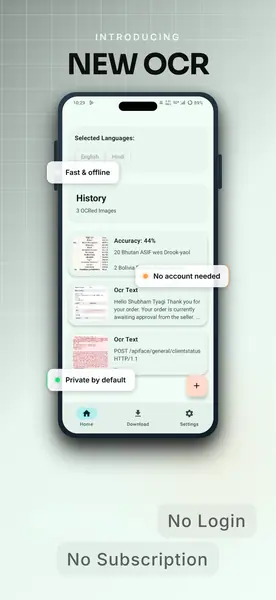
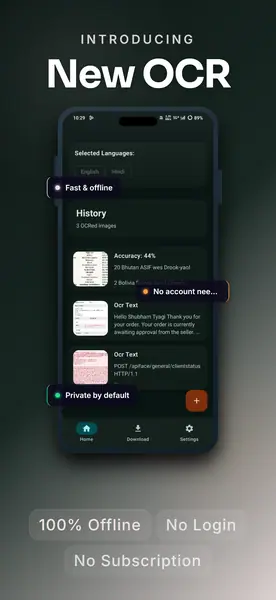
An Android OCR app based on Tesseract that can recognize texts on images.
This app is now based(Since v3.0) on Tesseract 5 and the first of android app which is based on Tesseract 5.
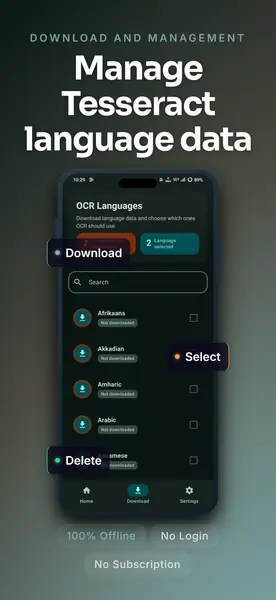
###After downloading the Training data, the app does everything offline on your device.
Translate this app on Hosted Weblate.
🚀 Features
- Highest accuracy and fastest result.
- Extract text from images.
- Copy data to clipboard.
- Select any part of the data.
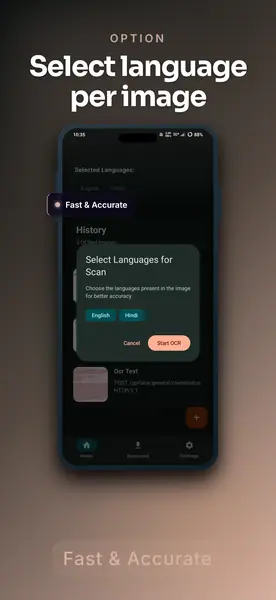
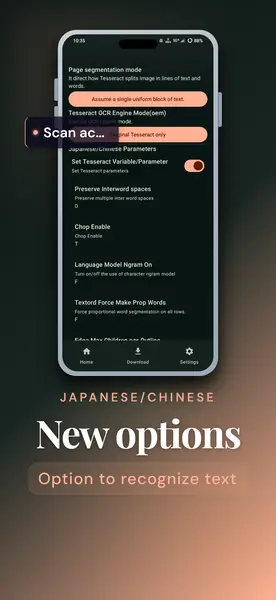
- Process multiple languages in single image(Required changes in settings).
- Based on latest Training Data.
- 120+ recognized languages.
- 3 Type of data i.e Standard, best, fast for more info click here.
- Math recognition/equation detection(Not Tested yet).
- Process images directly from the gallery on your device via the share menu.
Required Permissions
- Internet: Downloading the training data
- Access Internet state: To download the training data.
- Note: None of your data is sent to anywhere.
📓 License
- Tesseract and Tesseract Data: Apache 2.0.
- Tesseract4Android: Apache 2.0.
- ImageCropper: Apache 2.0.
- SpinnerDialog: [Apache 2.0
Made possible by the Tesseract4Android library.
What's new in version 6.1
Major Milestone: Jetpack Compose Migration
The app has undergone a complete architectural and UI overhaul, moving away from legacy XML-based layouts and Java-heavy logic to a modern, reactive Kotlin-first approach.
-Features & UI/UX Overhaul
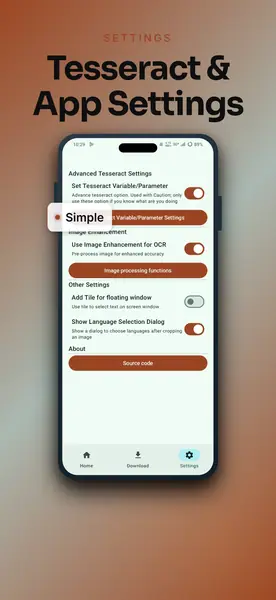
•Material 3 Implementation: Fully adopted Material Design 3 (M3) standards, providing a modern, clean, and accessible user interface. •Complete UI Migration: All screens have been rebuilt from the ground up using Jetpack Compose. •Enhanced Home Experience
APK file information
| Package name | io.github.subhamtyagi.ocr |
|---|---|
| Version | 6.1 (code 61) |
| Minimum Android | Android 6.0 · targets API 37 |
| Architectures | arm64-v8a, armeabi-v7a, x86, x86_64 |
| SHA-256 | 8fe496fbd91ad57bba697027f86f942d217687f98df63a20d3f3be8ff5aba79c |
| Signature | d9fffd0d32f4055d1088fe300cae79fc27c48ba05985e3d315a332232e87a51c |
| Licence | Apache-2.0 — permissive free licence: the source code is public and reusable |
| Source code | github.com/SubhamTyagi/android-ocr |
Permissions
- View network status
- Internet access
Older versions
How to install OCR APK
- Tap Download APK above, then open the file once the download has finished.
- If Android asks, allow your browser to install unknown apps.
- Tap Install. OCR then appears with your other apps.
Having trouble? Read our guides how to install an APK on Android and "App not installed": how to fix it.
Frequently asked questions
Is OCR free?
Yes. OCR is distributed under the Apache-2.0 licence: free, no subscription, and its source code is public.
Is this APK file safe?
The file is the one built and published by the F-Droid repository from the public source code. Its SHA-256 fingerprint is shown above, so you can compare it after downloading. How to check an APK.
Will OCR work on my phone?
You need at least Android 6.0. The app also works without Google services, so it runs on recent Huawei phones too.





