
Orgro APK
Live your life in Org Mode? Take it with you on your Android device.
Download APK v2.7.3 · 92.1 MB- Version2.7.3
- Size92.1 MB
- RequiresAndroid 7.0
- Updated10/29/2026
- LicenceGPL-3.0-only
- PriceFree
About Orgro
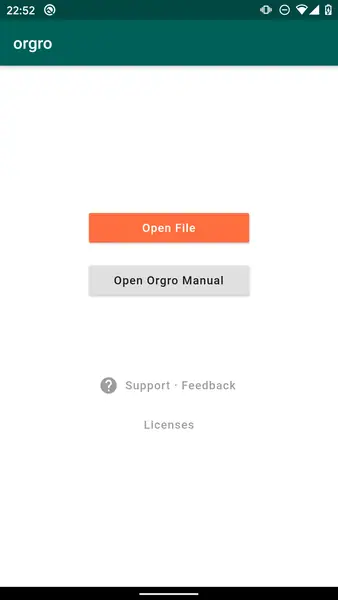
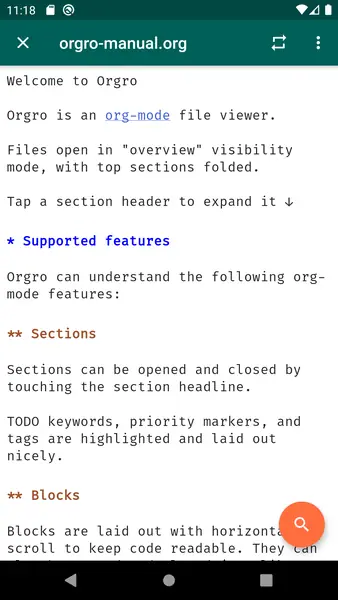
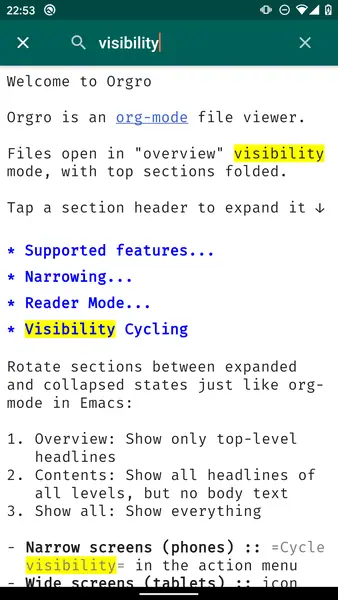
Orgro is an Org Mode file editor and viewer that brings essential Org features to mobile:
- TODO and checkbox toggling, with progress cookies
- Quick actions to start a new Org doc or go straight to your most important one
- Notifications for Org Agenda items
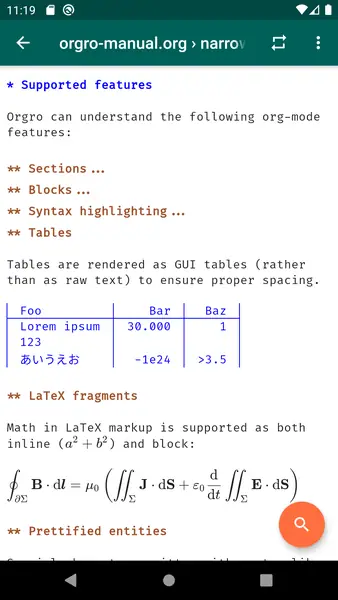
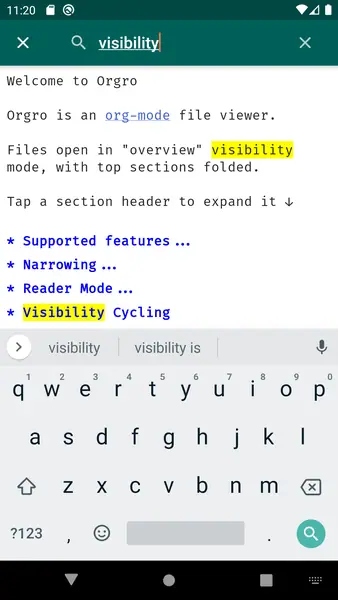
- Narrow, search, and filter your document just like in Emacs
- Org Crypt section symmetric decryption/encryption
- Org Cite bibliography support
- Syntax highlighting, beautiful tables, LaTeX rendering
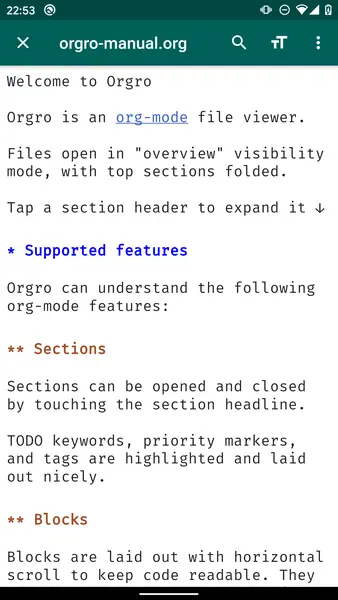
- Expand or collapse sections, blocks, and drawers
- Reflowed text for easy viewing on mobile
Note: INTERNET permission is required for displaying remote images and dynamically loading fonts from online sources (Google Fonts, AWS S3).
Notification- and execution-related permissions required for Org Agenda notifications and background updating of agenda.
What's new in version 2.7.3
- Customize when you receive agenda notifications
- Choose a file to capture to with file picker
- Updated Ukrainian localization
- Bug fixes
APK file information
| Package name | com.madlonkay.orgro |
|---|---|
| Version | 2.7.3 (code 275) |
| Minimum Android | Android 7.0 · targets Android 16 |
| Architectures | arm64-v8a, armeabi-v7a, x86_64 |
| SHA-256 | dc24a9cd055b49aaf45e6946661c0be5f796a3283d104da179e226e4938ec295 |
| Signature | d9423d31b482bc1638bf553b6ac1a5fdf07e85ac197de6f0d796b1a0f8912273 |
| Licence | GPL-3.0-only — copyleft free licence: the code is public and modified versions must stay free |
| Source code | github.com/amake/orgro |
| Official website | orgro.org |
Permissions
- Internet access
- Start at boot
- Show notifications
- Run in the background
- Keep the device awake
- View network status
- Vibrate
1 other technical permission(s)
SCHEDULE_EXACT_ALARM
Older versions
- Orgro 2.7.3October 29, 2026 · 92.1 MB
- Orgro 2.7.2October 27, 2026 · 92.1 MB
- Orgro 2.7.0October 25, 2026 · 92.0 MB
How to install Orgro APK
- Tap Download APK above, then open the file once the download has finished.
- If Android asks, allow your browser to install unknown apps.
- Tap Install. Orgro then appears with your other apps.
Having trouble? Read our guides how to install an APK on Android and "App not installed": how to fix it.
Frequently asked questions
Is Orgro free?
Yes. Orgro is distributed under the GPL-3.0-only licence: free, no subscription, and its source code is public.
Is this APK file safe?
The file is the one built and published by the F-Droid repository from the public source code. Its SHA-256 fingerprint is shown above, so you can compare it after downloading. How to check an APK.
Will Orgro work on my phone?
You need at least Android 7.0. The app also works without Google services, so it runs on recent Huawei phones too.