
OSM Dashboard for OpenTracks APK
OpenStreetMap dashboard for OpenTracks
Download APK v6.10.0 · 7.6 MB- Version6.10.0
- Size7.6 MB
- RequiresAndroid 8.0
- Updated6/16/2026
- LicenceApache-2.0
- PriceFree
About OSM Dashboard for OpenTracks
OpenStreetMap dashboard for OpenTracks. Can be used as standalone GPX and location viewer as well.
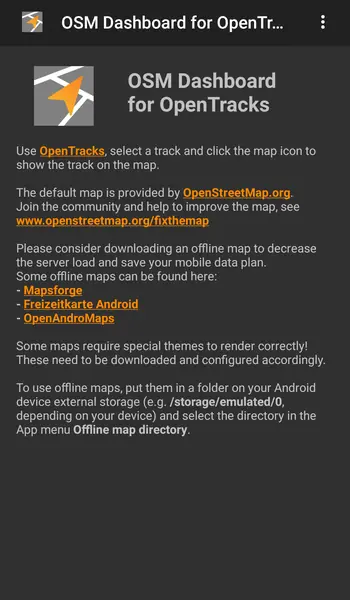
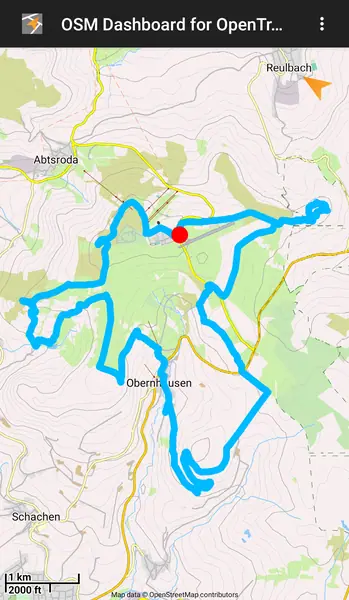
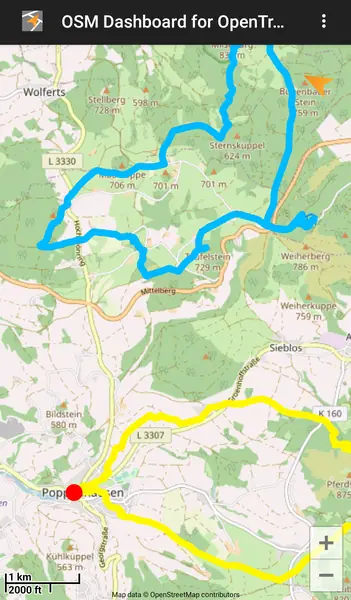
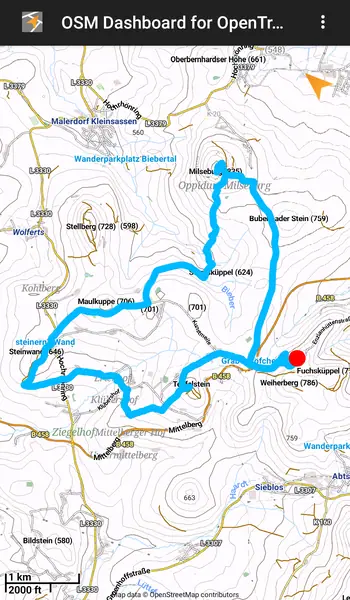
It shows a selected track with start- and endpoints on a map from OpenStreetMap based on the Mapsforge VTM library. The default is an online map, but offline maps are supported as well. With offline maps, there is no necessity for a mobile data plan.
The default map is provided by OpenStreetMap.org. Join the community and help to improve the map, see www.openstreetmap.org/fixthemap
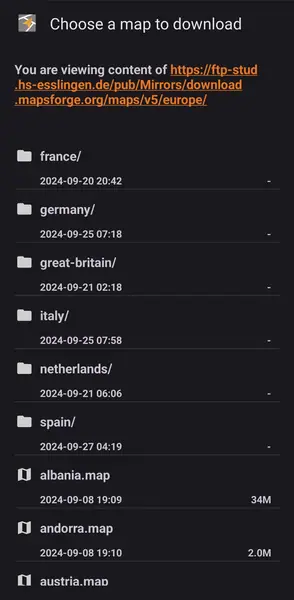
Please consider downloading an offline map to decrease the server load and save your mobile data plan. Some offline maps can be found here:
- Mapsforge
- Freizeitkarte Android
- OpenAndroMaps
Some maps require special themes to render correctly! These need to be downloaded and configured accordingly.
Offline maps can be downloaded via the menu "Map download" or by visiting the above mentioned websites and click the download links. Some browsers (e.g. Firefox) require a long click on the link and "Open link in external app" and then choose OSMDashboard.
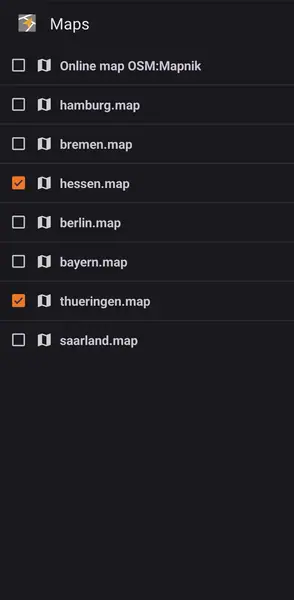
Manual downloaded offline maps or maps shared with other apps can be opened from your Android device. Select the directory in the menu "Map directory".
What's new in version 6.10.0
- Fix: do not jump to start position when switching fullscreen mode
- Fix: do not swallow Pause Trackpoints on track smoothing
- Updated dependencies
- Updated translations
APK file information
| Package name | de.storchp.opentracks.osmplugin |
|---|---|
| Version | 6.10.0 (code 71) |
| Minimum Android | Android 8.0 · targets Android 16 |
| Architectures | arm64-v8a, armeabi-v7a, x86, x86_64 |
| SHA-256 | dced0666453c737a1370677eeacf2837ecc14b2e806e26b2293187715c089e0c |
| Signature | a3fa2ab15d340794c0a0a230f7d0619c6ba35fb8d1e7dc541f5b9cef4769b6d8 |
| Licence | Apache-2.0 — permissive free licence: the source code is public and reusable |
| Source code | codeberg.org/OpenTracksApp/OSMDashboard |
| Official website | OpenTracksApp.com |
Permissions
- Internet access
Older versions
- OSM Dashboard for OpenTracks 6.10.0June 16, 2026 · 7.6 MB
- OSM Dashboard for OpenTracks 6.9.0April 28, 2026 · 7.4 MB
- OSM Dashboard for OpenTracks 6.8.0April 24, 2026 · 7.4 MB
How to install OSM Dashboard for OpenTracks APK
- Tap Download APK above, then open the file once the download has finished.
- If Android asks, allow your browser to install unknown apps.
- Tap Install. OSM Dashboard for OpenTracks then appears with your other apps.
Having trouble? Read our guides how to install an APK on Android and "App not installed": how to fix it.
Frequently asked questions
Is OSM Dashboard for OpenTracks free?
Yes. OSM Dashboard for OpenTracks is distributed under the Apache-2.0 licence: free, no subscription, and its source code is public.
Is this APK file safe?
The file is the one built and published by the F-Droid repository from the public source code. Its SHA-256 fingerprint is shown above, so you can compare it after downloading. How to check an APK.
Will OSM Dashboard for OpenTracks work on my phone?
You need at least Android 8.0. The app also works without Google services, so it runs on recent Huawei phones too.