
Plexus APK
Check apps for compatibility with de-Googled device
Download APK v2.2.1 · 8.0 MB- Version2.2.1
- Size8.0 MB
- RequiresAndroid 8.0
- Updated8/4/2026
- LicenceGPL-3.0-only
- PriceFree
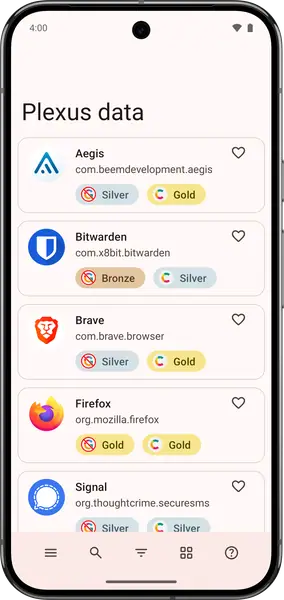
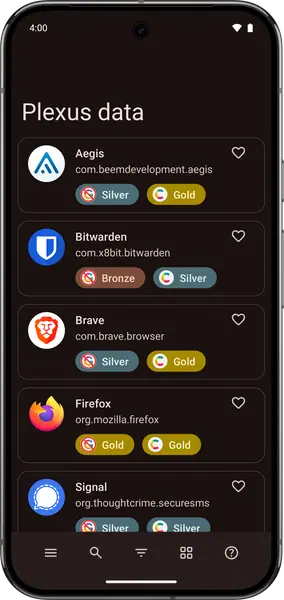
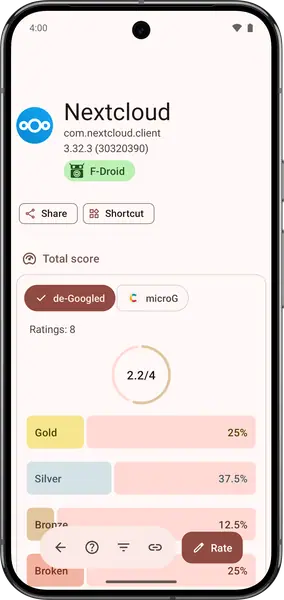
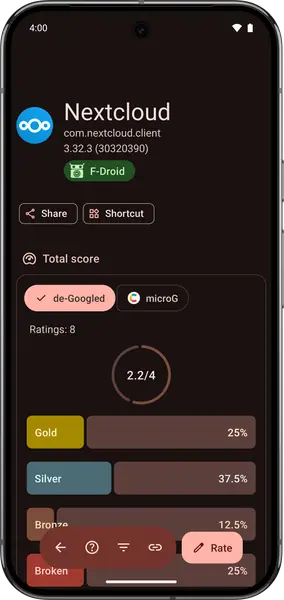
About Plexus
Remove the fear of app compatibility on de-Googled Android devices.
Google Play Services are essential components on most Android devices. They allow you to access your Google account seamlessly and provide Google-specific features for apps that depend on them. However, when you flash custom ROMs without Google Play Services or opt for alternatives like microG, certain apps may encounter issues — either not functioning at all or experiencing limitations in specific features.
Plexus provides detailed insights into app compatibility whether you’re using ROMs without Google Play Services (like LineageOS) or ROMs with microG (such as CalyxOS). It helps you identify which apps work, don’t work or have limited features. All the information is crowdsourced by the community, for the community.
What's new in version 2.2.1
- Support for Android 17.
- Added option to delete submitted ratings.
- Fix connection issues when using proxies.
- Fixed app crashing in some cases while searching.
- New translations & updated existing ones (contributed by the community).
APK file information
| Package name | tech.techlore.plexus |
|---|---|
| Version | 2.2.1 (code 221) |
| Minimum Android | Android 8.0 · targets API 37 |
| Architectures | arm64-v8a, armeabi-v7a, x86, x86_64 |
| SHA-256 | bd57154901cd54d7c557d1a93925c36c7371ccab2553a6daae20ba0bc7ff6d95 |
| Signature | f02b66e8e6183704c3fd6ae0632f6240de8eec0d6bdbe917731c41ab8c7d9aab |
| Licence | GPL-3.0-only — copyleft free licence: the code is public and modified versions must stay free |
| Source code | github.com/techlore/Plexus-app |
| Official website | plexus.techlore.tech |
Permissions
- Internet access
- View network status
- See installed apps sensitive
Older versions
- Plexus 2.2.1August 4, 2026 · 8.0 MB
- Plexus 2.2.0July 28, 2026 · 8.0 MB
- Plexus 2.1.9July 20, 2026 · 3.3 MB
How to install Plexus APK
- Tap Download APK above, then open the file once the download has finished.
- If Android asks, allow your browser to install unknown apps.
- Tap Install. Plexus then appears with your other apps.
Having trouble? Read our guides how to install an APK on Android and "App not installed": how to fix it.
Frequently asked questions
Is Plexus free?
Yes. Plexus is distributed under the GPL-3.0-only licence: free, no subscription, and its source code is public.
Is this APK file safe?
The file is the one built and published by the F-Droid repository from the public source code. Its SHA-256 fingerprint is shown above, so you can compare it after downloading. How to check an APK.
Will Plexus work on my phone?
You need at least Android 8.0. The app also works without Google services, so it runs on recent Huawei phones too.





