SilentSuite APK
SilentSuite - Secure Data Sync
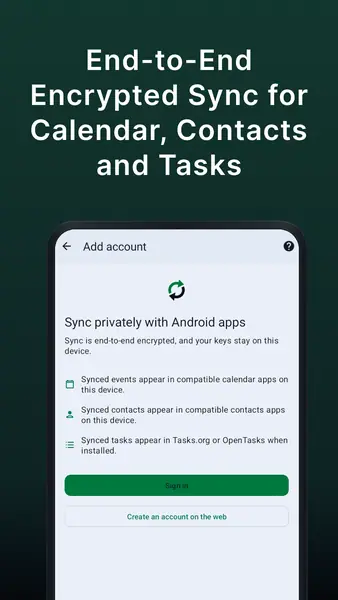
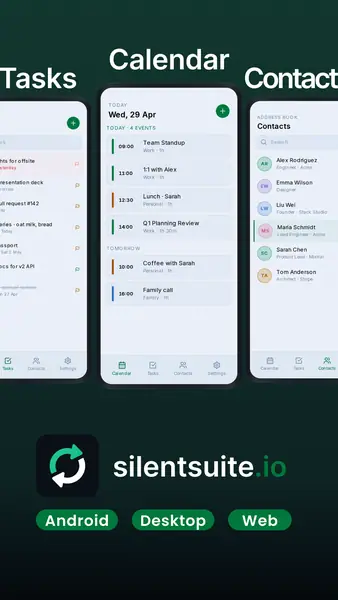
End-to-end encrypted sync for calendar, contacts, and tasks
Download APK v0.5.21-beta.2 · 30.0 MB- Version0.5.21-beta.2
- Size30.0 MB
- RequiresAndroid 10
- Updated11/23/2026
- LicenceGPL-3.0-only
- PriceFree
About SilentSuite
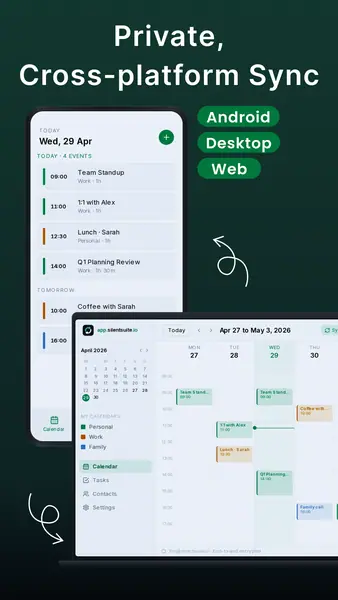
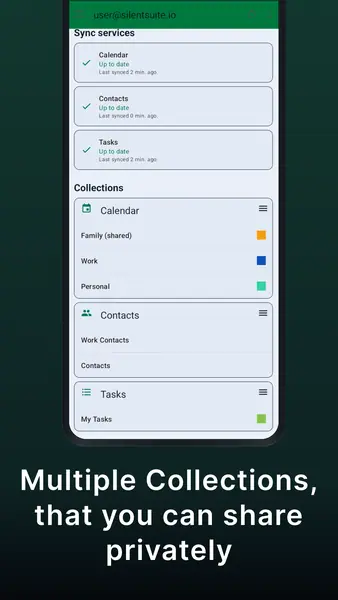
Your calendar, contacts, and tasks should stay in sync wherever you work: Android, macOS, Windows, Linux, and the web. SilentSuite keeps that data available across your devices while applying end-to-end encryption before anything leaves your device.
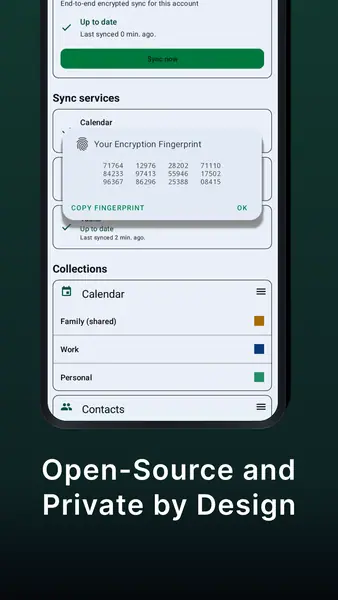
Zero-Knowledge Sync Encryption and decryption happen on your device, and your keys stay there. The server stores only ciphertext, so it cannot read what you keep on it. This is what zero-knowledge means in practice: the privacy guarantee is a technical constraint, not a policy statement.
Fits Into Every System You Use On Android, SilentSuite works as a native sync adapter for compatible calendar, contacts, and task apps. On macOS, Windows, and Linux it integrates through a lightweight desktop bridge, so your encrypted data can appear in the tools already built into your workflow. The web app gives you browser access when you are away from your own devices. iPhone support is coming soon.
Open Source And Inspectable Anyone can read the code, review the encryption, and confirm the privacy claims for themselves. There are no proprietary components to take on trust.
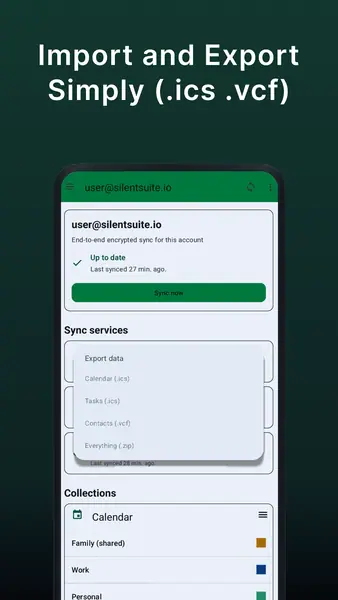
Hosted Or Self-Hosted Use the hosted service, or run your own server on hardware you control. Your data stays portable: export it at any time in standard formats, with no lock-in.
Beta Note This is a beta release. Calendar, contacts, and task sync are the focus of this version and form its stable core. Feedback and bug reports are welcome through the link in the app.
What You Need Requires a SilentSuite account. Self-hosting documentation is available at docs.silentsuite.io.
What's new in version 0.5.21-beta.2
Experimental: home screen widgets for your next seven days or the month. Turn them on under account Settings → Experimental. Calendar and task sync no longer get stuck on events in some time zones that changed in recent years, or on a calendar or task list whose colour isn't a standard colour code. Contact photos added in the web app now show up on the phone, including ones saved earlier. Events with no end time show their time instead of "Loading Error".
APK file information
| Package name | io.silentsuite.android |
|---|---|
| Version | 0.5.21-beta.2 (code 38) |
| Minimum Android | Android 10 · targets Android 16 |
| Architectures | arm64-v8a, armeabi-v7a, x86, x86_64 |
| SHA-256 | 79865f995741815826c085915d2b01181d81854868fa790a5315f0fd0da4ec64 |
| Signature | 8035a4ff1511e2045c579c905d26e93af6009b239e741ef78542ae04e7a7ca79 |
| Licence | GPL-3.0-only — copyleft free licence: the code is public and modified versions must stay free |
| Source code | github.com/silent-suite/silentsuite |
| Official website | www.silentsuite.io |
Permissions
- View network status
- View Wi-Fi status
- Internet access
- Show notifications
- Write to storage
- Read storage
- Read contacts sensitive
- Edit contacts sensitive
- Read calendar sensitive
- Edit calendar sensitive
7 other technical permission(s)
READ_SYNC_SETTINGS READ_SYNC_STATS WRITE_SYNC_SETTINGS REQUEST_IGNORE_BATTERY_OPTIMIZATIONS AUTHENTICATE_ACCOUNTS GET_ACCOUNTS MANAGE_ACCOUNTS
Older versions
- SilentSuite 0.5.21-beta.2November 23, 2026 · 30.0 MB
- SilentSuite 0.5.19-beta.2November 20, 2026 · 29.8 MB
- SilentSuite 0.5.18-beta.2November 17, 2026 · 29.6 MB
How to install SilentSuite APK
- Tap Download APK above, then open the file once the download has finished.
- If Android asks, allow your browser to install unknown apps.
- Tap Install. SilentSuite then appears with your other apps.
Having trouble? Read our guides how to install an APK on Android and "App not installed": how to fix it.
Frequently asked questions
Is SilentSuite free?
Yes. SilentSuite is distributed under the GPL-3.0-only licence: free, no subscription, and its source code is public.
Is this APK file safe?
The file is the one built and published by the F-Droid repository from the public source code. Its SHA-256 fingerprint is shown above, so you can compare it after downloading. How to check an APK.
Will SilentSuite work on my phone?
You need at least Android 10. The app also works without Google services, so it runs on recent Huawei phones too.