
Squeezer APK
Remote control for Lyrion Music Server and players.
Download APK v2.4.1 · 3.1 MB- Version2.4.1
- Size3.1 MB
- RequiresAndroid 5.0
- Updated5/18/2026
- LicenceApache-2.0
- PriceFree
About Squeezer
Control your Lyrion Music Server and players.
Features include:
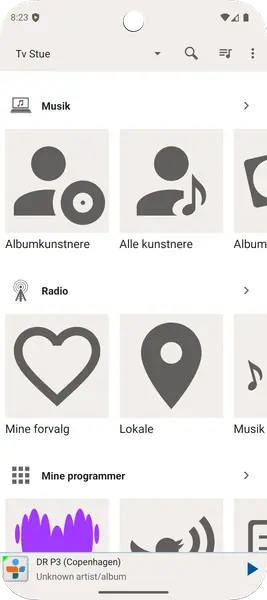
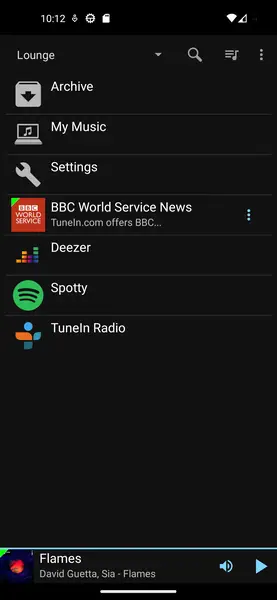
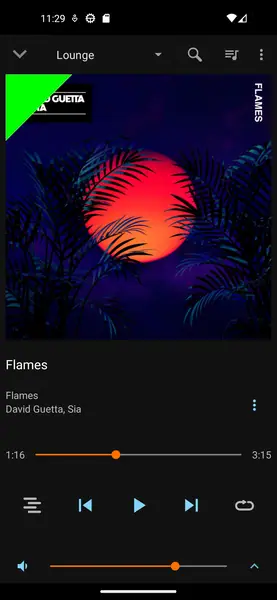
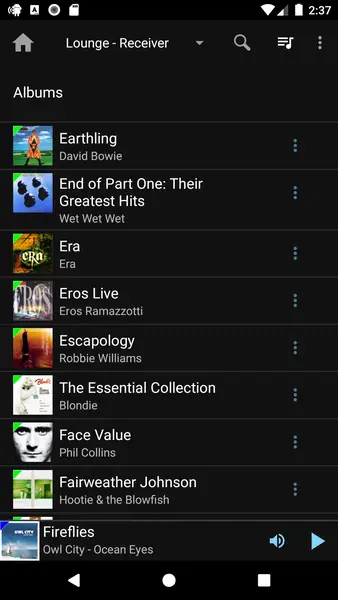
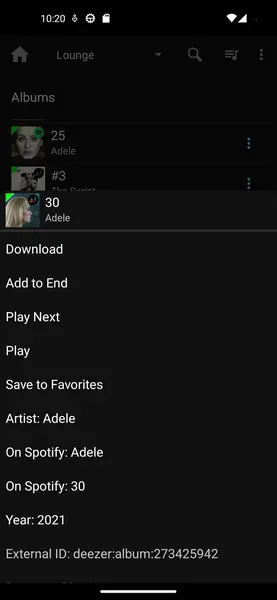
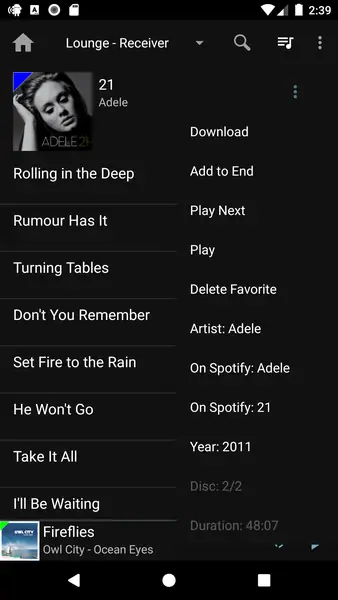
• Browse the library by album artist, all artists, composers, album, genre, year, playlist, favorites, or new music • Playlist control (now playing, shuffle, repeat, save/clear/modify playlists) • Manage players (names, synchronisation groups, sleep, alarms) • Full library search • Internet radio support (browse, staff picks, search) • Browse music folders • Supports Plugins/Apps • Library Views and Remote Music Libraries • Download of local music; track, album, artist, genre, year, playlist and music folder • Automatic discovery of local servers • Support for password protected servers • Control playback from your Android Wear device • Home Screen Widgets • Alarm Clock management • Add/remove music from favorites • Display lyrics
Squeezer is free, and open source.
What's new in version 2.4.1
• Optional fullscreen mode
• Show the currently playing track on the screensaver
• Enable the app to be a Launcher so a device can boot directly into it
• Swipe gestures for standard LMS actions. By default, swipe right for play-next, and left for add-to-end
APK file information
| Package name | uk.org.ngo.squeezer |
|---|---|
| Version | 2.4.1 (code 158) |
| Minimum Android | Android 5.0 · targets Android 16 |
| Architectures | All (universal) |
| SHA-256 | 68c74dcdea511df10cddb3ffd889d88bd95ebb8aee726553ad06f3fa9d730c68 |
| Signature | 9235a05444e0ac402df359fe70fce9b8fd6a153ba3b39c59aaab6fcd912af413 |
| Licence | Apache-2.0 — permissive free licence: the source code is public and reusable |
| Source code | github.com/kaaholst/android-squeezer |
| Official website | kaaholst.github.io/android-squeezer |
Permissions
- View Wi-Fi status
- Change Wi-Fi
- Internet access
- Keep the device awake
- Vibrate
- View network status
- Write to storage
- Run in the background
- Phone status sensitive
- Show notifications
- Read storage
2 other technical permission(s)
SCHEDULE_EXACT_ALARM REORDER_TASKS
Older versions
- Squeezer 2.4.1May 18, 2026 · 3.1 MB
- Squeezer 2.4.0December 11, 2025 · 3.1 MB
- Squeezer 2.3.12November 26, 2025 · 3.0 MB
How to install Squeezer APK
- Tap Download APK above, then open the file once the download has finished.
- If Android asks, allow your browser to install unknown apps.
- Tap Install. Squeezer then appears with your other apps.
Having trouble? Read our guides how to install an APK on Android and "App not installed": how to fix it.
Frequently asked questions
Is Squeezer free?
Yes. Squeezer is distributed under the Apache-2.0 licence: free, no subscription, and its source code is public.
Is this APK file safe?
The file is the one built and published by the F-Droid repository from the public source code. Its SHA-256 fingerprint is shown above, so you can compare it after downloading. How to check an APK.
Will Squeezer work on my phone?
You need at least Android 5.0. The app also works without Google services, so it runs on recent Huawei phones too.





