
Track & Graph APK
Dashboards for life!
Download APK v10.5.1 · 8.7 MB- Version10.5.1
- Size8.7 MB
- RequiresAndroid 7.0
- Updated10/14/2026
- LicenceGPL-3.0-or-later
- PriceFree
About Track & Graph
Track & Graph: Dashboards for life
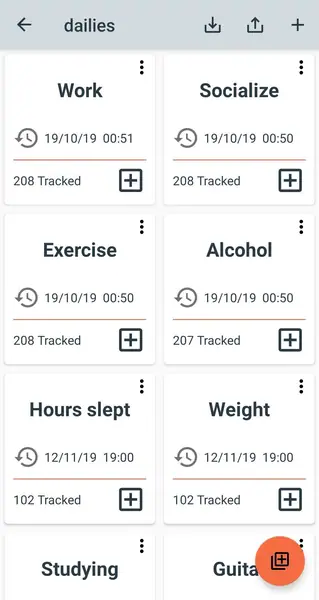
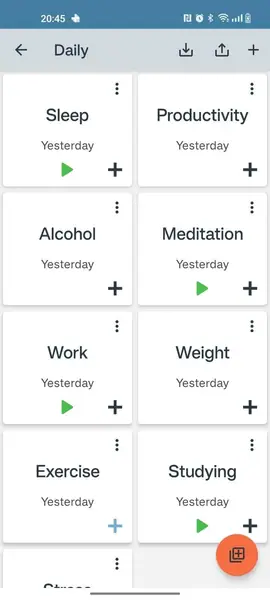
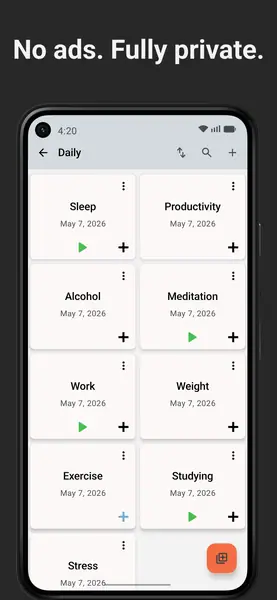
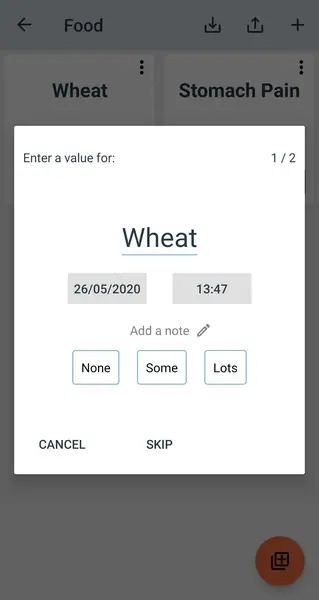
Track & Graph helps you record, visualize, and understand patterns in your daily life. Record numerical values or simple occurrences to build personal dashboards that provide insights into your habits, behaviors, and activities.
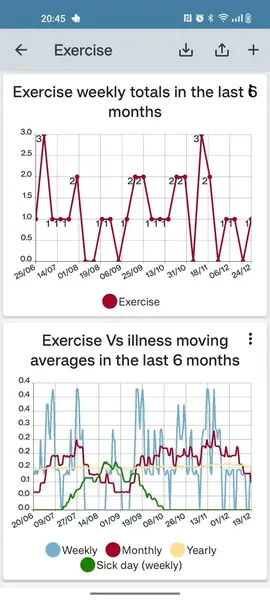
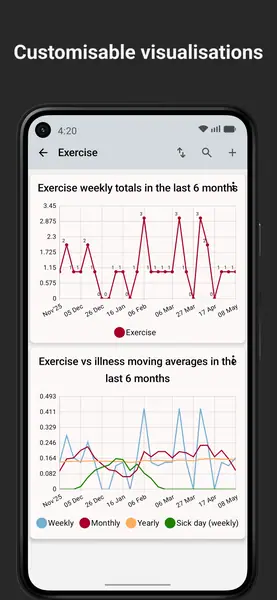
Visualize your data through line graphs, pie charts, and statistical reports that show trends, moving averages, and intervals between events. Organize tracking items into customizable groups that make sense for your needs.
Track & Graph now embeds a Lua scripting API, allowing you to create custom calculations (like cumulative totals, differentials, or financial metrics).
Track & Graph is completely free and open source, with no ads or accounts, and no features are paywalled. Your data remains private—stored only on your device—and can be easily backed up at any time.
What's new in version 10.5.1
- Fixed bug line graph point annotations clipped
- Add function writing docs link to custom Lua function node UI
APK file information
| Package name | com.samco.trackandgraph |
|---|---|
| Version | 10.5.1 (code 800045) |
| Minimum Android | Android 7.0 · targets API 37 |
| Architectures | arm64-v8a, armeabi-v7a, x86, x86_64 |
| SHA-256 | a4c78bd0e10d7370c31126ba2cb6ec91b6e072bc460215e49f9a6ad4895ae9bc |
| Signature | ecc702e0dfb1221963de030b026f98b69a3e0fc491326a5708ae35759e1da839 |
| Licence | GPL-3.0-or-later — copyleft free licence: the code is public and modified versions must stay free |
| Source code | github.com/SamAmco/track-and-graph |
Permissions
- Internet access
- Run in the background
- Write to storage
- Read storage
- Start at boot
- Keep the device awake
- Show notifications
- Vibrate
- Fingerprint / biometrics
- Fingerprint
- View network status
1 other technical permission(s)
SCHEDULE_EXACT_ALARM
Older versions
- Track & Graph 10.5.1October 14, 2026 · 8.7 MB
- Track & Graph 10.4.0October 5, 2026 · 7.0 MB
- Track & Graph 10.2.2July 19, 2026 · 7.2 MB
How to install Track & Graph APK
- Tap Download APK above, then open the file once the download has finished.
- If Android asks, allow your browser to install unknown apps.
- Tap Install. Track & Graph then appears with your other apps.
Having trouble? Read our guides how to install an APK on Android and "App not installed": how to fix it.
Frequently asked questions
Is Track & Graph free?
Yes. Track & Graph is distributed under the GPL-3.0-or-later licence: free, no subscription, and its source code is public.
Is this APK file safe?
The file is the one built and published by the F-Droid repository from the public source code. Its SHA-256 fingerprint is shown above, so you can compare it after downloading. How to check an APK.
Will Track & Graph work on my phone?
You need at least Android 7.0. The app also works without Google services, so it runs on recent Huawei phones too.