
Aegis Authenticator APK
Free, secure and open source 2FA app to manage tokens for your online services
Descargar APK v3.4.3 · 6,6 MB- Versión3.4.3
- Tamaño6,6 MB
- RequiereAndroid 6.0
- Actualizada9/9/2026
- LicenciaGPL-3.0-only
- PrecioGratis
Acerca de Aegis Authenticator
Descripción del desarrollador (en inglés).
Aegis Authenticator is a free, secure and open source app to manage your 2-step verification tokens for your online services.
Compatibility Aegis supports the HOTP and TOTP algorithms. These two algorithms are industry-standard and widely supported, making Aegis compatible with thousands of services. Any web service that supports Google Authenticator will also work with Aegis Authenticator.
Encryption and biometric unlock All of your one-time passwords are stored in a vault. If you choose to set a password (highly recommended), the vault will be encrypted using strong cryptography. If someone with malicious intent gets a hold of the vault file, it’s impossible for them to retrieve the contents without knowing the password. Entering your password each time you need access to a one-time password can be cumbersome. Fortunately, you can also enable biometric unlock if your device has a biometrics sensor (i.e. fingerprint or face unlock).
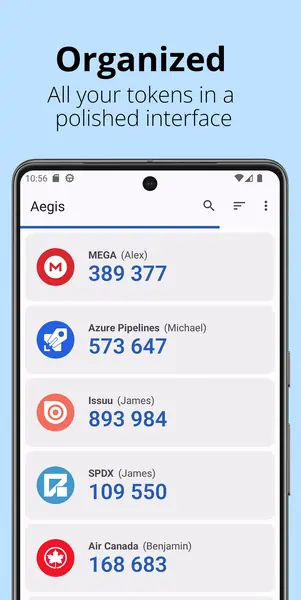
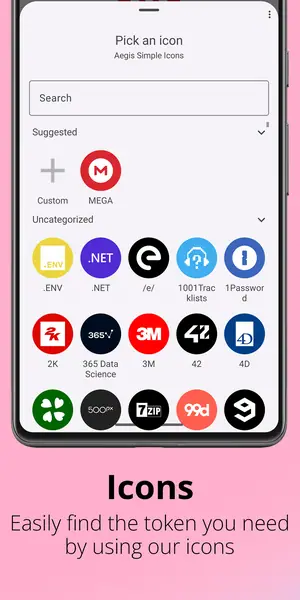
Organization Over time, you'll likely accumulate tens of entries in your vault. Aegis Authenticator has lots of organization options to make finding the one you need at a particular moment easier. Set a custom icon for an entry to make it easier to find. Search by account name or service name. Have a lot of one-time passwords? Add them to custom groups for easier access. Personal, Work and Social can each get their own group.
Backups To make sure you will never lose access to your online accounts, Aegis Authenticator can create automatic backups of the vault to a location of your choosing. If your cloud provider supports the Storage Access Framework of Android (like Nextcloud does), it can even create automatic backups to the cloud. Creating manual exports of the vault is also supported.
Making the switch To make the switch easier, Aegis Authenticator can import the entries of lots of other authenticators, including: 2FAS Authenticator, Authenticator Plus, Authy, andOTP, FreeOTP, FreeOTP+, Google Authenticator, Microsoft Authenticator, Steam, TOTP Authenticator and WinAuth (root access is required for the apps that don't have an option to export).
Feature overview
- Free and open source
- Secure
- Encrypted, can be unlocked with a password or biometrics
- Screen capture prevention
- Tap to reveal
- Compatible with Google Authenticator
- Supports industry standard algorithms: HOTP and TOTP
- Lots of ways to add new entries
- Scan a QR code or an image of one
- Enter details manually
- Import from other popular authenticator apps
- Organization
- Alphabetic/custom sorting
- Custom or automatically generated icons
- Group entries together
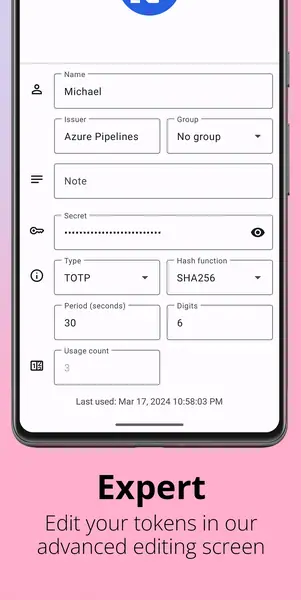
- Advanced entry editing
- Search by name/issuer
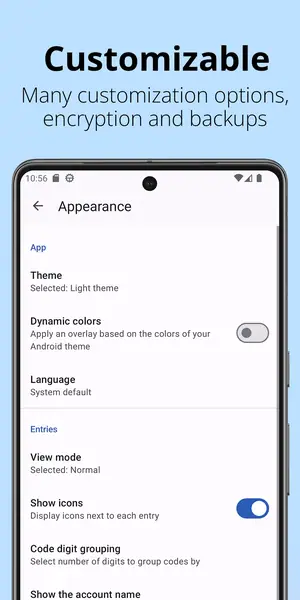
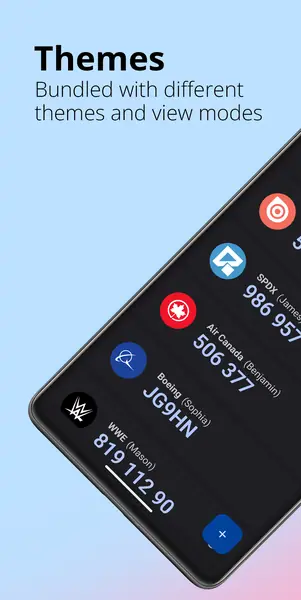
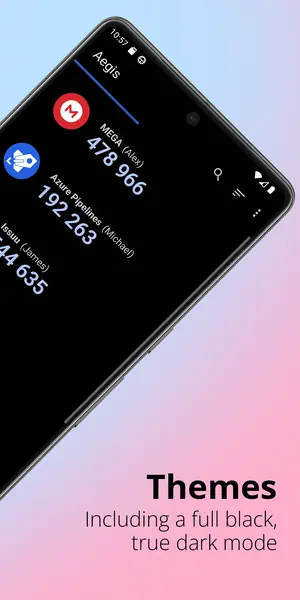
- Material design with multiple themes: Light, Dark, AMOLED
- Export (plaintext or encrypted)
- Automatic backups of the vault to a location of your choosing
Open source and license Aegis Authenticator is open source (licensed under GPL v3) and the source code can be found here: http://github.com/beemdevelopment/Aegis
Información del archivo APK
| Nombre del paquete | com.beemdevelopment.aegis |
|---|---|
| Versión | 3.4.3 (código 82) |
| Android mínimo | Android 6.0 · diseñada para Android 16 |
| Arquitecturas | arm64-v8a, armeabi-v7a, x86, x86_64 |
| SHA-256 | 0eecec45de0da3ff1358004b51e2960d9178551643a6ed44f6496ea9ec999c19 |
| Firma | 09cfde62e2a81c8050d3be4c20e3f8d8ddd01531be1b47cb3b0eec213f641f89 |
| Licencia | GPL-3.0-only — licencia libre copyleft: el código es público y las versiones modificadas deben seguir siendo libres |
| Código fuente | github.com/beemdevelopment/Aegis |
| Sitio oficial | getaegis.app |
Permisos solicitados
- Cámara sensible
- Huella / biometría
- Vibrar
- Iniciarse al arrancar
- Huella dactilar
Versiones anteriores
- Aegis Authenticator 3.4.39 de septiembre de 2026 · 6,6 MB
- Aegis Authenticator 3.4.225 de febrero de 2026 · 6,3 MB
- Aegis Authenticator 3.4.110 de agosto de 2025 · 6,3 MB
Cómo instalar Aegis Authenticator APK
- Pulsa Descargar APK arriba y abre el archivo cuando termine la descarga.
- Si Android lo pide, permite que tu navegador instale apps desconocidas.
- Pulsa Instalar. Aegis Authenticator aparecerá junto a tus otras apps.
→ Cómo instalar un archivo APK en Android (paso a paso)
→ «La aplicación no está instalada»: causas y soluciones
Preguntas frecuentes
¿Aegis Authenticator es gratis?
Sí. Aegis Authenticator se distribuye con licencia GPL-3.0-only: gratis, sin suscripción y con el código fuente público.
¿Es seguro este archivo APK?
El archivo es el que compila y publica el repositorio F-Droid a partir del código fuente público. Su huella SHA-256 aparece arriba para que puedas compararla tras la descarga. ¿Un APK es peligroso? Cómo verificar un archivo antes de instalarlo
¿Funciona Aegis Authenticator en mi teléfono?
Necesitas como mínimo Android 6.0. La app también funciona sin los servicios de Google, así que funciona en los teléfonos Huawei recientes.





