
Authnkey APK
Passkey credential provider for hardware security keys
Scarica l'APK v1.2.6 · 2,7 MB- Versione1.2.6
- Dimensione2,7 MB
- RichiedeAndroid 14
- Aggiornata27/08/2026
- LicenzaMIT
- PrezzoGratis
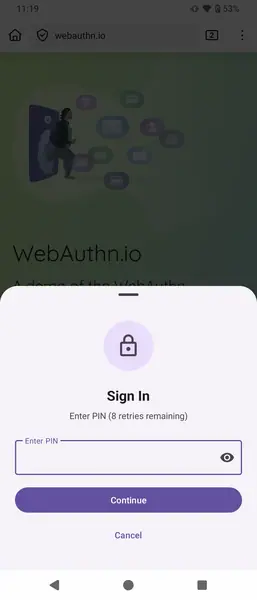
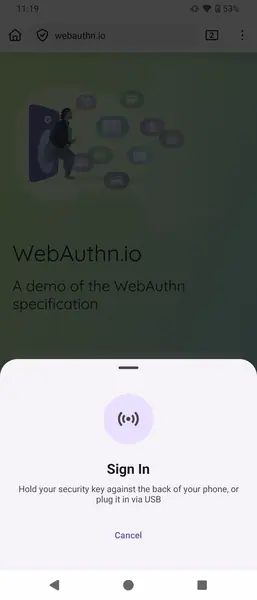
Informazioni su Authnkey
Descrizione fornita dallo sviluppatore (in inglese).
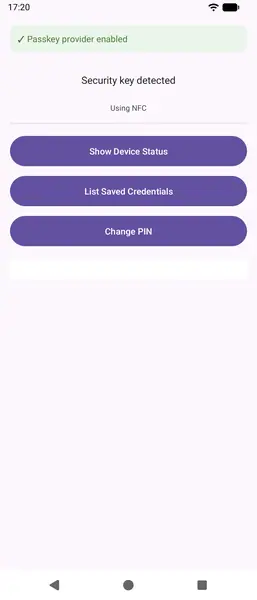
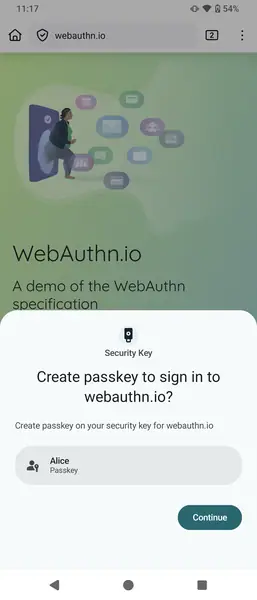
Authnkey is a credential provider that lets you use FIDO2 security keys (like YubiKey, SoloKey, Nitrokey, or Token2) for passkey authentication on Android.
Many security keys don't fully work on Android: no PIN entry, no passkeys, just basic tap-to-authenticate.
Authnkey fixes that.
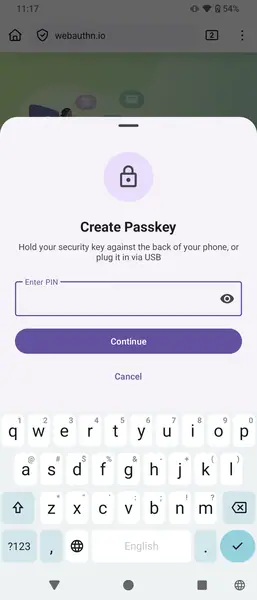
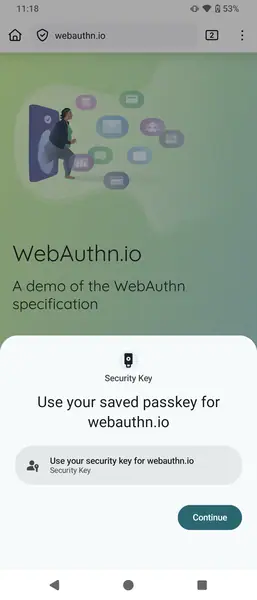
Install it, enable it in your phone's settings, and your FIDO2 security key or smartcard gains full passkey support over NFC and USB, including PIN and fingerprint verification and stored passkeys.
You can also manage your key right from the app: view and delete stored passkeys, and set or change its PIN.
Requires Android 14+ and a FIDO2-compatible security key or smartcard.
Novità della versione 1.2.6
- Show progress and errors while loading passkeys in credential management
- Add a button to copy device info to the clipboard
- Show clearer errors when NFC or USB communication fails
- Report the transports advertised by the key when creating a passkey
- Detect when the security key is unplugged
- Fix sign-in on accounts with many passkeys
Informazioni sul file APK
| Nome del pacchetto | pl.lebihan.authnkey |
|---|---|
| Versione | 1.2.6 (codice 13) |
| Android minimo | Android 14 · pensata per API 37 |
| Architetture | Tutte (universale) |
| SHA-256 | 3fb0f30f44dba854760feefefe5992bd10edafca551eed14eb79708732789f7e |
| Firma | bbf5d7bed82b5b9b9f8d9825e620464c8a28ed6c7a1eb098dfc1f972df9c580b |
| Licenza | MIT — licenza libera permissiva: il codice sorgente è pubblico e riutilizzabile |
| Codice sorgente | github.com/mimi89999/Authnkey |
Autorizzazioni richieste
- NFC
- Impronta / biometria
- Impronta digitale
Versioni precedenti
- Authnkey 1.2.627 agosto 2026 · 2,7 MB
- Authnkey 1.2.55 agosto 2026 · 2,7 MB
- Authnkey 1.2.418 giugno 2026 · 2,4 MB
Come installare Authnkey APK
- Tocca Scarica l'APK qui sopra, poi apri il file al termine del download.
- Se Android lo chiede, consenti al browser di installare app sconosciute.
- Tocca Installa. Authnkey comparirà insieme alle altre app.
→ Come installare un file APK su Android (passo passo)
→ «App non installata»: cause e soluzioni
Domande frequenti
Authnkey è gratis?
Sì. Authnkey è distribuita con licenza MIT: gratuita, senza abbonamento e con codice sorgente pubblico.
Questo file APK è sicuro?
Il file è quello compilato e pubblicato dal repository F-Droid a partire dal codice sorgente pubblico. L'impronta SHA-256 è indicata qui sopra: puoi confrontarla dopo il download. Un APK è pericoloso? Come verificare un file prima di installarlo
Authnkey funziona sul mio telefono?
Serve almeno Android 14. L'app funziona anche senza i servizi Google, quindi anche sui telefoni Huawei recenti.





