
GeoNotes APK
A simple app to create georeferenced notes.
Scarica l'APK v1.8.0 · 56,8 MB- Versione1.8.0
- Dimensione56,8 MB
- RichiedeAndroid 8.1
- Aggiornata16/08/2026
- LicenzaGPL-3.0-or-later
- PrezzoGratis
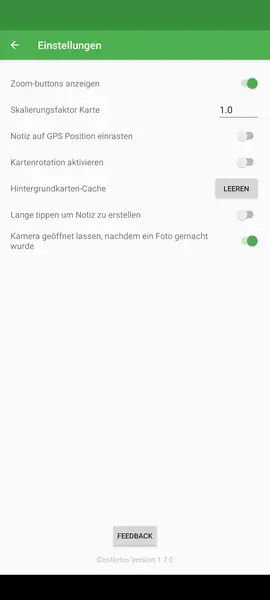
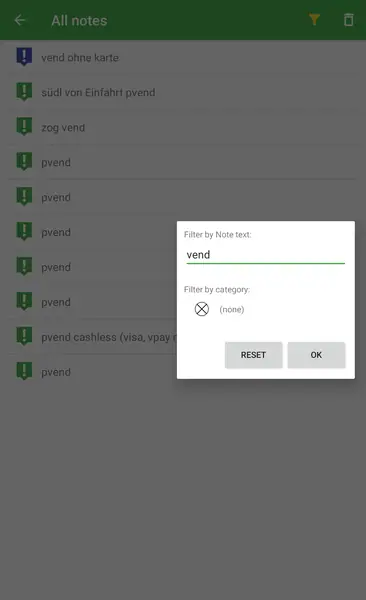
Informazioni su GeoNotes
Descrizione fornita dallo sviluppatore (in inglese).
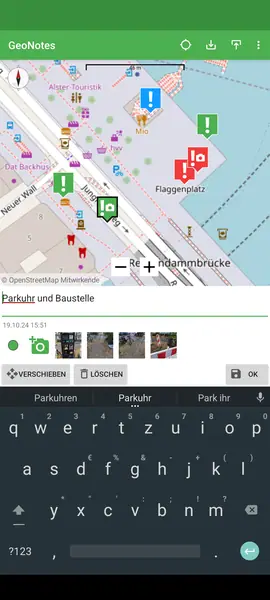
A simple app to create and manage georeferenced notes (text and photos) on a map. The goal is to create the notes very fast and without any unnecessary interaction overhead. The typical use-case is to collect geospatial data which can be later uploaded to OpenStreetMap.
Currently the basic features are:
- Create, move and delete notes on a map
- Attach photos to a note
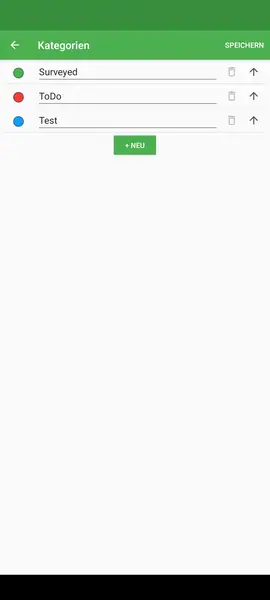
- Categorize notes
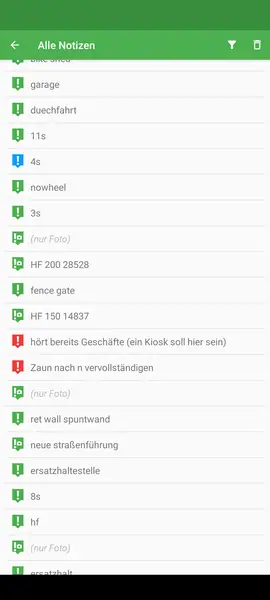
- List of all notes
- Show and follow current location
- Export all notes in GeoJSON or GPX format
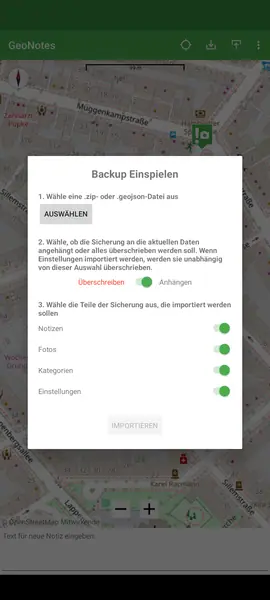
- Hozzon létre és állítson vissza teljes biztonsági másolatot
Novità della versione 1.8.0
1.8.0:
Changes:
- Migration from osmdroid to MapLibre
- Removal of zoom buttons (zoom by pinching-gesture or by tapping twice and moving finger up/down)
- Save exports as normal files, i.e. via file-chooser instead of share-dialog
Informazioni sul file APK
| Nome del pacchetto | de.hauke_stieler.geonotes |
|---|---|
| Versione | 1.8.0 (codice 1008000) |
| Android minimo | Android 8.1 · pensata per API 37 |
| Architetture | arm64-v8a, armeabi-v7a, x86, x86_64 |
| SHA-256 | 3ae39524abafcd791871f4d38954fe7095572442eae9f527b8fe553b0dc3fb81 |
| Firma | 739d24c894627555c697a7f73283a966db6308be9d29a80479029817c1d77f31 |
| Licenza | GPL-3.0-or-later — licenza libera copyleft: il codice è pubblico e le versioni modificate devono restare libere |
| Codice sorgente | github.com/hauke96/geonotes |
Autorizzazioni richieste
- Posizione precisa (GPS) sensibile
- Posizione approssimativa sensibile
- Accesso a Internet
- Vedere lo stato della rete
- Scrivere nell'archivio
- Accesso a tutti i file sensibile
- Impedire lo standby
- Fotocamera sensibile
- Vedere lo stato del Wi-Fi
- Leggere l'archivio
Versioni precedenti
- GeoNotes 1.8.016 agosto 2026 · 56,8 MB
- GeoNotes 1.7.125 novembre 2024 · 6,4 MB
- GeoNotes 1.7.027 ottobre 2024 · 6,4 MB
Come installare GeoNotes APK
- Tocca Scarica l'APK qui sopra, poi apri il file al termine del download.
- Se Android lo chiede, consenti al browser di installare app sconosciute.
- Tocca Installa. GeoNotes comparirà insieme alle altre app.
→ Come installare un file APK su Android (passo passo)
→ «App non installata»: cause e soluzioni
Domande frequenti
GeoNotes è gratis?
Sì. GeoNotes è distribuita con licenza GPL-3.0-or-later: gratuita, senza abbonamento e con codice sorgente pubblico.
Questo file APK è sicuro?
Il file è quello compilato e pubblicato dal repository F-Droid a partire dal codice sorgente pubblico. L'impronta SHA-256 è indicata qui sopra: puoi confrontarla dopo il download. Un APK è pericoloso? Come verificare un file prima di installarlo
GeoNotes funziona sul mio telefono?
Serve almeno Android 8.1. L'app funziona anche senza i servizi Google, quindi anche sui telefoni Huawei recenti.





