
GeoNotes APK
A simple app to create georeferenced notes.
Download APK v1.8.0 · 56.8 MB- Version1.8.0
- Size56.8 MB
- RequiresAndroid 8.1
- Updated8/16/2026
- LicenceGPL-3.0-or-later
- PriceFree
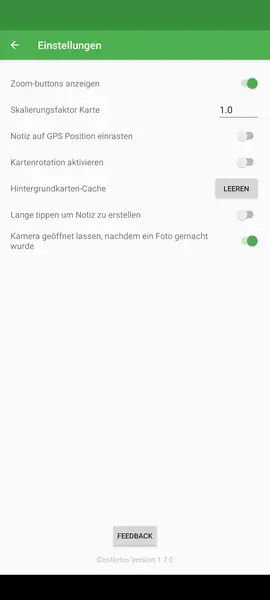
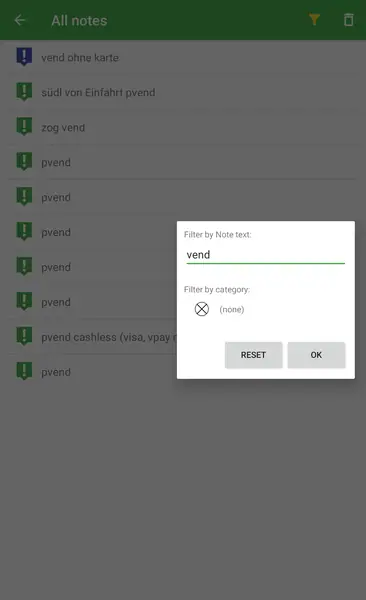
About GeoNotes
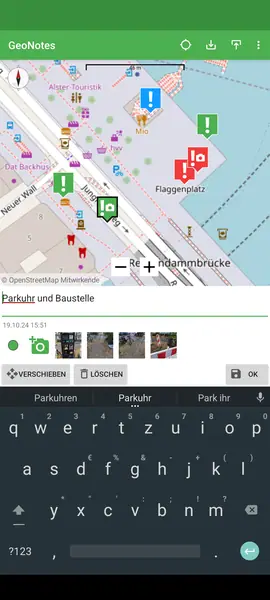
A simple app to create and manage georeferenced notes (text and photos) on a map. The goal is to create the notes very fast and without any unnecessary interaction overhead. The typical use-case is to collect geospatial data which can be later uploaded to OpenStreetMap.
Currently the basic features are:
- Create, move and delete notes on a map
- Attach photos to a note
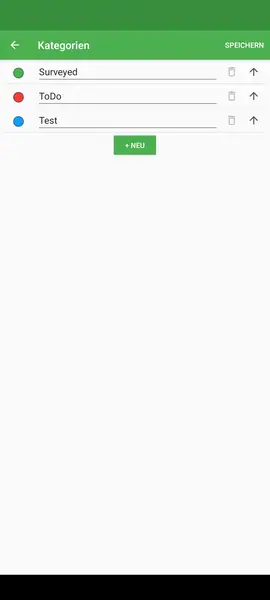
- Categorize notes
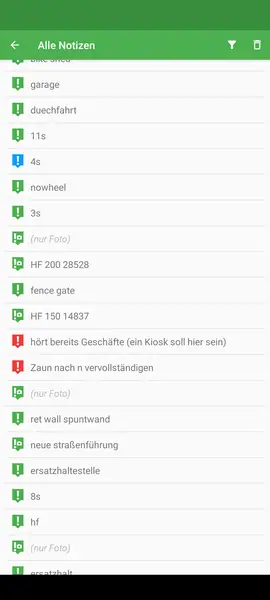
- List of all notes
- Show and follow current location
- Export all notes in GeoJSON or GPX format
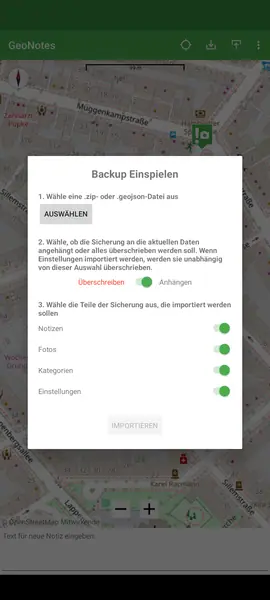
- Hozzon létre és állítson vissza teljes biztonsági másolatot
What's new in version 1.8.0
1.8.0:
Changes:
- Migration from osmdroid to MapLibre
- Removal of zoom buttons (zoom by pinching-gesture or by tapping twice and moving finger up/down)
- Save exports as normal files, i.e. via file-chooser instead of share-dialog
APK file information
| Package name | de.hauke_stieler.geonotes |
|---|---|
| Version | 1.8.0 (code 1008000) |
| Minimum Android | Android 8.1 · targets API 37 |
| Architectures | arm64-v8a, armeabi-v7a, x86, x86_64 |
| SHA-256 | 3ae39524abafcd791871f4d38954fe7095572442eae9f527b8fe553b0dc3fb81 |
| Signature | 739d24c894627555c697a7f73283a966db6308be9d29a80479029817c1d77f31 |
| Licence | GPL-3.0-or-later — copyleft free licence: the code is public and modified versions must stay free |
| Source code | github.com/hauke96/geonotes |
Permissions
- Precise location (GPS) sensitive
- Approximate location sensitive
- Internet access
- View network status
- Write to storage
- Access all files sensitive
- Keep the device awake
- Camera sensitive
- View Wi-Fi status
- Read storage
Older versions
- GeoNotes 1.8.0August 16, 2026 · 56.8 MB
- GeoNotes 1.7.1November 25, 2024 · 6.4 MB
- GeoNotes 1.7.0October 27, 2024 · 6.4 MB
How to install GeoNotes APK
- Tap Download APK above, then open the file once the download has finished.
- If Android asks, allow your browser to install unknown apps.
- Tap Install. GeoNotes then appears with your other apps.
Having trouble? Read our guides how to install an APK on Android and "App not installed": how to fix it.
Frequently asked questions
Is GeoNotes free?
Yes. GeoNotes is distributed under the GPL-3.0-or-later licence: free, no subscription, and its source code is public.
Is this APK file safe?
The file is the one built and published by the F-Droid repository from the public source code. Its SHA-256 fingerprint is shown above, so you can compare it after downloading. How to check an APK.
Will GeoNotes work on my phone?
You need at least Android 8.1. The app also works without Google services, so it runs on recent Huawei phones too.