
Ultrasonic APK
Subsonicサーバー向け音楽ストリーミング・クライアント
APK をダウンロード v4.9.0 · 5.4 MB- バージョン4.9.0
- サイズ5.4 MB
- 必要環境Android 8.0
- 更新日2026/3/11
- ライセンスGPL-3.0-only
- 価格無料
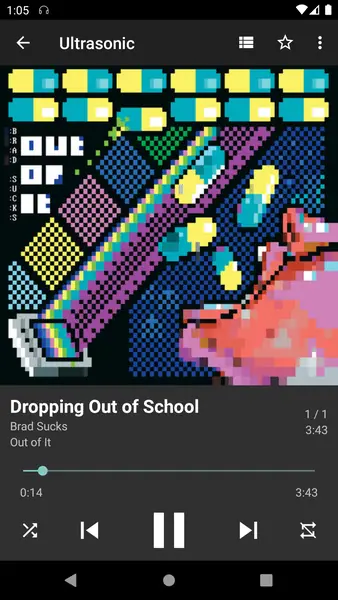
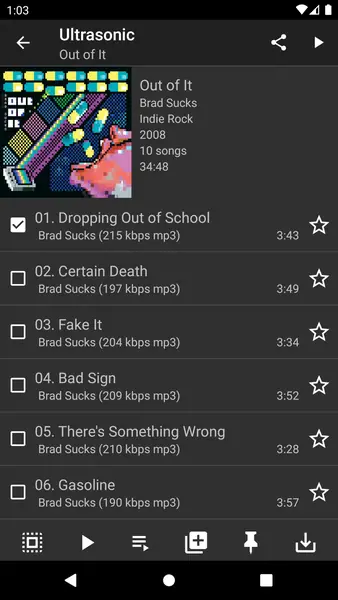
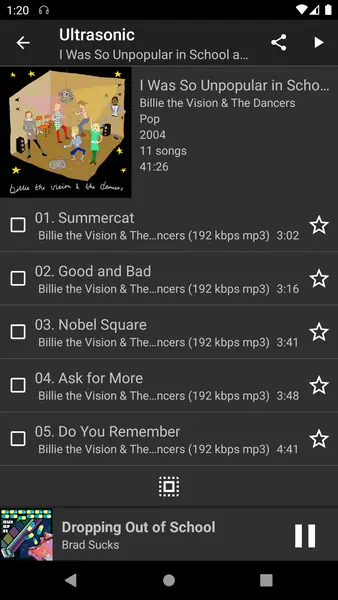
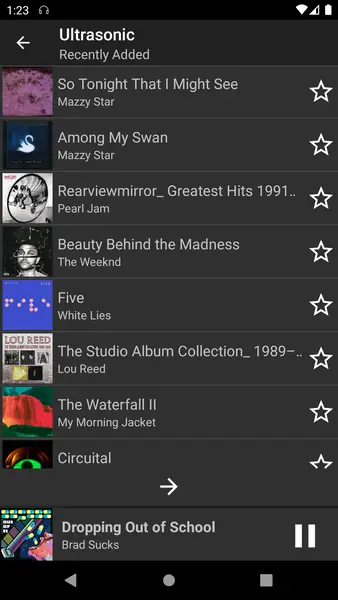
Ultrasonic について
開発者による説明(英語)。
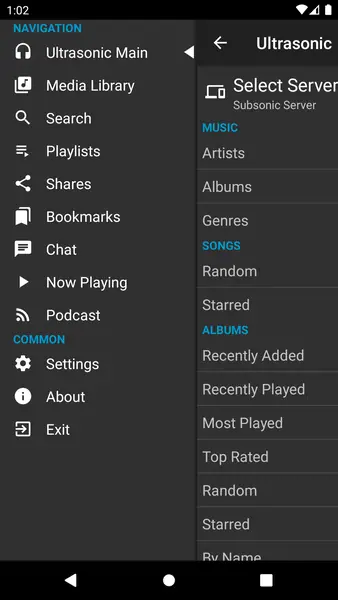
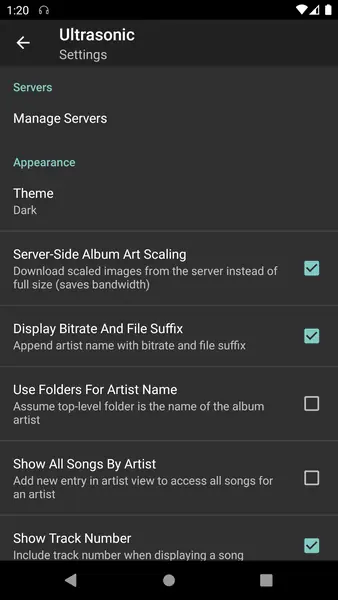
Ultrasonic is a Subsonic (and compatible servers) client to Android. You can use Ultrasonic to connect with your server and listen music.
Main features:
- Small size & fast
- Material You theme with dark and light variants
- Multiple server support
- Download tracks for offline playback
- Bookmarks
- Playlists on server
- Shuffled playback
- Jukebox mode
- And much more!!
Note: Ultrasonic uses semantic release versions. Releases with a zero in the last digit introduce new features or significant changes, all other releases focus on fixing bugs.
The source code is available with GPL license in GitLab: https://gitlab.com/ultrasonic/ultrasonic If you have any issue, please post in: https://gitlab.com/ultrasonic/ultrasonic/issues Play store icon designed by: http://www.flaticon.com/authors/sebastien-gabriel
バージョン 4.9.0 の新機能
Fixes
- Can now download albums that end with a period (#1314)
- Retain playlist view when rotating screen (#1326)
- Now remembers last song played when playback is resumed outside of the main app (bluetooth, android auto, etc.) (#1303)
- Handles cover art fetch failure to prevent occasional persistent missing cover art (#1327)
Features
- Unify 5-star and heart rating
- Numerous translation updates
- Added replaygain support (#1302)
- Update android target/compile SDK to 36 (Android 16
APK ファイルの情報
| パッケージ名 | org.moire.ultrasonic |
|---|---|
| バージョン | 4.9.0 (コード 131) |
| 最低 Android バージョン | Android 8.0 · 対象 Android 16 |
| アーキテクチャ | すべて(ユニバーサル) |
| SHA-256 | b06e4958e3f6040228e06e270729b2363358d1e2ba8348ad07a7ebc6a0f85daa |
| 署名 | 9e2946660ea036ca4352d9f60e77368138c862aa5637270a58f5f32836aa3bdc |
| ライセンス | GPL-3.0-only — コピーレフト型の自由ライセンス:コードは公開され、改変版も自由である必要があります |
| ソースコード | gitlab.com/ultrasonic/ultrasonic |
| 公式サイト | ultrasonic.gitlab.io/ |
権限
- Bluetooth 接続
- インターネット接続
- ネットワーク状態の確認
- 通知の表示
- スリープの防止
- Bluetooth
- バックグラウンドで動作
その他の技術的な権限(2 件)
MODIFY_AUDIO_SETTINGS REORDER_TASKS
以前のバージョン
- Ultrasonic 4.9.02026年3月11日 · 5.4 MB
- Ultrasonic 4.8.02023年12月6日 · 5.6 MB
- Ultrasonic 4.7.12023年9月2日 · 5.5 MB
Ultrasonic APK のインストール方法
- 上のAPK をダウンロードをタップし、ダウンロード後にファイルを開きます。
- Android に確認されたら、ブラウザに不明なアプリのインストールを許可します。
- インストールをタップします。Ultrasonic がほかのアプリと一緒に表示されます。
→ Android に APK ファイルをインストールする方法(手順付き)
→ 「アプリはインストールされていません」:原因と対処法
よくある質問
Ultrasonic は無料ですか?
はい。Ultrasonic は GPL-3.0-only ライセンスで配布されており、無料・サブスクリプション不要で、ソースコードも公開されています。
この APK ファイルは安全ですか?
このファイルは F-Droid リポジトリが公開ソースコードからビルドして公開したものです。SHA-256 フィンガープリントを上に記載しているので、ダウンロード後に照合できます。 APK は危険?インストール前にファイルを確認する方法
Ultrasonic は自分のスマホで動きますか?
Android 8.0 以上が必要です。Google サービスがなくても動作するため、最近の Huawei 端末でも使えます。





