ownCloud APK
ownCloudサーバーを今まさに入手...クラウド、データ、あなたの思うままに!
APK をダウンロード v5.0.0-beta.1 · 11.0 MB- バージョン5.0.0-beta.1
- サイズ11.0 MB
- 必要環境Android 9
- 更新日2026/11/23
- ライセンスGPL-2.0-only
- 価格無料
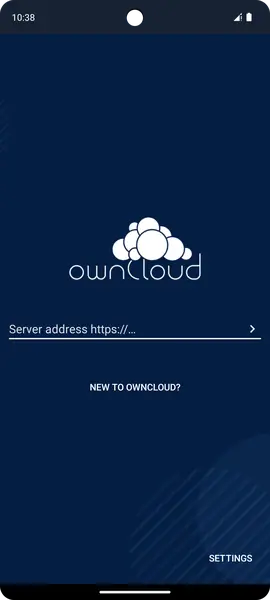
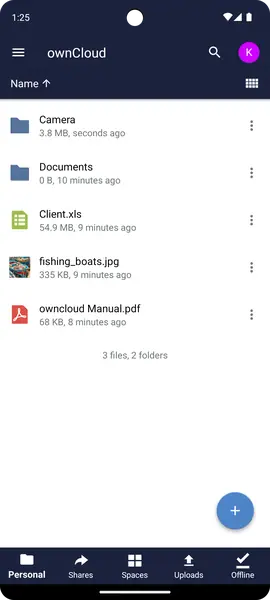
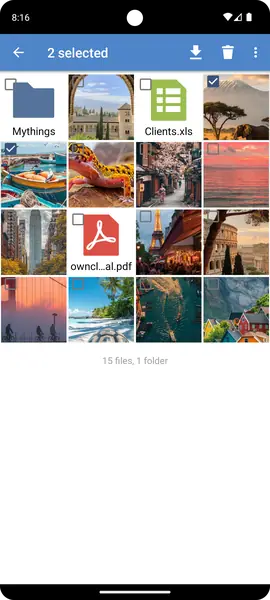
ownCloud について
開発者による説明(英語)。
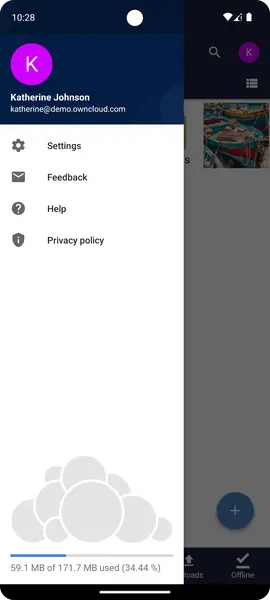
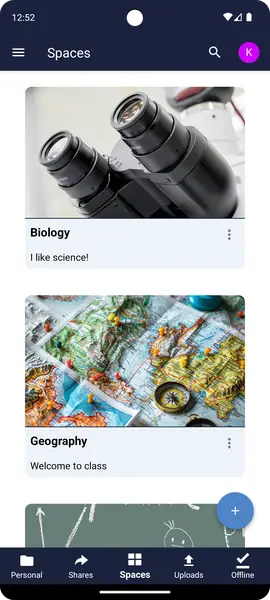
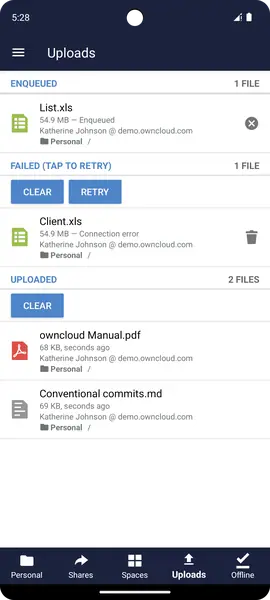
Welcome to the ownCloud Android App – Add an ownCloud server, and have your private file sync and share cloud up and running in no time.
Do you need private file sync and share software? Then good news, because the ownCloud Android App enables you to connect Android devices to a private ownCloud Server running in your data center. ownCloud is open source file sync and share software for everyone from individuals operating the free ownCloud server, to large enterprises and service providers operating under the ownCloud Enterprise Subscription. ownCloud provides a safe, secure and compliant file sync and share solution – on servers you control.
With the ownCloud Android App you can browse all of your ownCloud synced files, create and edit new files, share these files and folders with co-workers, and keep the contents of those folders in sync across all of your devices. Simply copy a file into a directory on your server and ownCloud does the rest.
Whether using a mobile device, a desktop, or the web client, ownCloud provides the ability to put the right files in the right hands at the right time on any device in one simple-to-use, secure, private and controlled solution. After all, with ownCloud, it’s Your Cloud, Your Data, Your Way.
Should you have any problem connecting or synchronizing with your ownCloud server, please contact us on https://github.com/owncloud/android/issues or check https://central.owncloud.org.
Visit us at www.ownCloud.com for more information about ownCloud and the ownCloud Subscriptions. For more information on the free and open source ownCloud Classic, visit www.ownCloud.org.
* If you are experiencing login issues after an update and the ownCloud Workaround App is installed in your device, please, try to uninstall and reinstall the Workaround App *
APK ファイルの情報
| パッケージ名 | com.owncloud.android |
|---|---|
| バージョン | 5.0.0-beta.1 (コード 48000401) |
| 最低 Android バージョン | Android 9 · 対象 Android 16 |
| アーキテクチャ | すべて(ユニバーサル) |
| SHA-256 | 057b01f65eaf211c4521833b2f80199f00dcb97e5876d6934cfd68f70ad34abc |
| 署名 | 60b7e27a9569535ade18d4a9cccec08c262e44e1aab1c04de052892ab82e31eb |
| ライセンス | GPL-2.0-only — コピーレフト型の自由ライセンス:コードは公開され、改変版も自由である必要があります |
| ソースコード | github.com/owncloud/android |
| 公式サイト | owncloud.org |
権限
- ストレージへの書き込み
- 通知の表示
- インターネット接続
- ネットワーク状態の確認
- 起動時に実行
- スリープの防止
- バックグラウンドで動作
- 指紋・生体認証
- 指紋
- ストレージの読み取り
その他の技術的な権限(4 件)
READ_SYNC_STATS READ_SYNC_SETTINGS WRITE_SYNC_SETTINGS BROADCAST_STICKY
以前のバージョン
- ownCloud 5.0.0-beta.12026年11月23日 · 11.0 MB
- ownCloud 4.8.42026年9月2日 · 13.9 MB
- ownCloud 4.8.32026年7月26日 · 13.9 MB
ownCloud APK のインストール方法
- 上のAPK をダウンロードをタップし、ダウンロード後にファイルを開きます。
- Android に確認されたら、ブラウザに不明なアプリのインストールを許可します。
- インストールをタップします。ownCloud がほかのアプリと一緒に表示されます。
→ Android に APK ファイルをインストールする方法(手順付き)
→ 「アプリはインストールされていません」:原因と対処法
よくある質問
ownCloud は無料ですか?
はい。ownCloud は GPL-2.0-only ライセンスで配布されており、無料・サブスクリプション不要で、ソースコードも公開されています。
この APK ファイルは安全ですか?
このファイルは F-Droid リポジトリが公開ソースコードからビルドして公開したものです。SHA-256 フィンガープリントを上に記載しているので、ダウンロード後に照合できます。 APK は危険?インストール前にファイルを確認する方法
ownCloud は自分のスマホで動きますか?
Android 9 以上が必要です。Google サービスがなくても動作するため、最近の Huawei 端末でも使えます。