
Klick'r APK
Klick'r - Smart AutoClicker
Automating clicks based on what is displayed
APK herunterladen v4.1.2 · 23,3 MB- Version4.1.2
- Größe23,3 MB
- BenötigtAndroid 7.0
- Aktualisiert27.10.2026
- LizenzGPL-2.0-or-later
- PreisKostenlos



Über Klick'r
Beschreibung des Entwicklers (auf Englisch).
Klick'r is an open-source Android application designed to automate repetitive tasks effortlessly. Formerly known as Smart AutoClicker, Klick'r offers unique image detection capabilities alongside traditional auto-clicking functionalities, providing a versatile solution for all your automation needs.
Whether you’re a gamer automating in-game actions, a tester simulating user interactions, or anyone performing repetitive clicking tasks, Klick'r offers both image detection for sophisticated automation and a Regular Mode for straightforward auto-clicking.
Key Features:
- Click and Swipes: Automate clicks and swipes with precision by configuring press durations, swipe durations, and positions. Trigger actions on detected images to interact seamlessly with dynamic elements.
- Advanced Automation: Enhance your automation scripts with advanced features like counters operations, Android Intents, and flow control, giving you unparalleled flexibility.
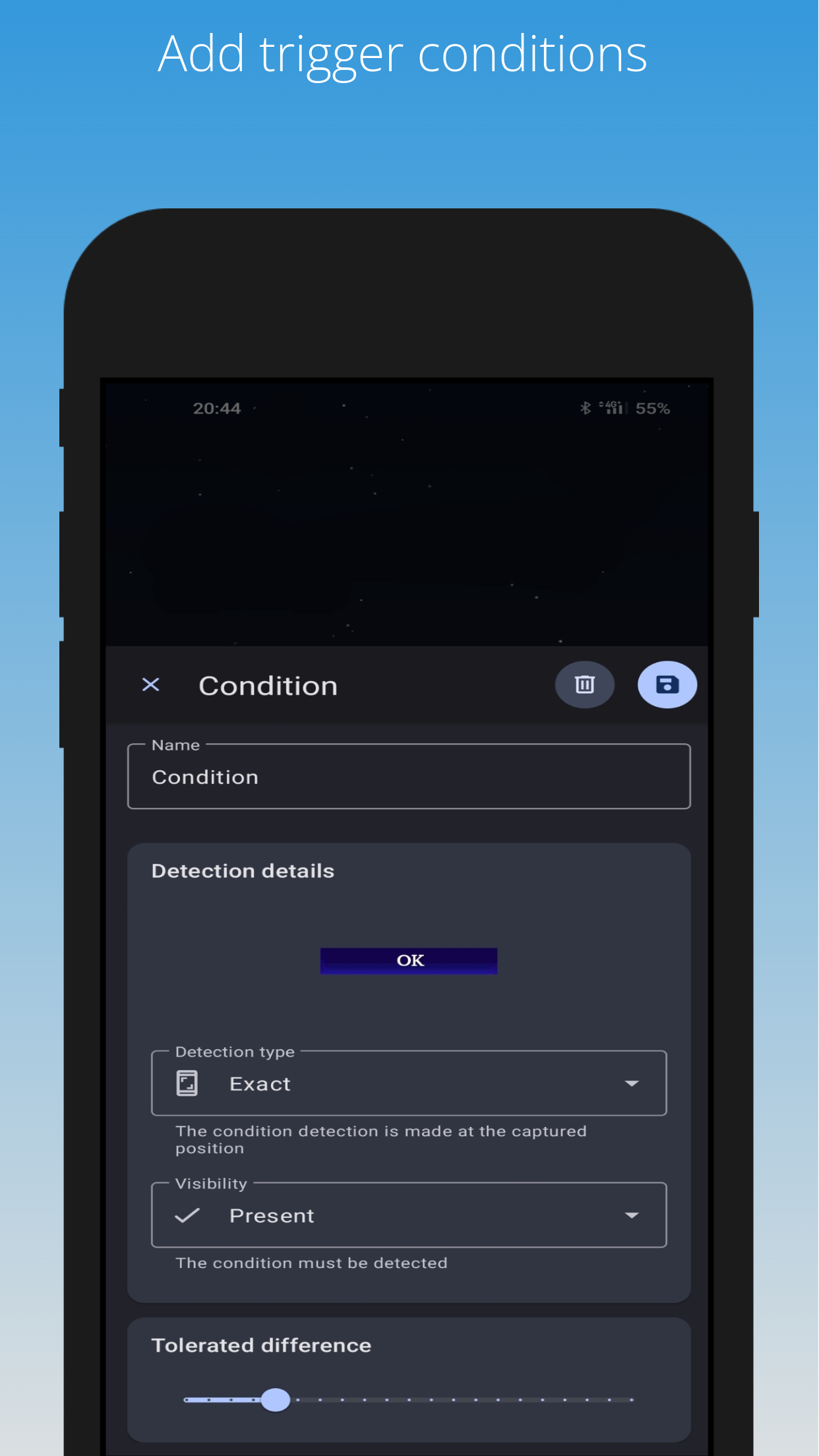
- Triggers: Set up sophisticated triggers based on image detection, timers, counters, and Android broadcast receivers to perfectly tailor your automation tasks.
- Regular Mode: Enjoy a straightforward auto-clicking experience with our Regular Mode, designed for easy configuration and ideal for simpler, repetitive tasks.
- Tutorials: Learn to master Klick'r with our interactive game tutorials, which provide step-by-step instructions to help you automate tasks and beat the game using Klick'r's powerful features.
- Open Source: As an open-source project, Klick'r is continuously improved by a dedicated community.
Informationen zur APK-Datei
| Paketname | com.buzbuz.smartautoclicker |
|---|---|
| Version | 4.1.2 (Code 1040004) |
| Mindestens | Android 7.0 · ausgelegt für API 37 |
| Architekturen | x86_64 |
| SHA-256 | 535463097750aa922b4423a55c9799f24482f2bc275b93bb5ca42618b19bbdc4 |
| Signatur | 63fade675304d03c96cff5c6aac351b005ea14f38a666148723b528c60d651db |
| Lizenz | GPL-2.0-or-later — freie Copyleft-Lizenz: Der Code ist öffentlich und veränderte Versionen müssen frei bleiben |
| Quellcode | github.com/Nain57/Smart-AutoClicker |
Berechtigungen
- Im Hintergrund laufen
- Über anderen Apps anzeigen sensibel
- Ruhezustand verhindern
- Benachrichtigungen anzeigen
- Internetzugriff
Ältere Versionen
- Klick'r 4.1.227. Oktober 2026 · 23,3 MB
- Klick'r 4.1.227. Oktober 2026 · 23,4 MB
- Klick'r 4.1.227. Oktober 2026 · 19,3 MB
- Klick'r 4.1.227. Oktober 2026 · 15,9 MB
- Klick'r 4.1.125. Oktober 2026 · 23,3 MB
- Klick'r 4.1.125. Oktober 2026 · 23,4 MB
- Klick'r 4.1.125. Oktober 2026 · 19,3 MB
- Klick'r 4.1.125. Oktober 2026 · 15,9 MB
- Klick'r 4.0.512. September 2026 · 19,2 MB
- Klick'r 4.0.512. September 2026 · 19,3 MB
- Klick'r 4.0.512. September 2026 · 15,2 MB
- Klick'r 4.0.512. September 2026 · 11,8 MB
So installieren Sie Klick'r APK
- Tippen Sie oben auf APK herunterladen und öffnen Sie die Datei nach dem Download.
- Wenn Android fragt, erlauben Sie Ihrem Browser, unbekannte Apps zu installieren.
- Tippen Sie auf Installieren. Klick'r erscheint dann bei Ihren anderen Apps.
→ APK-Datei auf Android installieren (Schritt für Schritt)
→ „App nicht installiert“: Ursachen und Lösungen
Häufige Fragen
Ist Klick'r kostenlos?
Ja. Klick'r steht unter der Lizenz GPL-2.0-or-later: kostenlos, ohne Abo, und der Quellcode ist öffentlich.
Ist diese APK-Datei sicher?
Die Datei wurde vom F-Droid-Repository aus dem öffentlichen Quellcode erstellt und veröffentlicht. Ihr SHA-256-Fingerabdruck steht oben, Sie können ihn nach dem Download vergleichen. Ist eine APK gefährlich? So prüfen Sie eine Datei vor der Installation
Läuft Klick'r auf meinem Handy?
Sie benötigen mindestens Android 7.0. Die App funktioniert auch ohne Google-Dienste, also auch auf aktuellen Huawei-Handys.





