
Klick'r APK
Klick'r - Smart AutoClicker
Automating clicks based on what is displayed
Scarica l'APK v4.1.2 · 23,3 MB- Versione4.1.2
- Dimensione23,3 MB
- RichiedeAndroid 7.0
- Aggiornata27/10/2026
- LicenzaGPL-2.0-or-later
- PrezzoGratis



Informazioni su Klick'r
Descrizione fornita dallo sviluppatore (in inglese).
Klick'r is an open-source Android application designed to automate repetitive tasks effortlessly. Formerly known as Smart AutoClicker, Klick'r offers unique image detection capabilities alongside traditional auto-clicking functionalities, providing a versatile solution for all your automation needs.
Whether you’re a gamer automating in-game actions, a tester simulating user interactions, or anyone performing repetitive clicking tasks, Klick'r offers both image detection for sophisticated automation and a Regular Mode for straightforward auto-clicking.
Key Features:
- Click and Swipes: Automate clicks and swipes with precision by configuring press durations, swipe durations, and positions. Trigger actions on detected images to interact seamlessly with dynamic elements.
- Advanced Automation: Enhance your automation scripts with advanced features like counters operations, Android Intents, and flow control, giving you unparalleled flexibility.
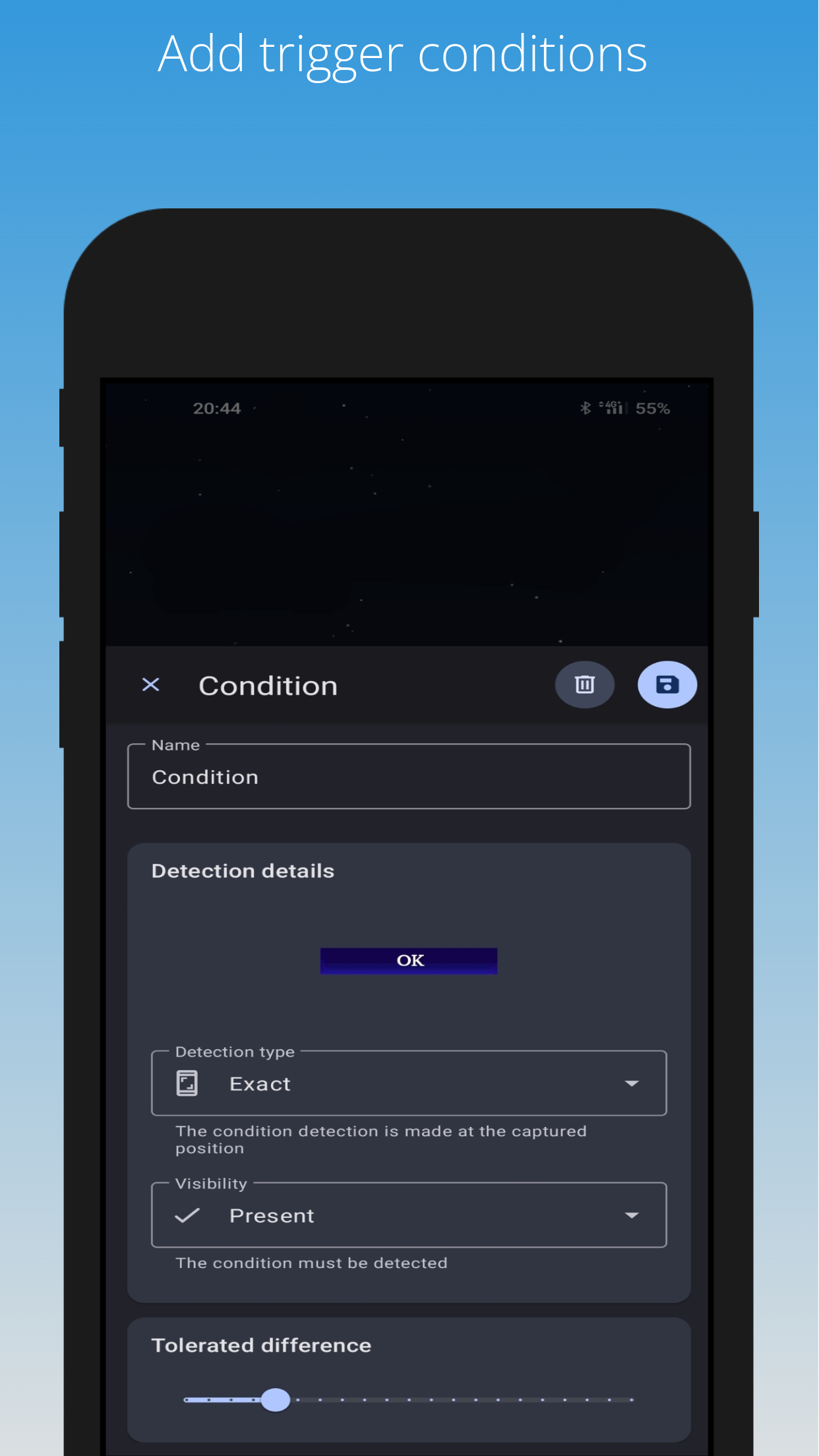
- Triggers: Set up sophisticated triggers based on image detection, timers, counters, and Android broadcast receivers to perfectly tailor your automation tasks.
- Regular Mode: Enjoy a straightforward auto-clicking experience with our Regular Mode, designed for easy configuration and ideal for simpler, repetitive tasks.
- Tutorials: Learn to master Klick'r with our interactive game tutorials, which provide step-by-step instructions to help you automate tasks and beat the game using Klick'r's powerful features.
- Open Source: As an open-source project, Klick'r is continuously improved by a dedicated community.
Informazioni sul file APK
| Nome del pacchetto | com.buzbuz.smartautoclicker |
|---|---|
| Versione | 4.1.2 (codice 1040004) |
| Android minimo | Android 7.0 · pensata per API 37 |
| Architetture | x86_64 |
| SHA-256 | 535463097750aa922b4423a55c9799f24482f2bc275b93bb5ca42618b19bbdc4 |
| Firma | 63fade675304d03c96cff5c6aac351b005ea14f38a666148723b528c60d651db |
| Licenza | GPL-2.0-or-later — licenza libera copyleft: il codice è pubblico e le versioni modificate devono restare libere |
| Codice sorgente | github.com/Nain57/Smart-AutoClicker |
Autorizzazioni richieste
- Funzionare in background
- Mostrare sopra altre app sensibile
- Impedire lo standby
- Mostrare notifiche
- Accesso a Internet
Versioni precedenti
- Klick'r 4.1.227 ottobre 2026 · 23,3 MB
- Klick'r 4.1.227 ottobre 2026 · 23,4 MB
- Klick'r 4.1.227 ottobre 2026 · 19,3 MB
- Klick'r 4.1.227 ottobre 2026 · 15,9 MB
- Klick'r 4.1.125 ottobre 2026 · 23,3 MB
- Klick'r 4.1.125 ottobre 2026 · 23,4 MB
- Klick'r 4.1.125 ottobre 2026 · 19,3 MB
- Klick'r 4.1.125 ottobre 2026 · 15,9 MB
- Klick'r 4.0.512 settembre 2026 · 19,2 MB
- Klick'r 4.0.512 settembre 2026 · 19,3 MB
- Klick'r 4.0.512 settembre 2026 · 15,2 MB
- Klick'r 4.0.512 settembre 2026 · 11,8 MB
Come installare Klick'r APK
- Tocca Scarica l'APK qui sopra, poi apri il file al termine del download.
- Se Android lo chiede, consenti al browser di installare app sconosciute.
- Tocca Installa. Klick'r comparirà insieme alle altre app.
→ Come installare un file APK su Android (passo passo)
→ «App non installata»: cause e soluzioni
Domande frequenti
Klick'r è gratis?
Sì. Klick'r è distribuita con licenza GPL-2.0-or-later: gratuita, senza abbonamento e con codice sorgente pubblico.
Questo file APK è sicuro?
Il file è quello compilato e pubblicato dal repository F-Droid a partire dal codice sorgente pubblico. L'impronta SHA-256 è indicata qui sopra: puoi confrontarla dopo il download. Un APK è pericoloso? Come verificare un file prima di installarlo
Klick'r funziona sul mio telefono?
Serve almeno Android 7.0. L'app funziona anche senza i servizi Google, quindi anche sui telefoni Huawei recenti.





