
Klick'r APK
Klick'r - Smart AutoClicker
Automating clicks based on what is displayed
Download APK v4.1.2 · 23.3 MB- Version4.1.2
- Size23.3 MB
- RequiresAndroid 7.0
- Updated10/27/2026
- LicenceGPL-2.0-or-later
- PriceFree



About Klick'r
Klick'r is an open-source Android application designed to automate repetitive tasks effortlessly. Formerly known as Smart AutoClicker, Klick'r offers unique image detection capabilities alongside traditional auto-clicking functionalities, providing a versatile solution for all your automation needs.
Whether you’re a gamer automating in-game actions, a tester simulating user interactions, or anyone performing repetitive clicking tasks, Klick'r offers both image detection for sophisticated automation and a Regular Mode for straightforward auto-clicking.
Key Features:
- Click and Swipes: Automate clicks and swipes with precision by configuring press durations, swipe durations, and positions. Trigger actions on detected images to interact seamlessly with dynamic elements.
- Advanced Automation: Enhance your automation scripts with advanced features like counters operations, Android Intents, and flow control, giving you unparalleled flexibility.
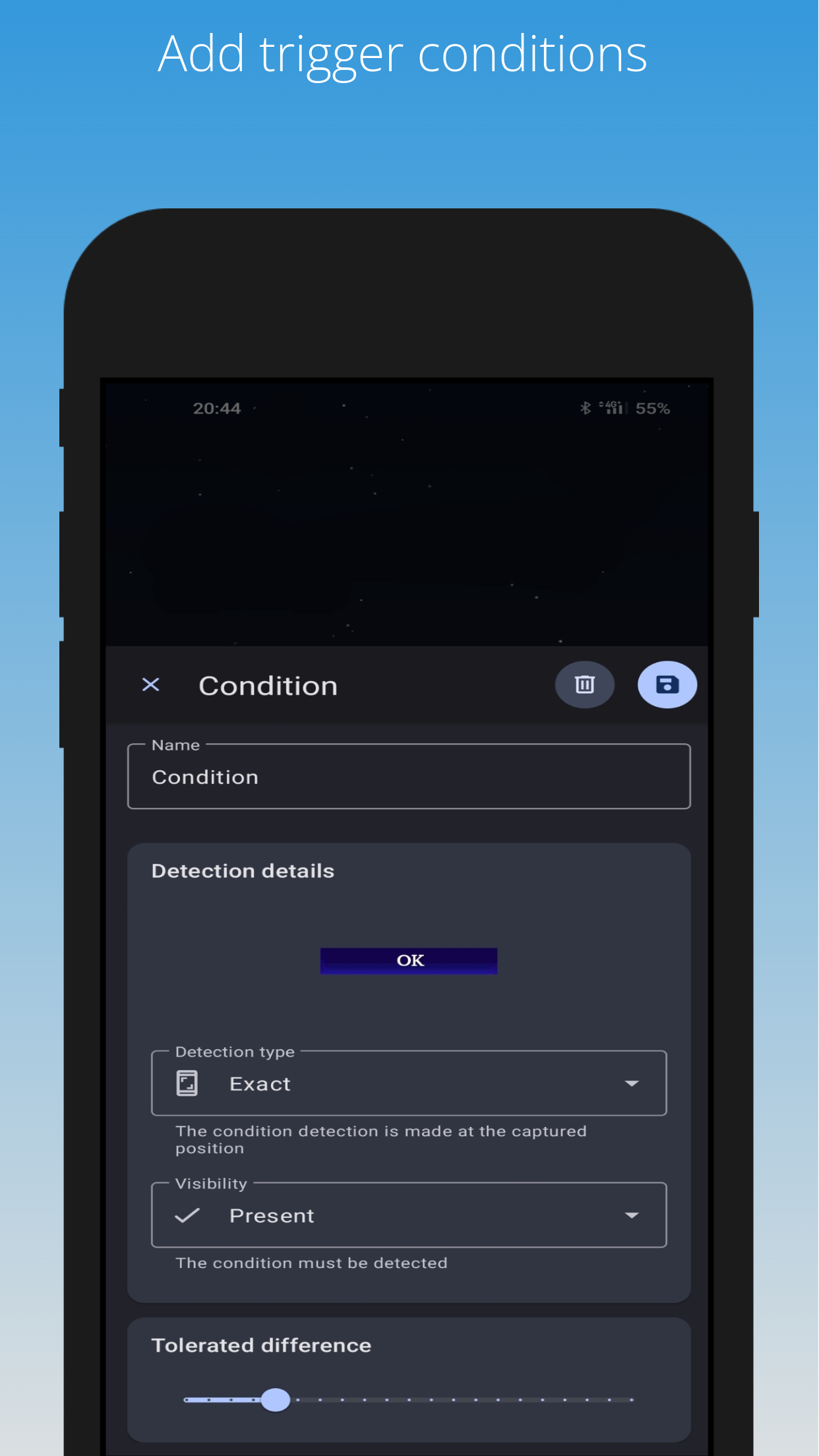
- Triggers: Set up sophisticated triggers based on image detection, timers, counters, and Android broadcast receivers to perfectly tailor your automation tasks.
- Regular Mode: Enjoy a straightforward auto-clicking experience with our Regular Mode, designed for easy configuration and ideal for simpler, repetitive tasks.
- Tutorials: Learn to master Klick'r with our interactive game tutorials, which provide step-by-step instructions to help you automate tasks and beat the game using Klick'r's powerful features.
- Open Source: As an open-source project, Klick'r is continuously improved by a dedicated community.
APK file information
| Package name | com.buzbuz.smartautoclicker |
|---|---|
| Version | 4.1.2 (code 1040004) |
| Minimum Android | Android 7.0 · targets API 37 |
| Architectures | x86_64 |
| SHA-256 | 535463097750aa922b4423a55c9799f24482f2bc275b93bb5ca42618b19bbdc4 |
| Signature | 63fade675304d03c96cff5c6aac351b005ea14f38a666148723b528c60d651db |
| Licence | GPL-2.0-or-later — copyleft free licence: the code is public and modified versions must stay free |
| Source code | github.com/Nain57/Smart-AutoClicker |
Permissions
- Run in the background
- Draw over other apps sensitive
- Keep the device awake
- Show notifications
- Internet access
Older versions
- Klick'r 4.1.2October 27, 2026 · 23.3 MB
- Klick'r 4.1.2October 27, 2026 · 23.4 MB
- Klick'r 4.1.2October 27, 2026 · 19.3 MB
- Klick'r 4.1.2October 27, 2026 · 15.9 MB
- Klick'r 4.1.1October 25, 2026 · 23.3 MB
- Klick'r 4.1.1October 25, 2026 · 23.4 MB
- Klick'r 4.1.1October 25, 2026 · 19.3 MB
- Klick'r 4.1.1October 25, 2026 · 15.9 MB
- Klick'r 4.0.5September 12, 2026 · 19.2 MB
- Klick'r 4.0.5September 12, 2026 · 19.3 MB
- Klick'r 4.0.5September 12, 2026 · 15.2 MB
- Klick'r 4.0.5September 12, 2026 · 11.8 MB
How to install Klick'r APK
- Tap Download APK above, then open the file once the download has finished.
- If Android asks, allow your browser to install unknown apps.
- Tap Install. Klick'r then appears with your other apps.
Having trouble? Read our guides how to install an APK on Android and "App not installed": how to fix it.
Frequently asked questions
Is Klick'r free?
Yes. Klick'r is distributed under the GPL-2.0-or-later licence: free, no subscription, and its source code is public.
Is this APK file safe?
The file is the one built and published by the F-Droid repository from the public source code. Its SHA-256 fingerprint is shown above, so you can compare it after downloading. How to check an APK.
Will Klick'r work on my phone?
You need at least Android 7.0. The app also works without Google services, so it runs on recent Huawei phones too.





