
Anemo APK
A private local storage utility application for android.
Download APK v2.7.1 · 78 KB- Version2.7.1
- Size78 KB
- RequiresAndroid 8.0
- Updated3/16/2026
- LicenceGPL-3.0-only
- PriceFree
About Anemo
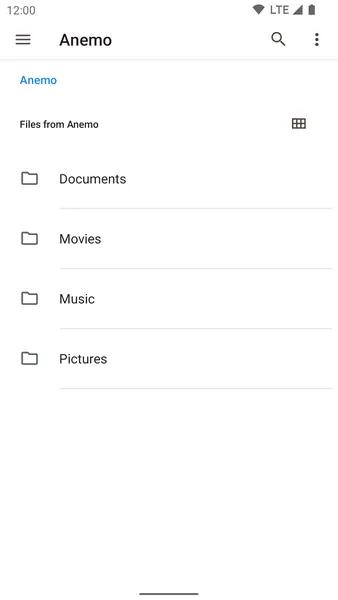
Anemo is a private local storage utility application for android. Instead of being a stand-alone file manager user interface, it hooks into various components of Android making it feel like a native part of the operative system. Moreover it provides ways for the user to export contents from other apps and save them as files.
Features
- Create folders and organize files freely
- All files in the private storage won't appear in the other apps
- Access in the system Files application (the _DocumentsProviderUI_)
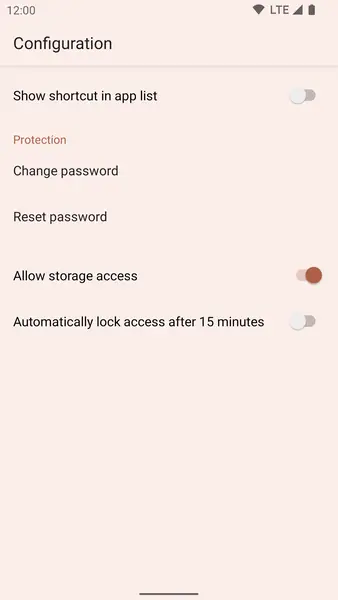
- An optional shortcut for devices that do not expose the system Files app is offered
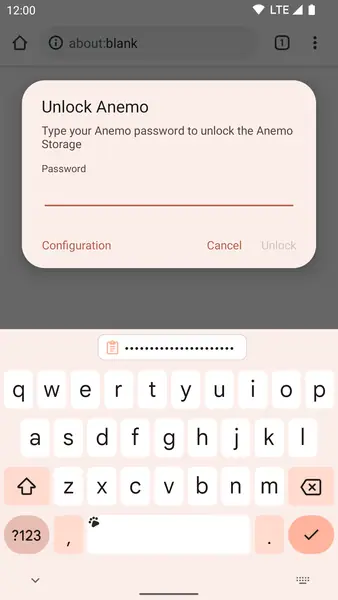
- Lock access to the private storage
- Quick tile
- Auto lock after 15 minutes
- Password for locking access to the files
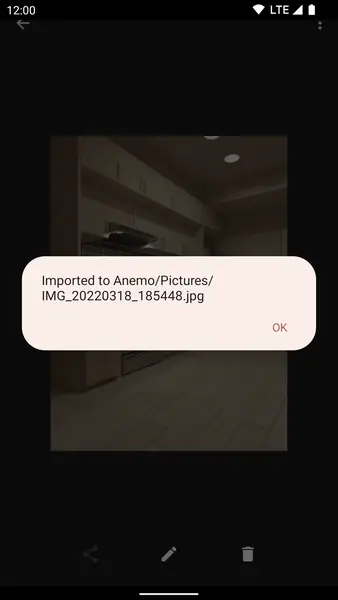
- Import content using the share Android functionality
APK file information
| Package name | exe.bbllw8.anemo |
|---|---|
| Version | 2.7.1 (code 18) |
| Minimum Android | Android 8.0 · targets Android 16 |
| Architectures | All (universal) |
| SHA-256 | fbbff4e443a9cca113f0fd798089035380a6aa7226b8ba077209e32025195bb5 |
| Signature | 3da6eb3be816108eb031ab969c5e36c2357d4dc6a358a67e2cc5d0416d44460b |
| Licence | GPL-3.0-only — copyleft free licence: the code is public and modified versions must stay free |
| Source code | github.com/2bllw8/anemo |
Permissions
- Fingerprint / biometrics
Older versions
- Anemo 2.7.1March 16, 2026 · 78 KB
- Anemo 2.7.0February 20, 2025 · 61 KB
- Anemo 2.6.0February 3, 2023 · 61 KB
How to install Anemo APK
- Tap Download APK above, then open the file once the download has finished.
- If Android asks, allow your browser to install unknown apps.
- Tap Install. Anemo then appears with your other apps.
Having trouble? Read our guides how to install an APK on Android and "App not installed": how to fix it.
Frequently asked questions
Is Anemo free?
Yes. Anemo is distributed under the GPL-3.0-only licence: free, no subscription, and its source code is public.
Is this APK file safe?
The file is the one built and published by the F-Droid repository from the public source code. Its SHA-256 fingerprint is shown above, so you can compare it after downloading. How to check an APK.
Will Anemo work on my phone?
You need at least Android 8.0. The app also works without Google services, so it runs on recent Huawei phones too.





