
Clock Screensaver & Widget APK
Fullscreen Analog- and Digital Clock with Alarm, Event & Battery View
Download APK v2.3 · 5.3 MB- Version2.3
- Size5.3 MB
- RequiresAndroid 4.2
- Updated11/23/2026
- LicenceGPL-3.0-or-later
- PriceFree
Good to know: Non-Free Network Services. What this means.
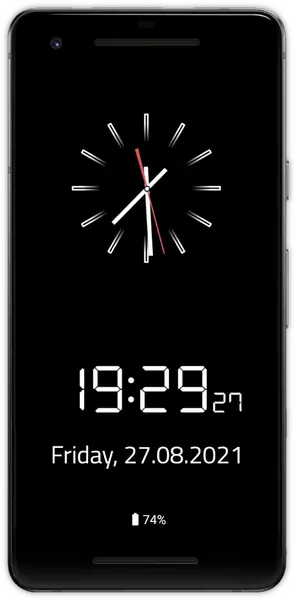
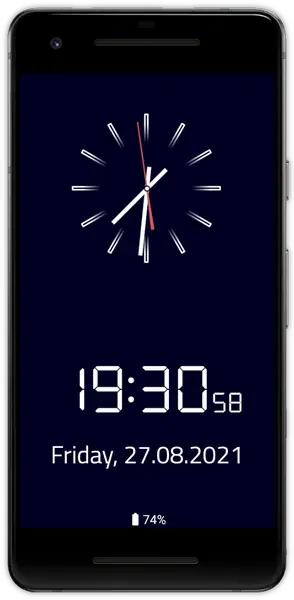
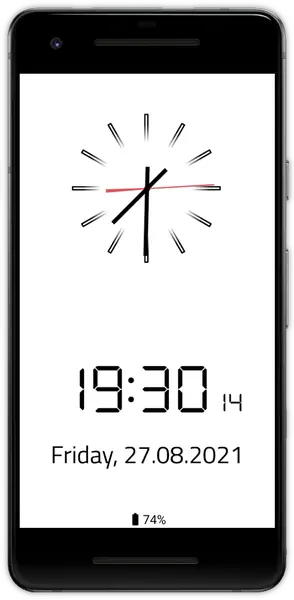
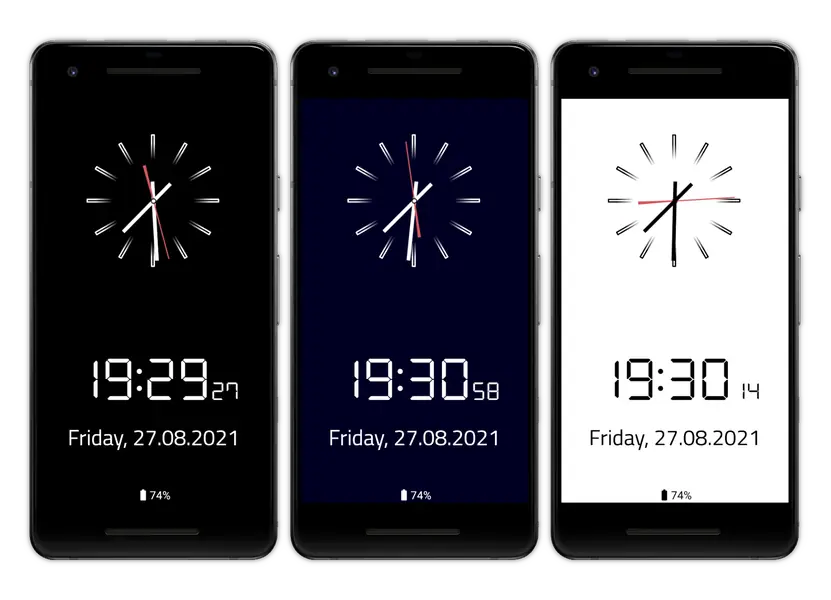
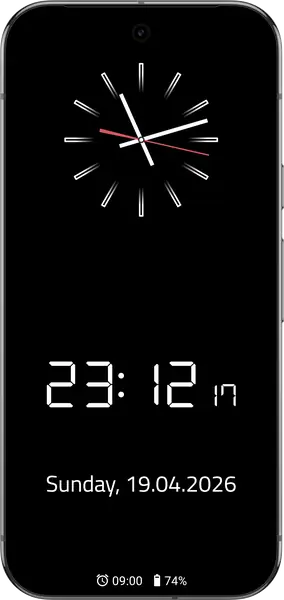
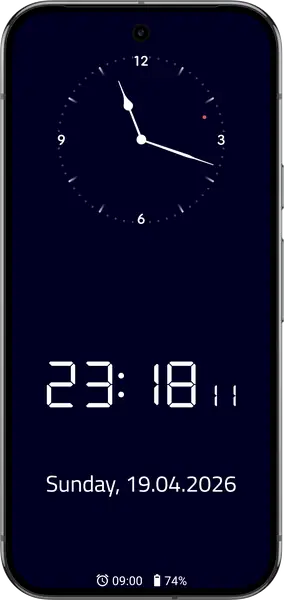
About Clock Screensaver & Widget
This app displays a simple fullscreen clock which can be used screensaver and widget.
- choose between various pre-defined clock hands and faces or use custom images
- analog and digital clock can be activated or deactivated individually
- optional date and weekday view with custom format option
- displays alarms and appointments from Android calendar or internal event database
- adjustable background and clock color
- can be set as Android system screensaver ("DayDream") on smartphones and tablets
- compatible with Android TV devices
- content can be moved slightly to prevent burn-in on OLED displays
APK file information
| Package name | systems.sieber.fsclock |
|---|---|
| Version | 2.3 (code 43) |
| Minimum Android | Android 4.2 · targets API 37 |
| Architectures | All (universal) |
| SHA-256 | d8dd60e6b0a3bf72bd2bb2ae809c3eba70ca1ef0d443500f98f848f3a2a6ed3b |
| Signature | 4d8a9f12fa7692154a3953e5b5b402b60ad252e63a136cbff2390541c48d843f |
| Licence | GPL-3.0-or-later — copyleft free licence: the code is public and modified versions must stay free |
| Source code | github.com/schorschii/FsClock-Android |
Permissions
- Read calendar sensitive
- Internet access
- Start at boot
- Read storage
1 other technical permission(s)
SCHEDULE_EXACT_ALARM
Older versions
- Clock Screensaver & Widget 2.3November 23, 2026 · 5.3 MB
- Clock Screensaver & Widget 2.2July 14, 2026 · 5.3 MB
- Clock Screensaver & Widget 2.0April 21, 2026 · 5.2 MB
How to install Clock Screensaver & Widget APK
- Tap Download APK above, then open the file once the download has finished.
- If Android asks, allow your browser to install unknown apps.
- Tap Install. Clock Screensaver & Widget then appears with your other apps.
Having trouble? Read our guides how to install an APK on Android and "App not installed": how to fix it.
Frequently asked questions
Is Clock Screensaver & Widget free?
Yes. Clock Screensaver & Widget is distributed under the GPL-3.0-or-later licence: free, no subscription, and its source code is public.
Is this APK file safe?
The file is the one built and published by the F-Droid repository from the public source code. Its SHA-256 fingerprint is shown above, so you can compare it after downloading. How to check an APK.
Will Clock Screensaver & Widget work on my phone?
You need at least Android 4.2. The app also works without Google services, so it runs on recent Huawei phones too.




