Dhizuku APK
A tool that can share Device Owner permissions to other applications.
Download APK v2.13.0 · 2.7 MB- Version2.13.0
- Size2.7 MB
- RequiresAndroid 6.0
- Updated11/4/2026
- LicenceGPL-3.0-only
- PriceFree
About Dhizuku
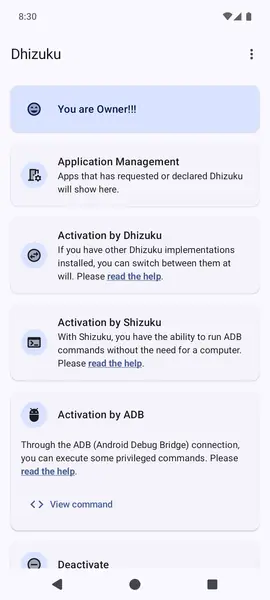
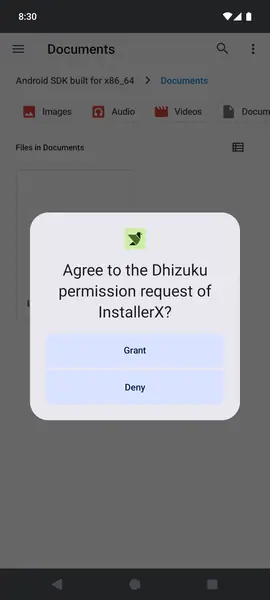
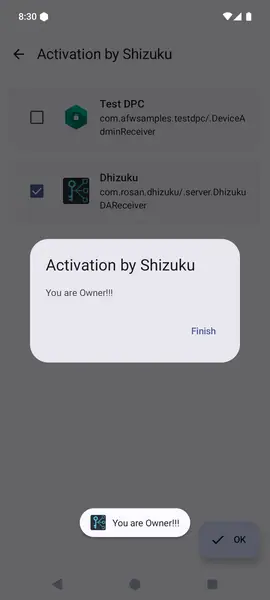
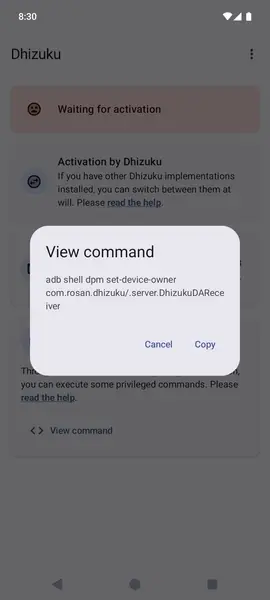
This app can delegate functions from the device owner. That is, this app acts as an intermediary to call functions from the device owner.
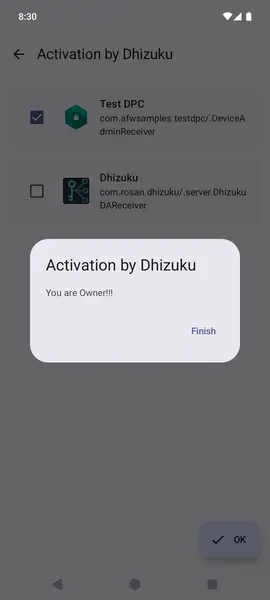
Normally, this authority can only be delegated to one app, but Dhizuku allows you to delegate the full authority of the device owner to other apps.
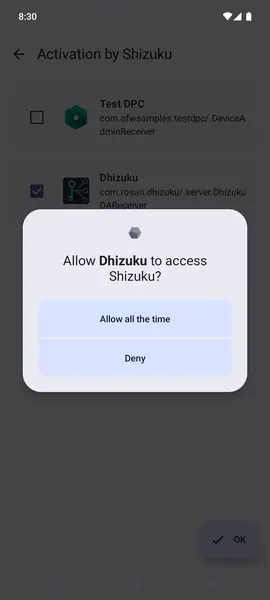
It's easy to set up (ex: Shizuku, QR code). For more information, please see the tutorial.
Usage example, it is ideal when you need to support two or more device owner permissions at the same time.
Specifically, in Japan, you need to support both Aurora Store and Test DPC on a device with some limited functionality.
Even if the app developer does not support Dhizuku, you can force support for Dhizuku by using the Dhizuku-API-Xposed module.
What's new in version 2.13.0
- Fix crash on Android 8.x
- Fix error when battery optimization settings screen is unavailable
- Fix a startup race condition that could prevent the service from starting on some devices
- Improve permission granting compatibility and overall stability
- Add a setting to allow clients to transfer or clear ownership (disabled by default)
- Open the app when the daemon notification is tapped and remove the long-press hint
- Update dependencies
- Update translations
APK file information
| Package name | com.rosan.dhizuku |
|---|---|
| Version | 2.13.0 (code 20) |
| Minimum Android | Android 6.0 · targets API 37 |
| Architectures | All (universal) |
| SHA-256 | 18e4250660f8a7fdcb658404b3e7ff5da43a0777ebf938b0998de62aa2e22226 |
| Signature | 8934df3b402d650e0ec7b5d1e3a8cfcc1181b4378e1b8df257ea126d474c685a |
| Licence | GPL-3.0-only — copyleft free licence: the code is public and modified versions must stay free |
| Source code | github.com/iamr0s/Dhizuku |
Permissions
- Run in the background
- Show notifications
- See installed apps sensitive
- Read storage
- Start at boot
- Write to storage
4 other technical permission(s)
GET_ACCOUNTS MANAGE_ACCOUNTS REQUEST_IGNORE_BATTERY_OPTIMIZATIONS REQUEST_PASSWORD_COMPLEXITY
Older versions
- Dhizuku 2.13.0November 4, 2026 · 2.7 MB
- Dhizuku 2.11.1November 28, 2025 · 2.5 MB
- Dhizuku 2.10.1June 19, 2025 · 2.5 MB
How to install Dhizuku APK
- Tap Download APK above, then open the file once the download has finished.
- If Android asks, allow your browser to install unknown apps.
- Tap Install. Dhizuku then appears with your other apps.
Having trouble? Read our guides how to install an APK on Android and "App not installed": how to fix it.
Frequently asked questions
Is Dhizuku free?
Yes. Dhizuku is distributed under the GPL-3.0-only licence: free, no subscription, and its source code is public.
Is this APK file safe?
The file is the one built and published by the F-Droid repository from the public source code. Its SHA-256 fingerprint is shown above, so you can compare it after downloading. How to check an APK.
Will Dhizuku work on my phone?
You need at least Android 6.0. The app also works without Google services, so it runs on recent Huawei phones too.





