
Element Classic APK
Previous generation Element
Download APK v1.6.62 · 70.4 MB- Version1.6.62
- Size70.4 MB
- RequiresAndroid 5.0
- Updated7/29/2026
- LicenceAGPL-3.0-or-later
- PriceFree
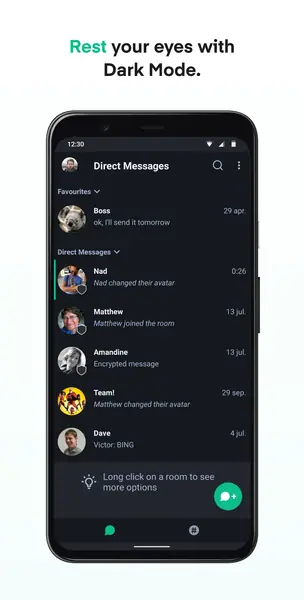
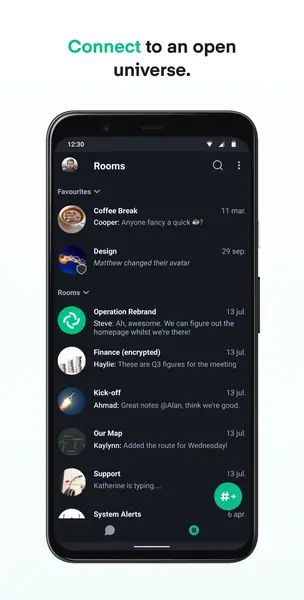
About Element Classic
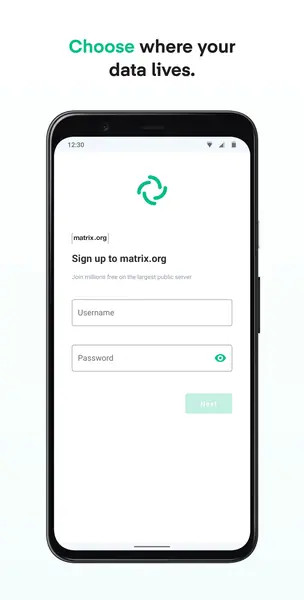
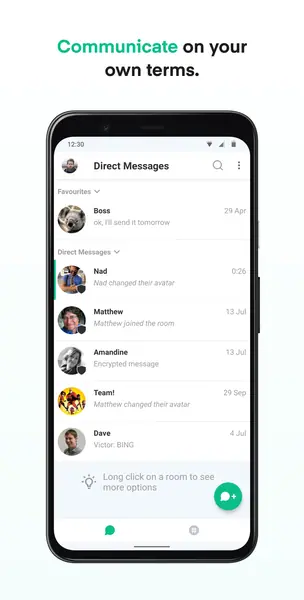
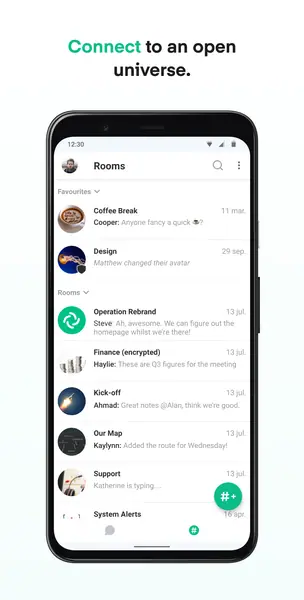
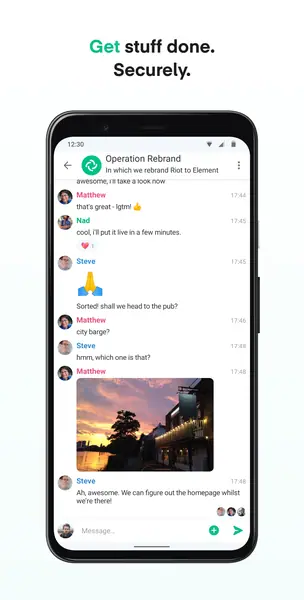
Element Classic is the previous-generation of Element mobile app. Friends, family and communities should use the free and open source Element X app which is faster, easier to use, and more powerful. New users of public sector organisations, enterprises and professional teams users should use the Element Pro app that is built for work and organisations. Element Classic is available at least until the end of 2025 and will receive critical security updates but no further enhancements or new features.
APK file information
| Package name | im.vector.app |
|---|---|
| Version | 1.6.62 (code 40106624) |
| Minimum Android | Android 5.0 · targets Android 15 |
| Architectures | x86_64 |
| SHA-256 | 6ce8ee6c3a5a76ab2928f3f3b6e3934c352a3fd6bf76b7ff3dc291c6cbd928de |
| Signature | b15d9b673b55b9fe656190794d872e59ec5b85b3bfb8a76b9442f17eae2887c9 |
| Licence | AGPL-3.0-or-later — copyleft free licence: the code is public and modified versions must stay free |
| Source code | github.com/element-hq/element-android |
| Official website | element.io/ |
Permissions
- Keep the device awake
- Start at boot
- Run in the background
- Bluetooth
- Connect via Bluetooth
- Internet access
- Read contacts sensitive
- Vibrate
- Camera sensitive
- Microphone sensitive
- Read storage
- View network status
- Show notifications
- Draw over other apps sensitive
- Install other apps sensitive
- Approximate location sensitive
- Precise location (GPS) sensitive
- Write to storage
- View Wi-Fi status
- Fingerprint / biometrics
- Fingerprint
- Edit calendar sensitive
- Read calendar sensitive
4 other technical permission(s)
REQUEST_IGNORE_BATTERY_OPTIMIZATIONS MANAGE_OWN_CALLS MODIFY_AUDIO_SETTINGS USE_FULL_SCREEN_INTENT
Older versions
- Element Classic 1.6.62July 29, 2026 · 70.4 MB
- Element Classic 1.6.62July 29, 2026 · 70.8 MB
- Element Classic 1.6.62July 29, 2026 · 69.1 MB
- Element Classic 1.6.62July 29, 2026 · 66.2 MB
- Element Classic 1.6.60June 26, 2026 · 70.4 MB
- Element Classic 1.6.60June 26, 2026 · 70.8 MB
- Element Classic 1.6.60June 26, 2026 · 69.1 MB
- Element Classic 1.6.60June 26, 2026 · 66.2 MB
- Element Classic 1.6.58June 21, 2026 · 70.4 MB
- Element Classic 1.6.58June 21, 2026 · 70.8 MB
- Element Classic 1.6.58June 21, 2026 · 69.1 MB
- Element Classic 1.6.58June 21, 2026 · 66.2 MB
How to install Element Classic APK
- Tap Download APK above, then open the file once the download has finished.
- If Android asks, allow your browser to install unknown apps.
- Tap Install. Element Classic then appears with your other apps.
Having trouble? Read our guides how to install an APK on Android and "App not installed": how to fix it.
Frequently asked questions
Is Element Classic free?
Yes. Element Classic is distributed under the AGPL-3.0-or-later licence: free, no subscription, and its source code is public.
Is this APK file safe?
The file is the one built and published by the F-Droid repository from the public source code. Its SHA-256 fingerprint is shown above, so you can compare it after downloading. How to check an APK.
Will Element Classic work on my phone?
You need at least Android 5.0. The app also works without Google services, so it runs on recent Huawei phones too.





