ownCloud APK
Add an ownCloud server now and get … Your Cloud, Your Data, Your Way!
Download APK v5.0.0-beta.1 · 11.0 MB- Version5.0.0-beta.1
- Size11.0 MB
- RequiresAndroid 9
- Updated11/23/2026
- LicenceGPL-2.0-only
- PriceFree
About ownCloud
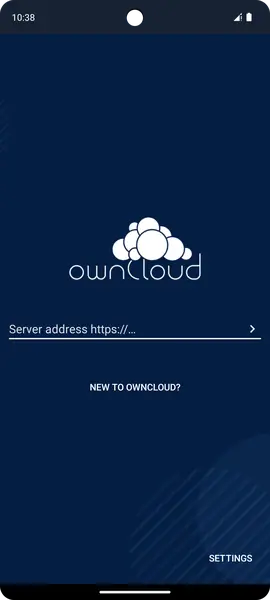
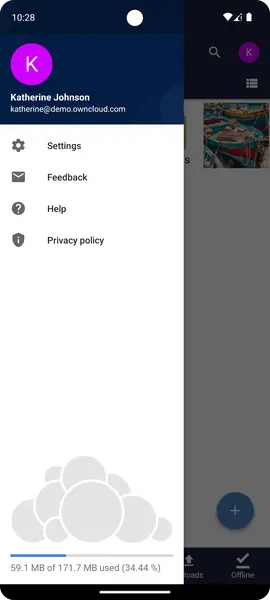
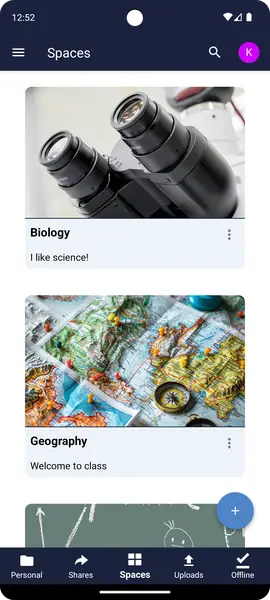
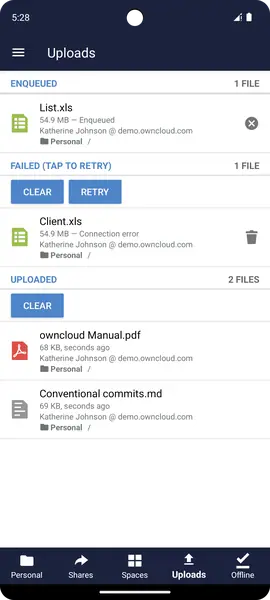
Welcome to the ownCloud Android App – Add an ownCloud server, and have your private file sync and share cloud up and running in no time.
Do you need private file sync and share software? Then good news, because the ownCloud Android App enables you to connect Android devices to a private ownCloud Server running in your data center. ownCloud is open source file sync and share software for everyone from individuals operating the free ownCloud server, to large enterprises and service providers operating under the ownCloud Enterprise Subscription. ownCloud provides a safe, secure and compliant file sync and share solution – on servers you control.
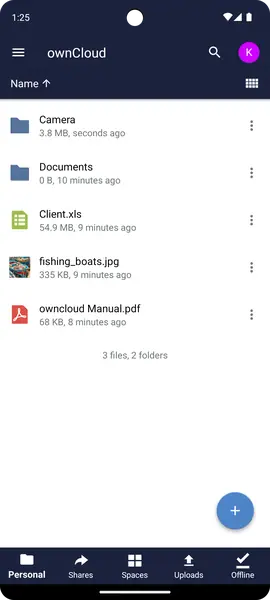
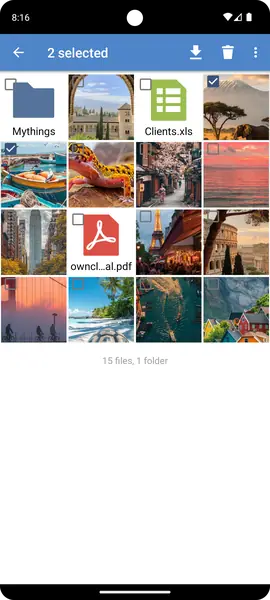
With the ownCloud Android App you can browse all of your ownCloud synced files, create and edit new files, share these files and folders with co-workers, and keep the contents of those folders in sync across all of your devices. Simply copy a file into a directory on your server and ownCloud does the rest.
Whether using a mobile device, a desktop, or the web client, ownCloud provides the ability to put the right files in the right hands at the right time on any device in one simple-to-use, secure, private and controlled solution. After all, with ownCloud, it’s Your Cloud, Your Data, Your Way.
Should you have any problem connecting or synchronizing with your ownCloud server, please contact us on https://github.com/owncloud/android/issues or check https://central.owncloud.org.
Visit us at www.ownCloud.com for more information about ownCloud and the ownCloud Subscriptions. For more information on the free and open source ownCloud Classic, visit www.ownCloud.org.
* If you are experiencing login issues after an update and the ownCloud Workaround App is installed in your device, please, try to uninstall and reinstall the Workaround App *
APK file information
| Package name | com.owncloud.android |
|---|---|
| Version | 5.0.0-beta.1 (code 48000401) |
| Minimum Android | Android 9 · targets Android 16 |
| Architectures | All (universal) |
| SHA-256 | 057b01f65eaf211c4521833b2f80199f00dcb97e5876d6934cfd68f70ad34abc |
| Signature | 60b7e27a9569535ade18d4a9cccec08c262e44e1aab1c04de052892ab82e31eb |
| Licence | GPL-2.0-only — copyleft free licence: the code is public and modified versions must stay free |
| Source code | github.com/owncloud/android |
| Official website | owncloud.org |
Permissions
- Write to storage
- Show notifications
- Internet access
- View network status
- Start at boot
- Keep the device awake
- Run in the background
- Fingerprint / biometrics
- Fingerprint
- Read storage
4 other technical permission(s)
READ_SYNC_STATS READ_SYNC_SETTINGS WRITE_SYNC_SETTINGS BROADCAST_STICKY
Older versions
- ownCloud 5.0.0-beta.1November 23, 2026 · 11.0 MB
- ownCloud 4.8.4September 2, 2026 · 13.9 MB
- ownCloud 4.8.3July 26, 2026 · 13.9 MB
How to install ownCloud APK
- Tap Download APK above, then open the file once the download has finished.
- If Android asks, allow your browser to install unknown apps.
- Tap Install. ownCloud then appears with your other apps.
Having trouble? Read our guides how to install an APK on Android and "App not installed": how to fix it.
Frequently asked questions
Is ownCloud free?
Yes. ownCloud is distributed under the GPL-2.0-only licence: free, no subscription, and its source code is public.
Is this APK file safe?
The file is the one built and published by the F-Droid repository from the public source code. Its SHA-256 fingerprint is shown above, so you can compare it after downloading. How to check an APK.
Will ownCloud work on my phone?
You need at least Android 9. The app also works without Google services, so it runs on recent Huawei phones too.