
Fedilab APK
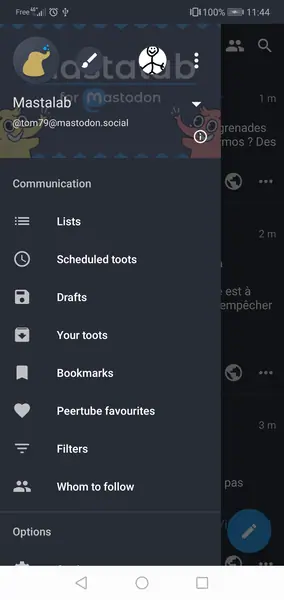
Fedilab - a multifunctional Android client to access the distributed Fediverse,
Download APK v3.45.1 · 38.4 MB- Version3.45.1
- Size38.4 MB
- RequiresAndroid 5.0
- Updated10/5/2026
- LicenceGPL-3.0-only
- PriceFree

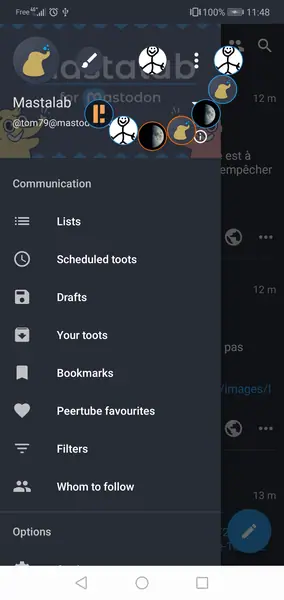
About Fedilab
It supports:
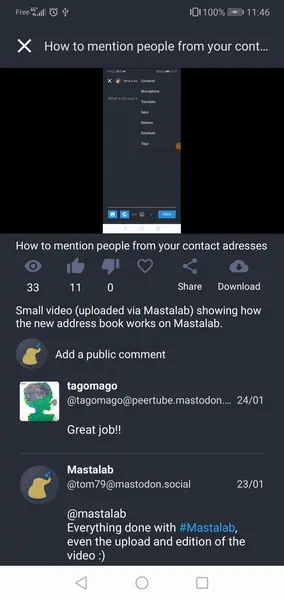
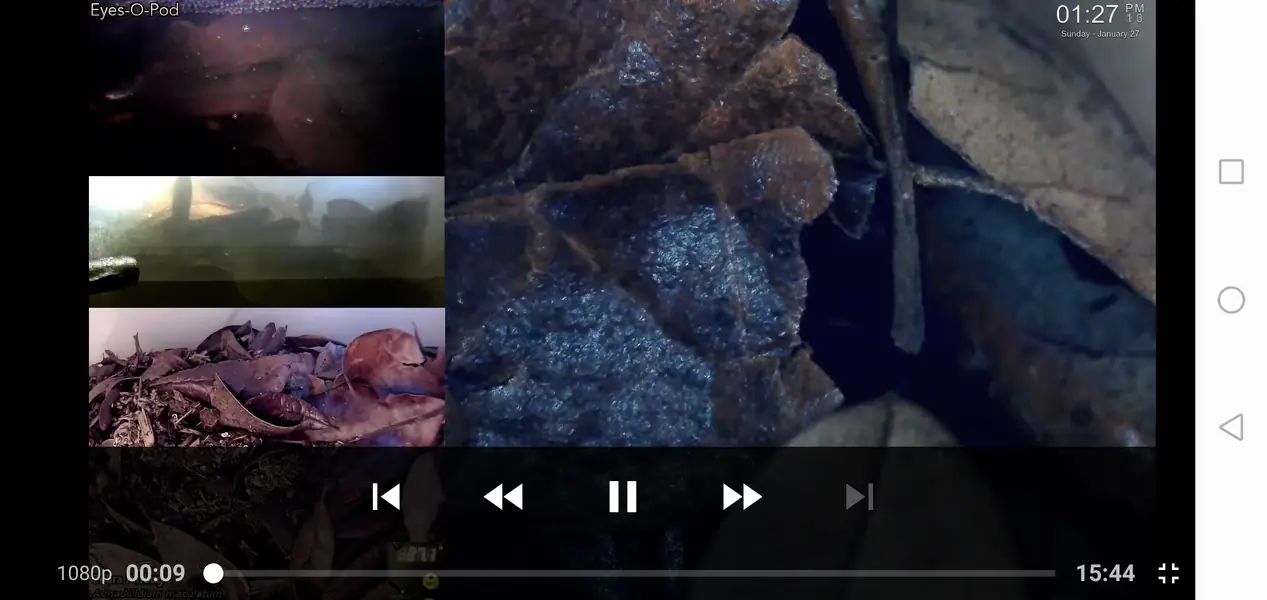
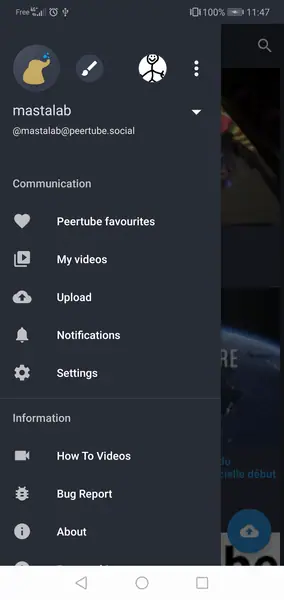
- Mastodon, Peertube, Pixelfed, Misskey, GNU Social, Pleroma, Friendica
The app has advanced features:
- Compose threads
- Multi-accounts support
- Schedule messages from the device
- Follow and interact with remote instances
- Cross-account actions with a long press
- Translation feature
- Multiple options for automatic updates
- Push notifications via UnifiedPush (including ntfy on FDroid)
- Remain connected for Live Notifications
- Delayed notifications (connect every 30 seconds)
- Replace youtube and twitter links with links to invidious and nitter instances
- Custom themes, import export, and definition
- Import and export app's database
- Emoji pciker with custom emoji
- Multiple launcher icons
- Advanced toot filtering
- Special art timeline for mastoart tag
- Export toots
- Customize url sharing to directly share urls to other services
What's new in version 3.45.1
Fixed:
- Fix a crash on launch with media only or Pixelfed timelines
- Fix hidden media that could not be shown with descriptions enabled
- Fix media descriptions shown on unrelated messages
APK file information
| Package name | fr.gouv.etalab.mastodon |
|---|---|
| Version | 3.45.1 (code 572) |
| Minimum Android | Android 5.0 · targets Android 16 |
| Architectures | arm64-v8a, armeabi-v7a, x86, x86_64 |
| SHA-256 | dd67c834cb9946d30058855805ee80e44369b62dbc08c39f0e24909366ea1ae5 |
| Signature | 30600cc0d430a5bd1c66c121c75f7fb9e30de99d8597e7097fa5d7580116469a |
| Licence | GPL-3.0-only — copyleft free licence: the code is public and modified versions must stay free |
| Source code | codeberg.org/tom79/Fedilab |
| Official website | fedilab.app/ |
Permissions
- Internet access
- Show notifications
- Microphone sensitive
- Write to storage
- Read storage
- View network status
- Run in the background
- Keep the device awake
- Start at boot
2 other technical permission(s)
REQUEST_IGNORE_BATTERY_OPTIMIZATIONS DISABLE_KEYGUARD
Older versions
- Fedilab 3.45.1October 5, 2026 · 38.4 MB
- Fedilab 3.45.0October 5, 2026 · 38.4 MB
- Fedilab 3.44.0September 24, 2026 · 38.4 MB
How to install Fedilab APK
- Tap Download APK above, then open the file once the download has finished.
- If Android asks, allow your browser to install unknown apps.
- Tap Install. Fedilab then appears with your other apps.
Having trouble? Read our guides how to install an APK on Android and "App not installed": how to fix it.
Frequently asked questions
Is Fedilab free?
Yes. Fedilab is distributed under the GPL-3.0-only licence: free, no subscription, and its source code is public.
Is this APK file safe?
The file is the one built and published by the F-Droid repository from the public source code. Its SHA-256 fingerprint is shown above, so you can compare it after downloading. How to check an APK.
Will Fedilab work on my phone?
You need at least Android 5.0. The app also works without Google services, so it runs on recent Huawei phones too.





