HeliBoard APK
Customizable open-source keyboard
Download APK v4.2 · 21.4 MB- Version4.2
- Size21.4 MB
- RequiresAndroid 5.0
- Updated10/25/2026
- LicenceGPL-3.0-only
- PriceFree
About HeliBoard
HeliBoard is a privacy-conscious open-source keyboard, based on AOSP / OpenBoard. Does not use internet permission, and thus is 100% offline.
Features:
- Add dictionaries for suggestions and spell check
- build your own, or get them here, or in the experimental section (quality may vary)
- additional dictionaries for emojis or scientific symbols can be used to provide suggestions (similar to "emoji search")
- note that for Korean layouts, suggestions only work using this dictionary, the tools in the dictionary repository are not able to create working dictionaries
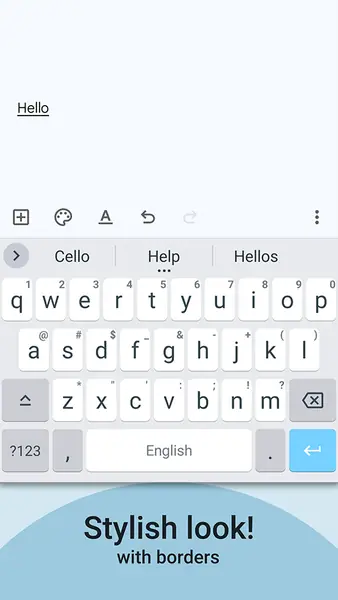
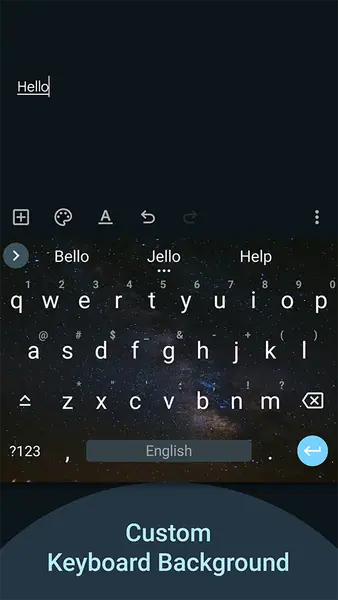
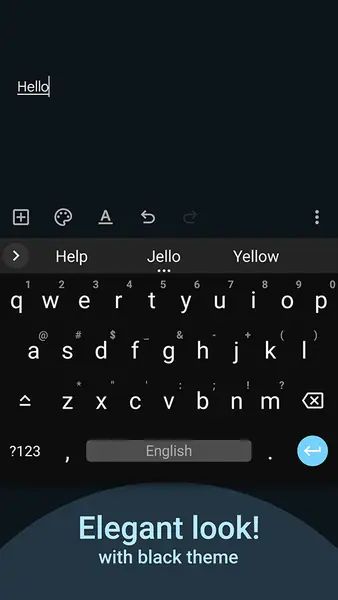
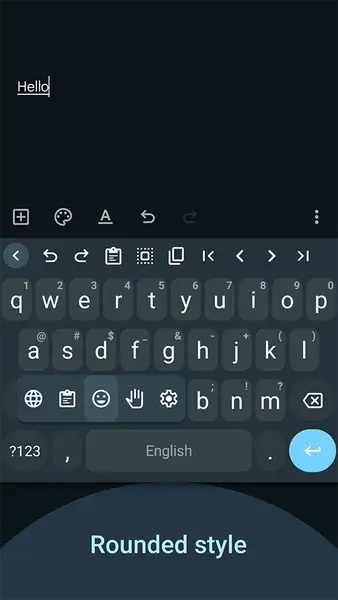
- Customize keyboard themes (style, colors and background image)
- can follow the system's day/night setting on Android 10+ (and on some versions of Android 9)
- can follow dynamic colors for Android 12+
- Customize keyboard layouts (only available when disabling use system languages)
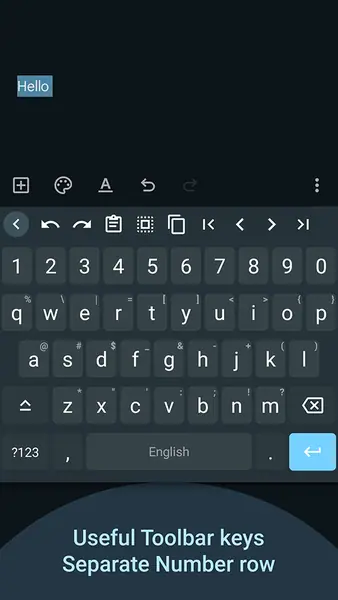
- Customize special layouts, like symbols, number, or functional key layout
- Multilingual typing
- Glide typing (only with closed source library ☹️)
- library not included in the app, as there is no compatible open source library available
- can be extracted from GApps packages ("swypelibs"), or downloaded here (click on the file and then "raw" or the tiny download button)
- Clipboard history
- One-handed mode
- Split keyboard (only available if the screen is large enough)
- Number pad
- Backup and restore your settings and learned word / history data
What's new in version 4.2
- update shift key icon
- rearrange Arabic punctuation popups and add dotted-circle markers
- add option to toggle hardware keyboard support (still buggy)
- allow clearing recent emojis (long-press emoji or recents icon)
- add regional indicator icons to flag emojis
- add setting for d-pad key (like for emoji key)
- add emojis entered from suggestion to recent emojis
- fix unreachable floating keyboard handles
- fix crash in emoji search
- load .combined wordlists in addition to .dict files
APK file information
| Package name | helium314.keyboard |
|---|---|
| Version | 4.2 (code 4201) |
| Minimum Android | Android 5.0 · targets API 37 |
| Architectures | arm64-v8a, armeabi-v7a, x86, x86_64 |
| SHA-256 | 69b2b2fb349934371b1ed2d3569541cc0bda987f8aaf5eb5f5b157961f76de86 |
| Signature | 5ec0a5313aa43558ee75b20b58ccd8194cdbf066df94a43ba288d933d60b86ce |
| Licence | GPL-3.0-only — copyleft free licence: the code is public and modified versions must stay free |
| Source code | github.com/HeliBorg/HeliBoard |
Permissions
- Start at boot
- Vibrate
- Read contacts sensitive
2 other technical permission(s)
READ_USER_DICTIONARY WRITE_USER_DICTIONARY
Older versions
- HeliBoard 4.2October 25, 2026 · 21.4 MB
- HeliBoard 4.1September 1, 2026 · 21.4 MB
- HeliBoard 4.0July 12, 2026 · 21.2 MB
How to install HeliBoard APK
- Tap Download APK above, then open the file once the download has finished.
- If Android asks, allow your browser to install unknown apps.
- Tap Install. HeliBoard then appears with your other apps.
Having trouble? Read our guides how to install an APK on Android and "App not installed": how to fix it.
Frequently asked questions
Is HeliBoard free?
Yes. HeliBoard is distributed under the GPL-3.0-only licence: free, no subscription, and its source code is public.
Is this APK file safe?
The file is the one built and published by the F-Droid repository from the public source code. Its SHA-256 fingerprint is shown above, so you can compare it after downloading. How to check an APK.
Will HeliBoard work on my phone?
You need at least Android 5.0. The app also works without Google services, so it runs on recent Huawei phones too.