KeliBoard APK
Customizable open-source keyboard
Download APK v4.0.2 · 21.7 MB- Version4.0.2
- Size21.7 MB
- RequiresAndroid 5.0
- Updated11/20/2026
- LicenceGPL-3.0-only
- PriceFree
About KeliBoard
KeliBoard is a modern, actively maintained HeliBoard fork focused on stability, usability, and first-class language support.
It is privacy-conscious, fully open source, and works offline without the internet permission.
Optional recent screenshot suggestions are off by default. Enabling this feature requests access to all images on your device (storage access on Android 12 and earlier), although only recent screenshots are suggested. Selected-photo access alone is not sufficient. Images are processed locally; KeliBoard has no internet permission.
Highlights:
- Fixes for long-standing keyboard, composition, emoji, and spacing issues
- First-class Korean support, including Cheonjiin and Korean QWERTY layouts
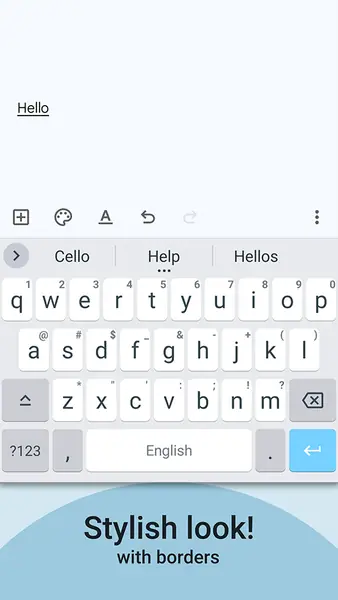
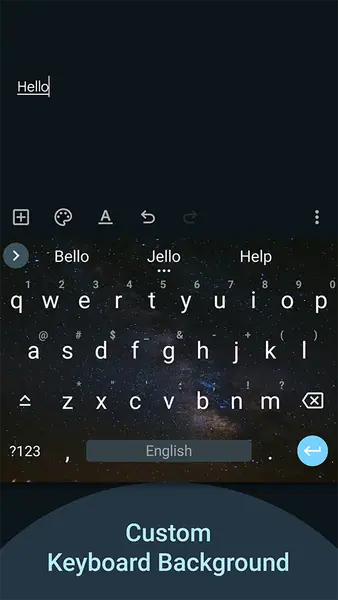
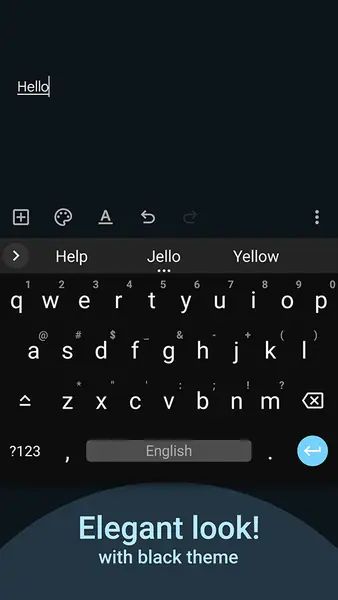
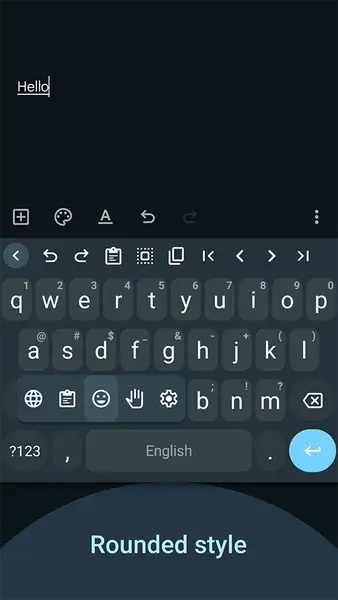
- Customizable layouts, themes, colors, icons, fonts, and background images
- Dictionaries for suggestions and spell checking
- Multilingual typing
- Clipboard history
- One-handed and split keyboard modes
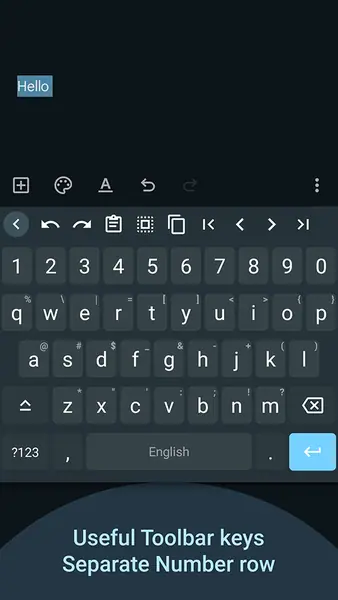
- Number pad
- Backup and restore for settings and learned data
Korean is a flagship feature, not the limit of the project. KeliBoard remains a general-purpose keyboard for HeliBoard users in every language.
KeliBoard is based on HeliBoard, which is based on AOSP and OpenBoard. Upstream attribution and licenses are preserved.
What's new in version 4.0.2
NEW SIGNING KEY: older stable installs cannot update directly, including F-Droid's developer-signed builds. Back up in Settings > Advanced > Backup and restore before uninstalling; install 4.0.2 and restore. Uninstalling deletes app data. See the release notice. Fix cursor/selection, Shift/Caps Lock, emoji/emoticon rendering, key previews, UK PC symbols, toolbar timing/scaling, dictionary languages, spell checking, and German listing HTML. Add real keyboard input/settings smoke tests.
APK file information
| Package name | io.github.gplaider.keliboard |
|---|---|
| Version | 4.0.2 (code 4020) |
| Minimum Android | Android 5.0 · targets Android 16 |
| Architectures | arm64-v8a, armeabi-v7a, x86, x86_64 |
| SHA-256 | 5fbcc4cf5f84a9d68e6363f18eea44b12c12ee22bf8474d995dea6ade613d332 |
| Signature | e359540ea1b8b4eba4f77887d89b8c7e9adb4c0bdee19c43241b7705c96b67b4 |
| Licence | GPL-3.0-only — copyleft free licence: the code is public and modified versions must stay free |
| Source code | github.com/GPLaider/KeliBoard |
Permissions
- Start at boot
- Vibrate
- Read contacts sensitive
- Read storage
- Read photos
3 other technical permission(s)
READ_USER_DICTIONARY WRITE_USER_DICTIONARY READ_MEDIA_VISUAL_USER_SELECTED
How to install KeliBoard APK
- Tap Download APK above, then open the file once the download has finished.
- If Android asks, allow your browser to install unknown apps.
- Tap Install. KeliBoard then appears with your other apps.
Having trouble? Read our guides how to install an APK on Android and "App not installed": how to fix it.
Frequently asked questions
Is KeliBoard free?
Yes. KeliBoard is distributed under the GPL-3.0-only licence: free, no subscription, and its source code is public.
Is this APK file safe?
The file is the one built and published by the F-Droid repository from the public source code. Its SHA-256 fingerprint is shown above, so you can compare it after downloading. How to check an APK.
Will KeliBoard work on my phone?
You need at least Android 5.0. The app also works without Google services, so it runs on recent Huawei phones too.