Kasette APK
Offline music player. Import local files, no accounts, no servers.
Download APK v1.4.0 · 3.5 MB- Version1.4.0
- Size3.5 MB
- RequiresAndroid 6.0
- Updated10/2/2026
- LicenceBSD-3-Clause
- PriceFree
About Kasette
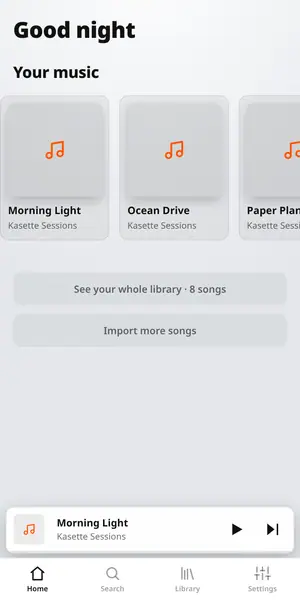
Kasette is a 100% offline, client-side music player. Import audio files from your device, and everything else happens locally: no accounts, no servers, no analytics, no network access at all.
Features:
- Import local audio files (MP3, FLAC, M4A, OGG, Opus, WAV, AAC)
- Client-side ID3/FLAC tag and embedded cover art parsing
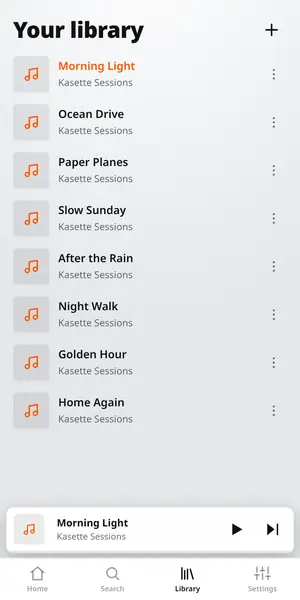
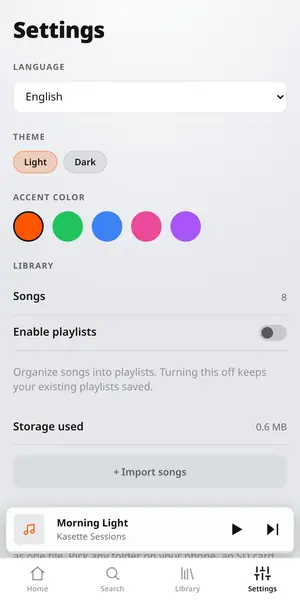
- Browse all your songs directly, with optional playlists enabled in Settings
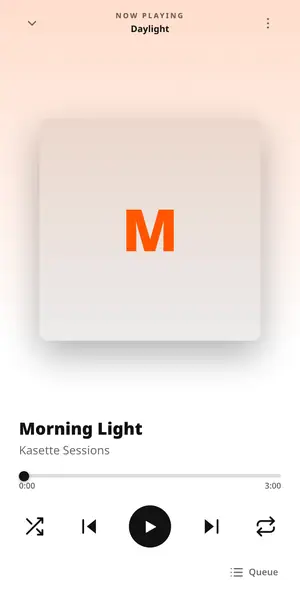
- Background playback with lock-screen/notification controls
- Search across title, artist, and album
- Light and dark themes, with accent color and background options
- English, Spanish (Latin American), Portuguese (Brazil), French, German,
and Simplified Chinese, switchable in Settings
- Export or restore your whole library as a single backup file, to any
folder, an SD card, or a USB drive
- Installable as a Progressive Web App, and available as this native
Android build
There are no accounts, no cloud sync, and nothing ever leaves your device.
What's new in version 1.4.0
- Added Brazilian Portuguese, French, German, and Simplified Chinese.
- Browse songs directly, with optional playlists in Settings.
- Compact playlist headers and fixed bottom navigation.
- Fixed UTF-16 tags and repaired previously imported metadata.
- Android Back now minimizes the app without stopping playback.
- Added store screenshots.
APK file information
| Package name | com.kasette.app |
|---|---|
| Version | 1.4.0 (code 12) |
| Minimum Android | Android 6.0 · targets Android 15 |
| Architectures | All (universal) |
| SHA-256 | e8b5b478e48562977e94cffe6f4d7c55aec7b1c00cd18228df0ff5ca58b920eb |
| Signature | fb2c743e5b5cf88a4217a4d4184f797b8844894ce9de3c761b2d070fb59ac366 |
| Licence | BSD-3-Clause — permissive free licence: the source code is public and reusable |
| Source code | github.com/nico-alvz/kasette |
Permissions
No special permissions.
Older versions
- Kasette 1.4.0October 2, 2026 · 3.5 MB
- Kasette 1.3.2September 16, 2026 · 3.5 MB
How to install Kasette APK
- Tap Download APK above, then open the file once the download has finished.
- If Android asks, allow your browser to install unknown apps.
- Tap Install. Kasette then appears with your other apps.
Having trouble? Read our guides how to install an APK on Android and "App not installed": how to fix it.
Frequently asked questions
Is Kasette free?
Yes. Kasette is distributed under the BSD-3-Clause licence: free, no subscription, and its source code is public.
Is this APK file safe?
The file is the one built and published by the F-Droid repository from the public source code. Its SHA-256 fingerprint is shown above, so you can compare it after downloading. How to check an APK.
Will Kasette work on my phone?
You need at least Android 6.0. The app also works without Google services, so it runs on recent Huawei phones too.